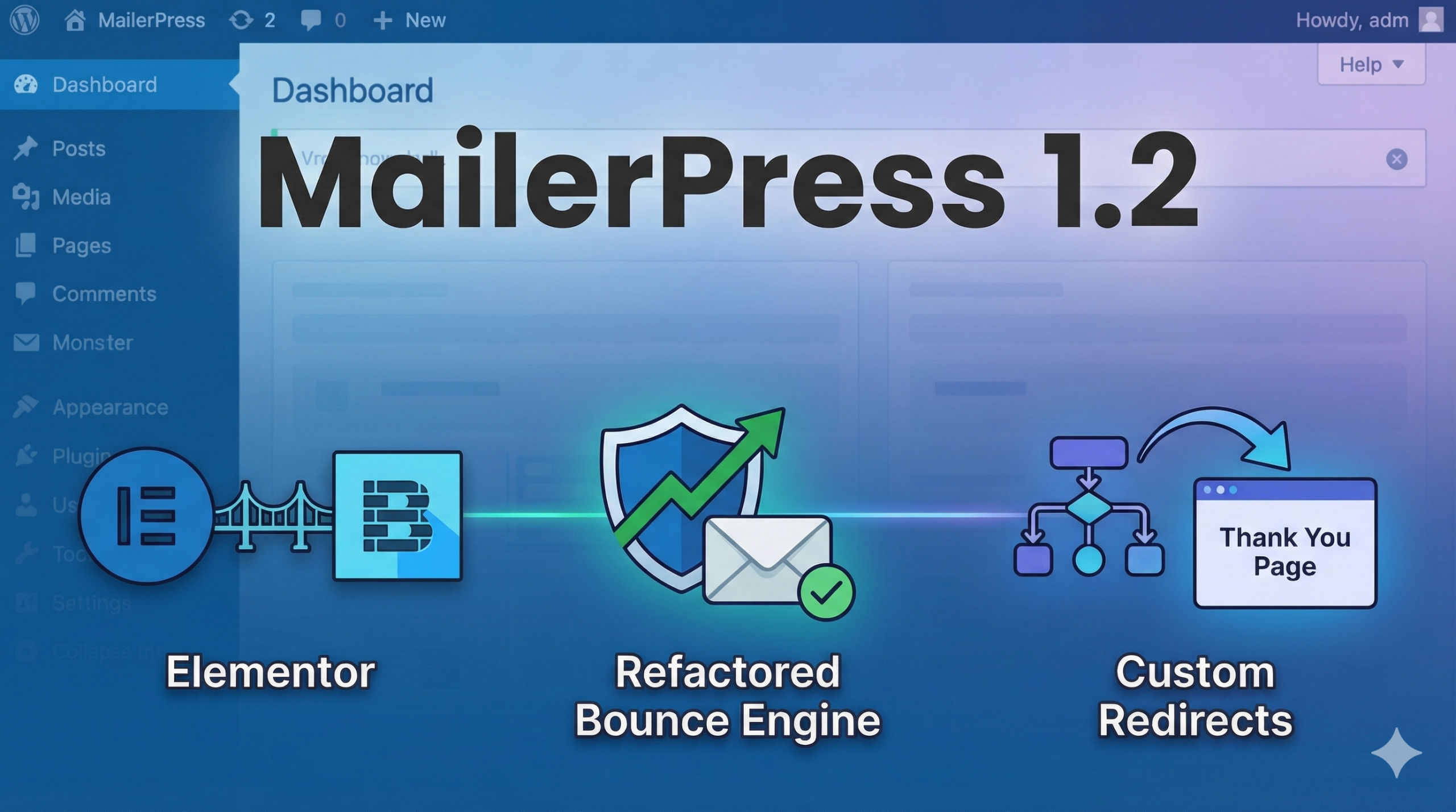
What’s coming in 1.2
Design Freedom: Elementor & Bricks
We know you want your forms to match your site’s aesthetic perfectly, without hacking CSS or relying on generic shortcodes. Version 1.2 brings native integration to two of the most powerful builders in the ecosystem.
For Elementor Users
You now have two powerful ways to integrate MailerPress:
- Dedicated custom widget: drag, drop, and style a MailerPress subscription form directly within the Elementor interface.
- Native form integration: prefer Elementor’s own Form widget? You can now map its actions directly to MailerPress, combining Elementor’s flexibility with our engine.
For Bricks Builder Users
We have added a custom Bricks block specifically for MailerPress. This allows you to build custom input fields and forms using the Bricks workflow you already love, ensuring your newsletter forms are as performant as the rest of your site.
Deliverability: The New Bounce Engine
Ensuring your emails land in the inbox (and knowing when they don’t) is critical. In version 1.2, we have fully refactored the Bounce System.
- API-first approach: we now support ESP (Email Service Provider) APIs to detect hard bounces automatically, which is faster and more accurate than traditional methods.
- No more PHP IMAP dependency: we have removed the dependency on the PHP IMAP extension for SMTP handling, significantly improving compatibility with modern hosting environments that may restrict or disable IMAP.
- Better visibility: the Email Campaigns screen now features a dedicated column for Email Logs, allowing you to see successful deliveries and failed attempts side-by-side.
Closing the Loop: Custom Redirects
A user’s interaction with your newsletter doesn’t end when they click a button. You now have full control over where they land next.
- Post-confirmation redirects: in Settings → Sign-up Confirmation, you can now define a custom URL (or select an existing WordPress page) to redirect users immediately after they confirm their subscription.
- Post-unsubscribe redirects: we have updated the
[mailerpress_pages]shortcode by adding theafter_unsubscribe_urlattribute, allowing you to guide users to a specific page after they unsubscribe.
Workflow & Developer Improvements
We have also polished the interface and expanded capabilities for developers:
- Default contact list: contact lists now support a default list setting. When no specific list is configured in an opt-in form, new contacts will be automatically added to this default list, ensuring no subscribers fall through the cracks.
- ACF in Query blocks: the Query block now fully supports Advanced Custom Fields, so you can dynamically pull custom data into your newsletters.
- Integrations menu: to keep your dashboard clean, all Email Service Provider (ESP) settings have been moved to a dedicated Integrations menu, which has been refactored for better clarity.
- API stability: we fixed an issue where updating an existing custom field would return a 404 error on the endpoint.
- Click tracking from email campaigns has been optimized.
Changelog
View the full changelog.
Get MailerPress 1.2
MailerPress 1.2 is available now. You can update the plugin directly from your WordPress dashboard or download the latest version from your account.
If you have any questions regarding the new features, please consult our documentation or contact support.