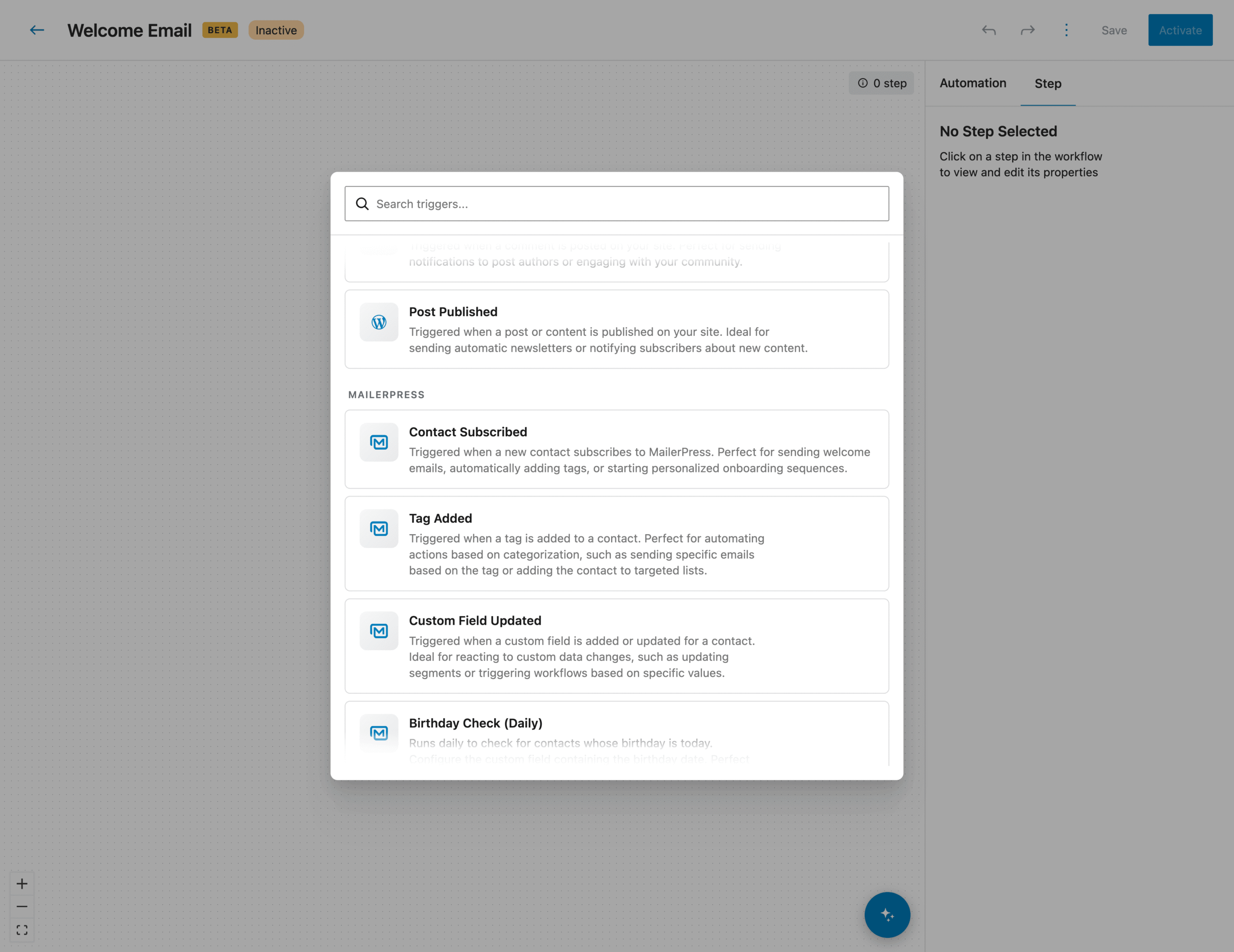





Write it once. Send it forever. Welcome your new subscribers, follow up after a purchase, win back the ones going quiet, automatically, from the WordPress dashboard you already open every day.
See your first automation go live
From idea to autopilot
01
Create your workflows with AI
Describe your idea in one sentence. AI builds the automation for you.
No more starting from a blank page. Just explain what you want to achieve in plain language, and AI designs the entire scenario structure for you: triggers, conditions, delays, and actions, already wired together. Need inspiration? Type / to browse ready-made suggestions.
All that is left is to finalize a few steps, like your email content.
AI asks the right questions before generating, so the scenario truly fits your goal.
Describe your scenario in your own words and AI turns your idea into a complete, working automation.
Let AI wire triggers, conditions, delays, and actions together for you, ready to go live.
Short on ideas? Type / to pick from proven workflow suggestions.
02
A visual drag-and-drop builder
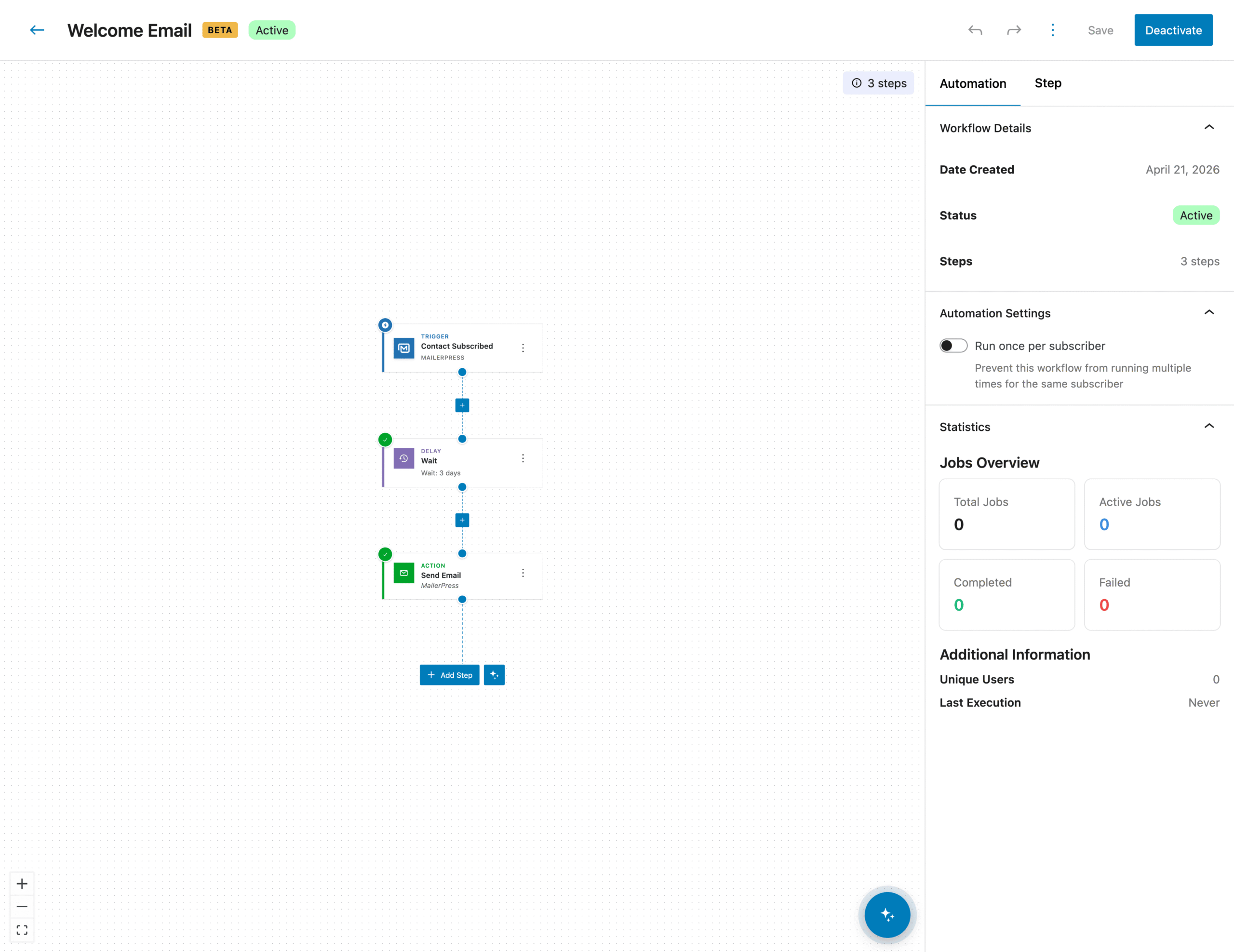
Design your scenarios like a diagram, without writing a single line of code.
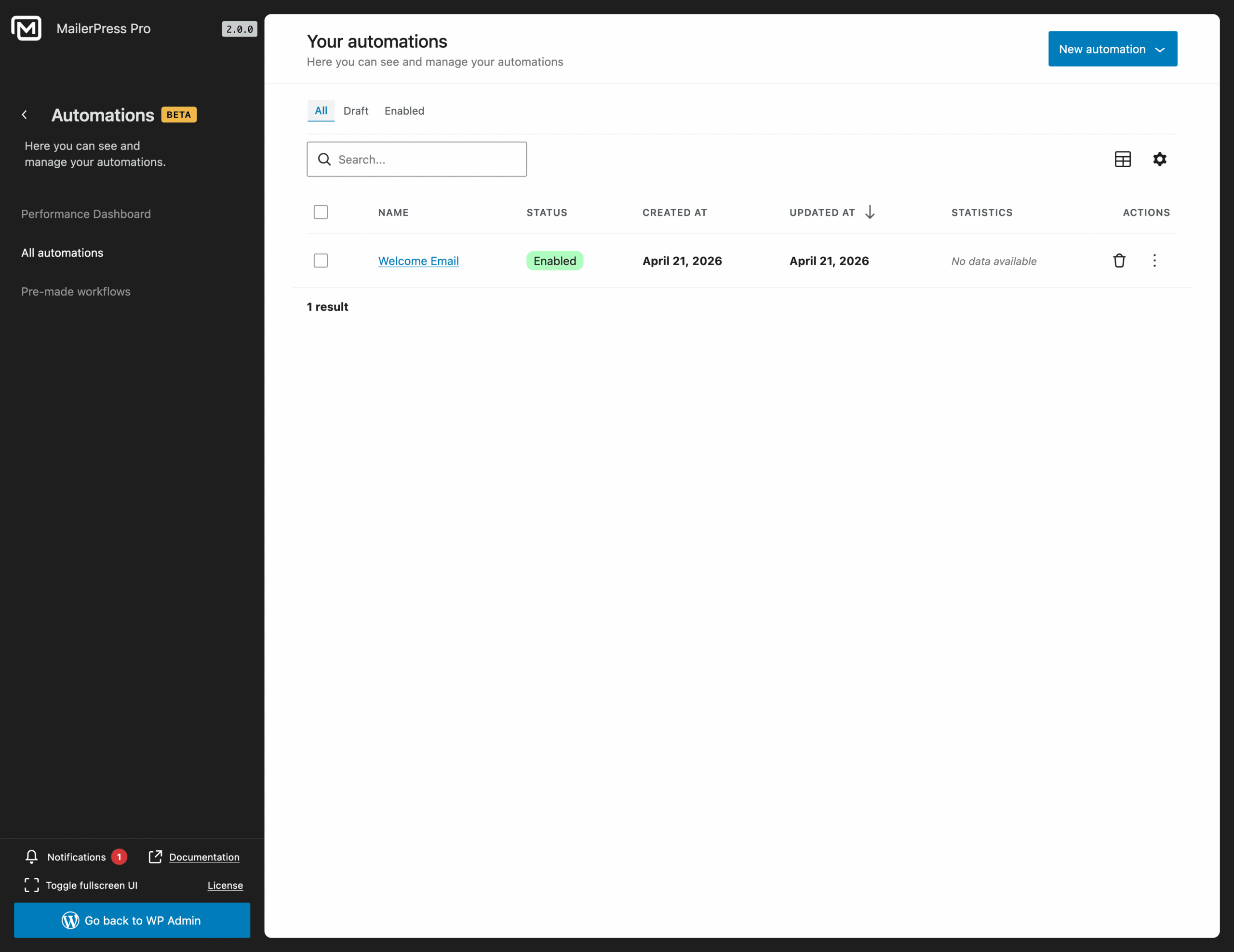
See your contacts’ entire journey at a glance, from the first trigger to the last email.
Build your workflows by dragging and dropping steps onto a clean, visual canvas.
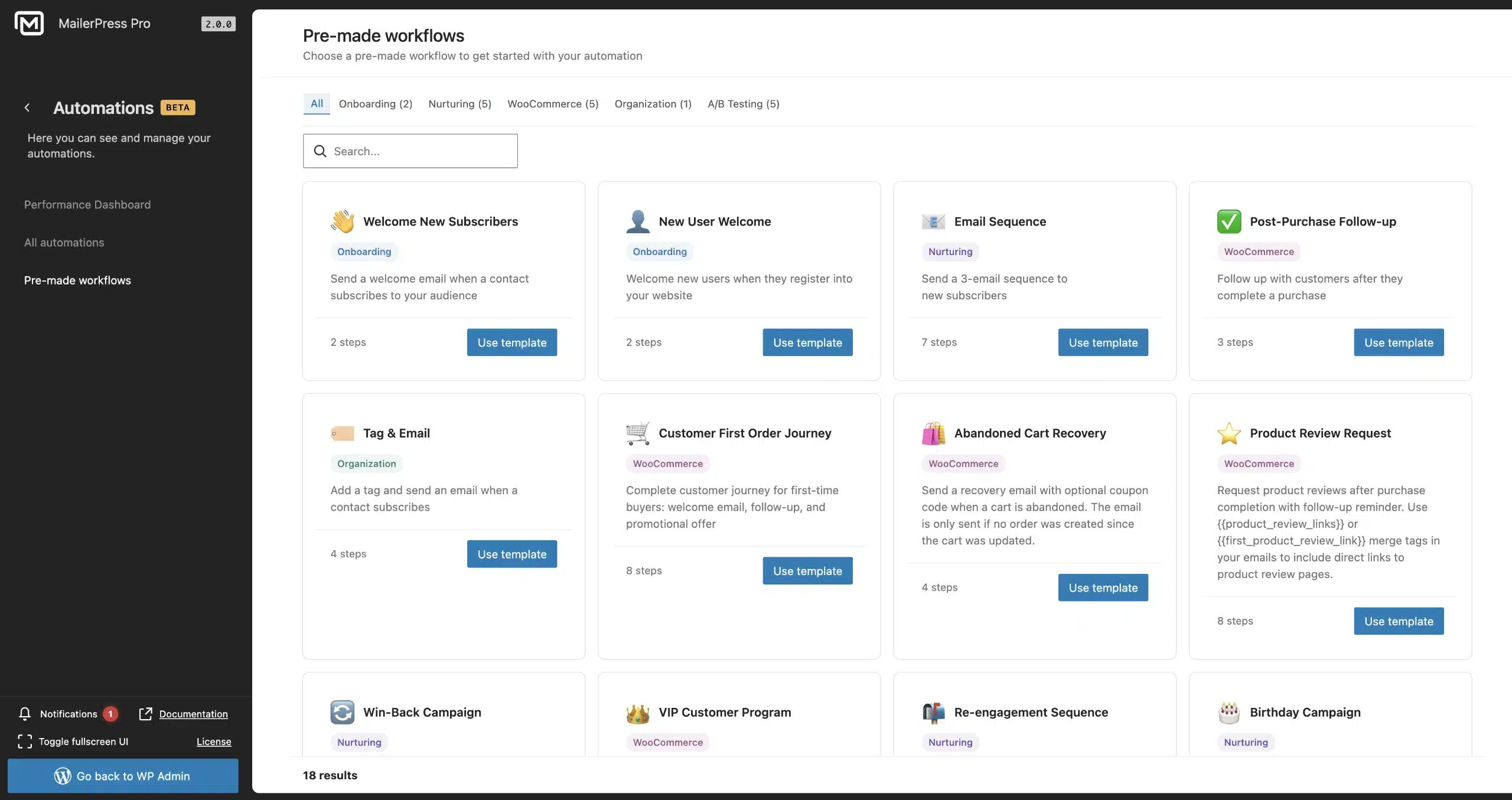
Start from pre-made templates and launch a full automation in under a minute.
03
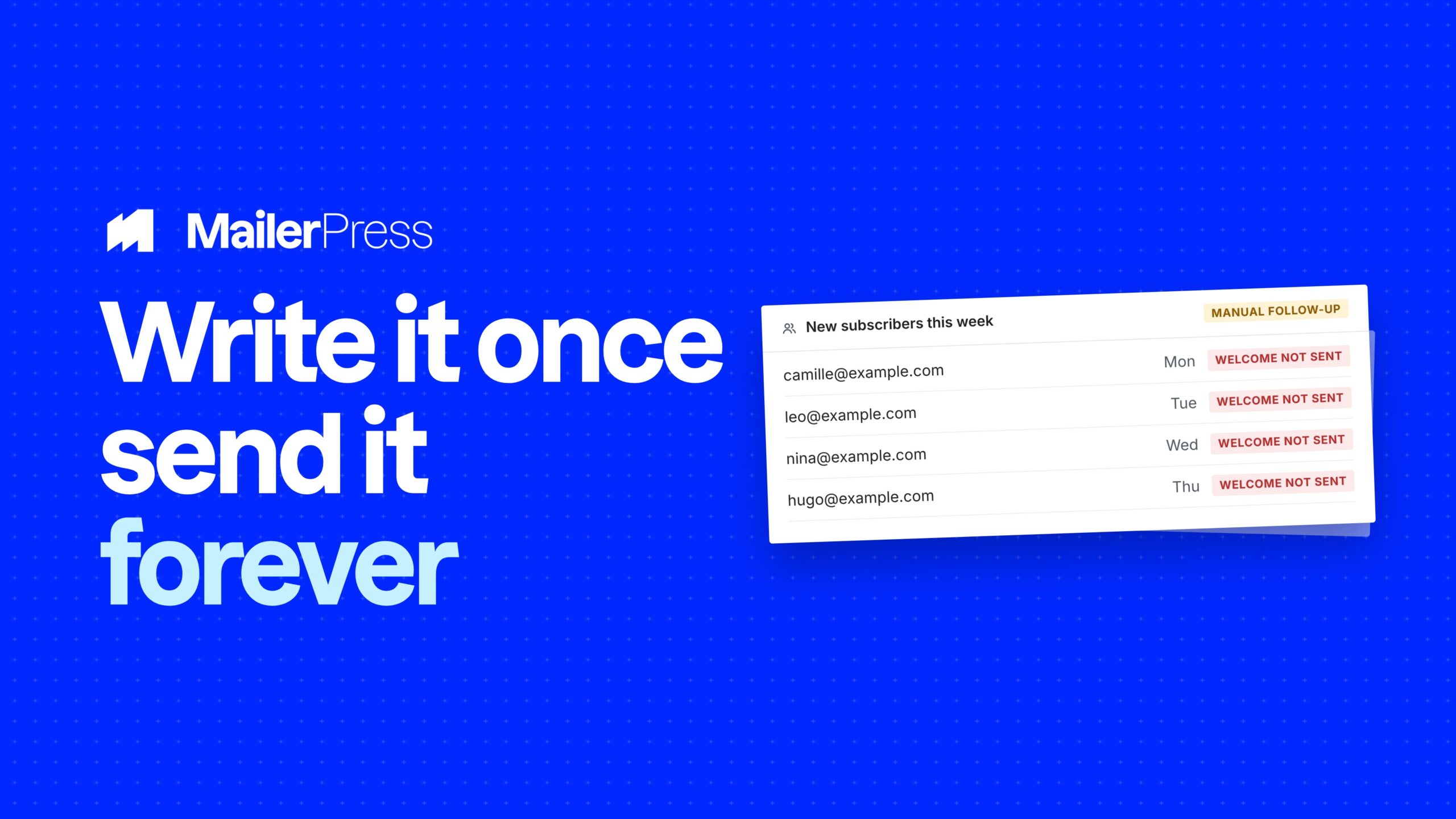
Triggers that start at the perfect moment
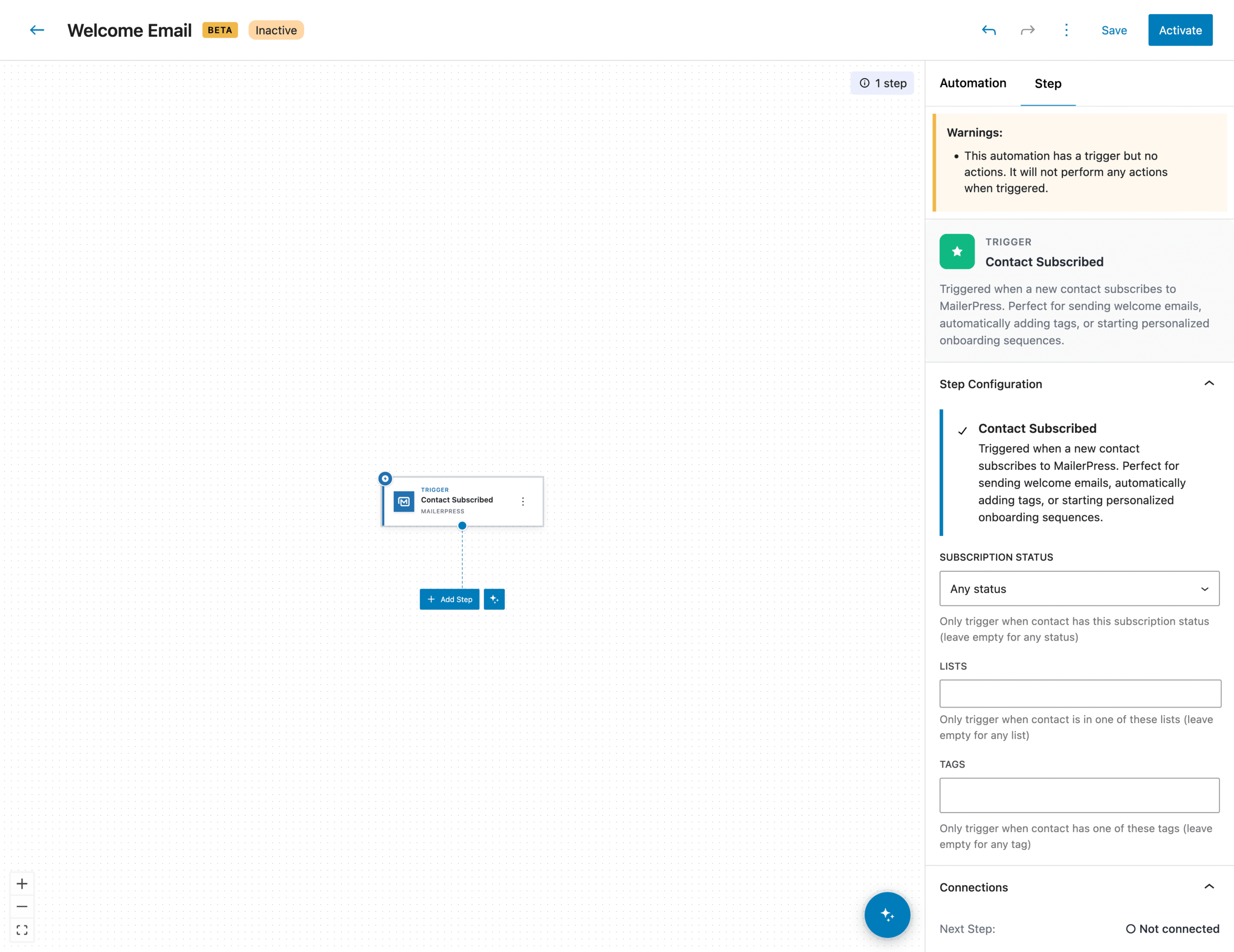
Every automation begins with a precise event. You decide which one.
And so much more!
Trigger a sequence the moment a visitor subscribes to your newsletter.
React to your contacts’ actions: opens, clicks, or joining a segment or list.
Launch the right scenario based on your audience’s real behavior, automatically.
04
Conditional logic for tailor-made journeys
Your contacts are not all the same. Your emails should not be either.
Refine your scenarios step by step for campaigns that feel truly personal.
Add “if / then” conditions to route each contact down the right path.
Create multiple branches and send a message that fits every situation.
05
Ready-made templates for your most useful scenarios
Hit the ground running with workflows built for the key moments of the customer relationship.
Lifecycle follow-up: stay present at every stage, from acquisition to retention, with no manual work.
Onboarding sequence: guide every new subscriber from the moment they sign up and make a memorable first impression.
Re-engagement campaign: automatically win back inactive contacts before you lose them.
06
Automations that work for you, around the clock
Set it up once, reap the results long after.
Your scenarios run silently in the background, 24/7.
Replace repetitive manual sends with systems that run on their own.
Save hours while keeping a steady, relevant relationship with your audience.
Take the full tour
-
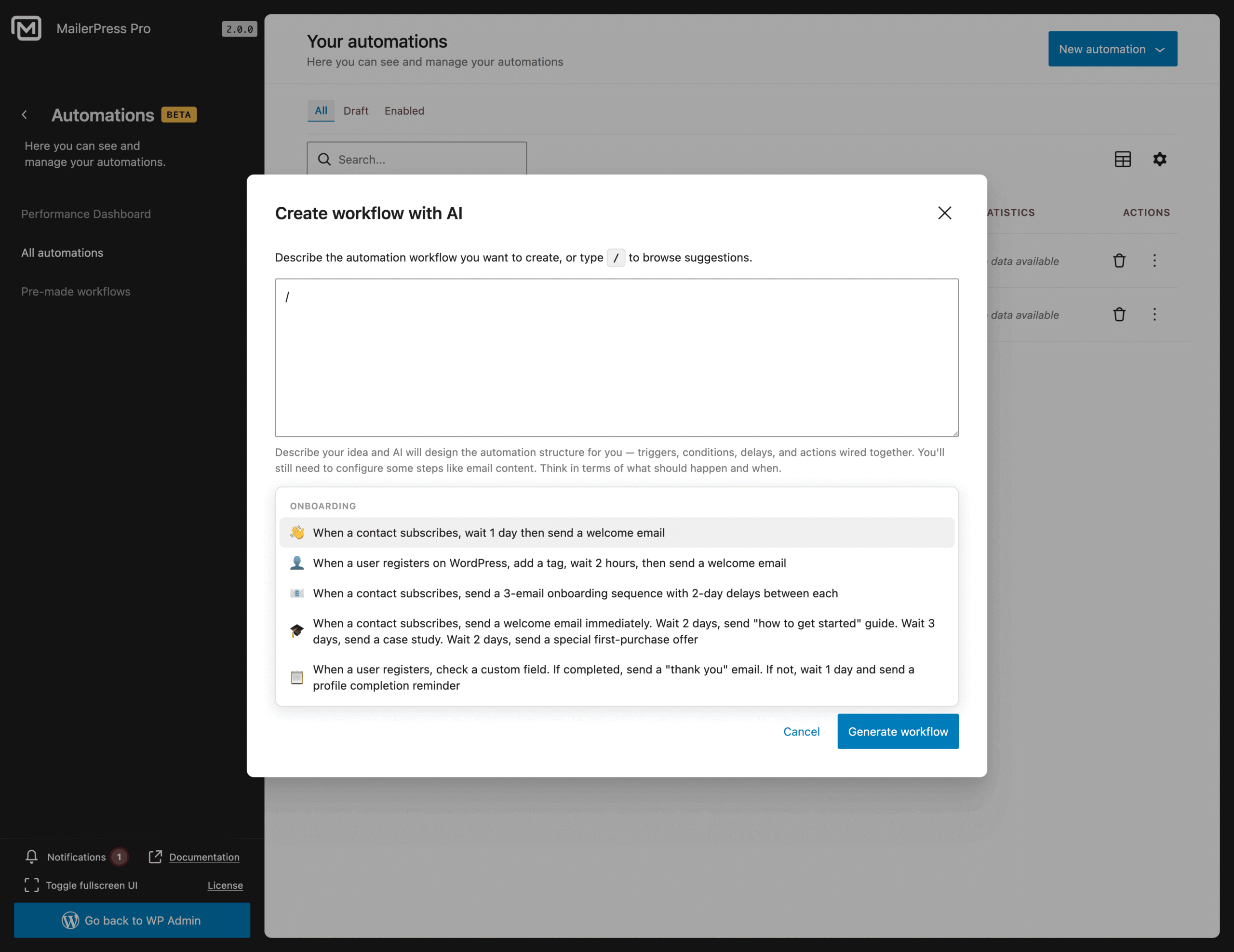
Prompt suggestions to get started with AI – MailerPress Pro
Top 3 reasons you’ll love MailerPress
Powerful
Start a workflow from a real event: a new subscription, an open, a click, or a contact joining a list or segment. Add if/then conditions to split your contacts into different branches, insert delays between each step, and build onboarding, re-engagement or follow-up sequences that keep running in the background.
Easy
Build your workflow visually, like a diagram, with drag and drop and no code. Type / to browse ready-made workflows, or describe what you want in plain language and let OpenAI, DeepSeek, Mistral or Google AI lay out the triggers, conditions, delays and actions for you. Templates get a sequence live in under a minute.
Fast
You see a contact’s whole journey on one screen, from the first trigger to the last email, so you can spot what to change without opening every step. Automations run inside WordPress, around the clock, with your data staying on your own site and no external platform in the loop.
Choose the right plan for you
All packages come with a 14-day money-back guarantee.
Pro
For bloggers, startups and non-governmental organizations.
$49
billed annually
1 website
Unlimited contacts
Unlimited campaigns
Business
For e-commerce, media companies and small businesses.
$99
billed annually
3 websites
Unlimited contacts
Unlimited campaigns
Enterprise
Best value
For web agencies and freelance developers with many clients.
$199
billed annually
Unlimited websites
Unlimited contacts
Unlimited campaigns
You have a question? We’ve got you covered.
See the list below for our most frequently asked question.
It is an email sequence triggered by a specific event (a subscription, a click, a contact action…). You define the scenario once, and MailerPress automatically sends the right messages at the right time, with no manual effort on your side.
No. The builder is fully drag-and-drop and comes with pre-made templates. You assemble your steps visually, without writing any code.
Yes. Everything happens inside your WordPress dashboard, without relying on an external platform. Your data and your contacts stay with you.
Advanced automations are included in MailerPress Pro 2.0. They will keep evolving over the coming updates, with new triggers and new templates.
AI workflow creation relies on the main providers already supported by MailerPress (OpenAI, DeepSeek, Mistral, Google AI). You pick your provider in the settings, and AI designs your automations from your description.
AI builds the full scenario structure for you: triggers, conditions, delays, and actions wired together. A few steps still need to be finalized manually, such as your email content, so the message stays 100% true to your brand (even if this step can be assisted via AI).
Didn’t find your question?
Get ready with MailerPress
Documentation
Discover products and features designed to support the growth of your business. If you are a beginner, read our guides to learn more about the basics.
Help & Support
Discover products and features designed to support the growth of your business. If you are a beginner, read our guides to learn more about the basics.
Changelog
Stay ahead with our transparent roadmap that outlines upcoming features, improvements, and next steps for MailerPress.