




A blank canvas is not freedom, it is a delay. Most campaigns fail at the first step, which is deciding what the email should look like. Starting from a finished design and changing what needs changing is faster, and usually better.
Pick a template, make it yours
Everything you can do with premium templates
01
Twenty designs, five categories
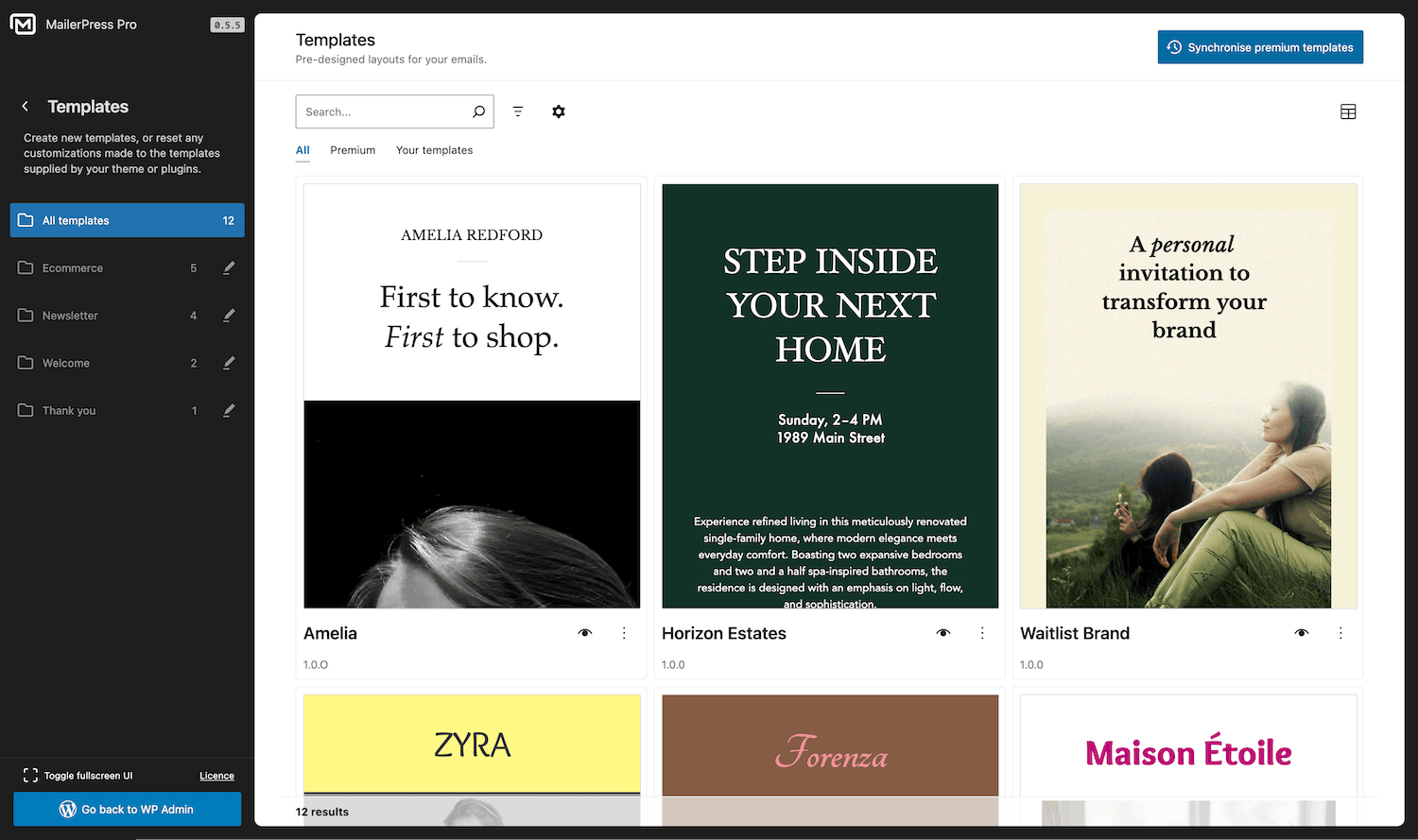
Newsletter templates for editorial sends, e-commerce templates built around products, welcome and thank you templates for the moments that matter most, and a full set of automation templates.
Newsletter: Amelia, Text Book, Horizon Estates, Waitlist Brand.
E-commerce: Bakery, Zyra, FitLab, Maison Étoile, The Style Collective.
Welcome and thank you: Welcome, Pulse creative, Eloise Tania.
02
Templates built for automations
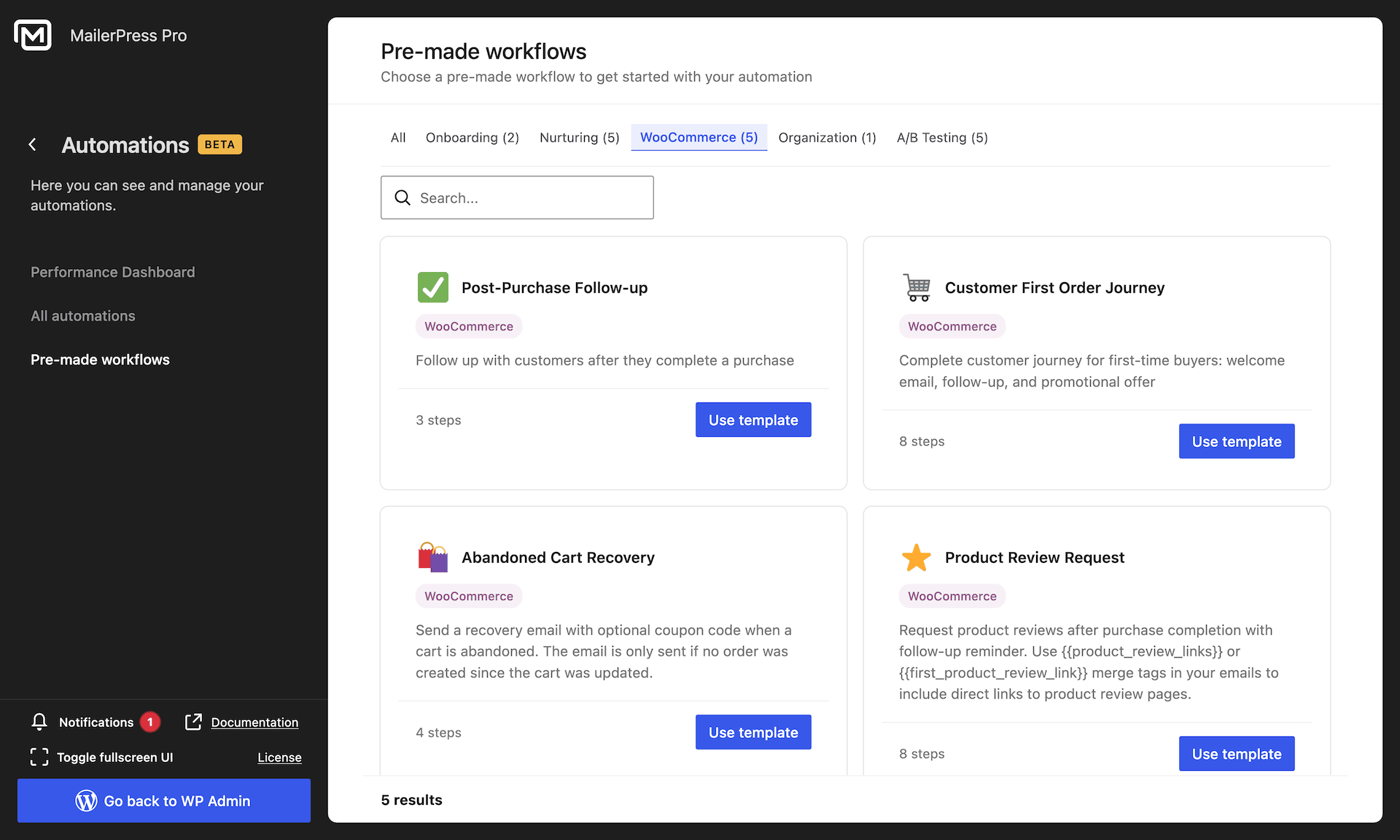
Seven templates are designed for workflow steps rather than one-off sends:
- Welcome Email,
- Account Confirmation,
- Password Reset,
- Abandoned Cart Reminder,
- Re-engagement,
- Thank You / Follow-up,
- Order Confirmation
- and Review Request.
They appear when you pick the email for an automation step, so you are choosing from designs meant for that job.
03
Store-ready out of the box
The Abandoned Cart Reminder uses the dedicated Cart Recovery Button, which brings the shopper back to checkout with their items restored.
The Review Request uses the Product Review block, with dynamic product cards and a Leave a Review button per item.
Order Confirmation renders the real order table.
04
Ordinary blocks, fully editable
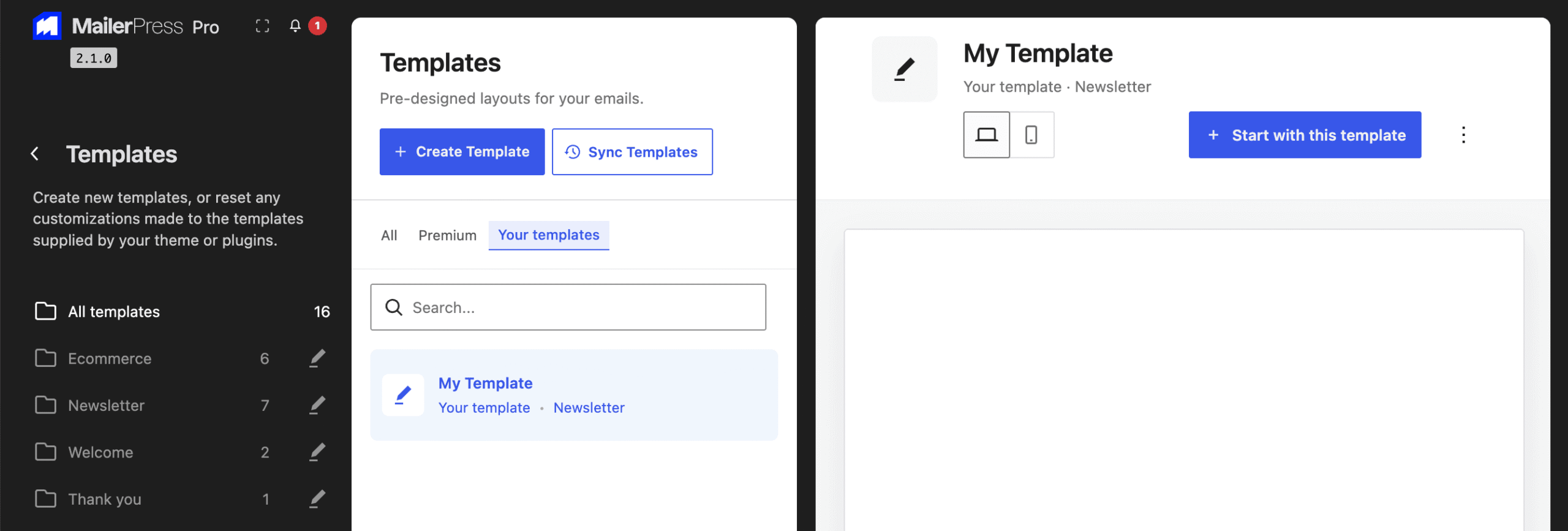
A template is a block layout, not a locked design. Change the copy, swap images, adjust colours and spacing, add or remove sections, and save your version as a reusable pattern. Your theme.json styles apply, so a template can be brought in line with your site in a few clicks.
05
Kept up to date, safely
Templates carry a version number. When a release ships an improved version, MailerPress updates the template in your library, and only when the new version is higher than the one you have.
Campaigns you already created are copies, so an update never touches an email you have written.
06
Sync on demand
The library is imported automatically when the plugin is updated, in the background through Action Scheduler so it never slows down a page load. If you ever need to refresh it, Sync Premium Templates re-imports the whole set in one click.
Templates removed from the plugin are cleaned out of your library at the same time.
Take the full tour
-
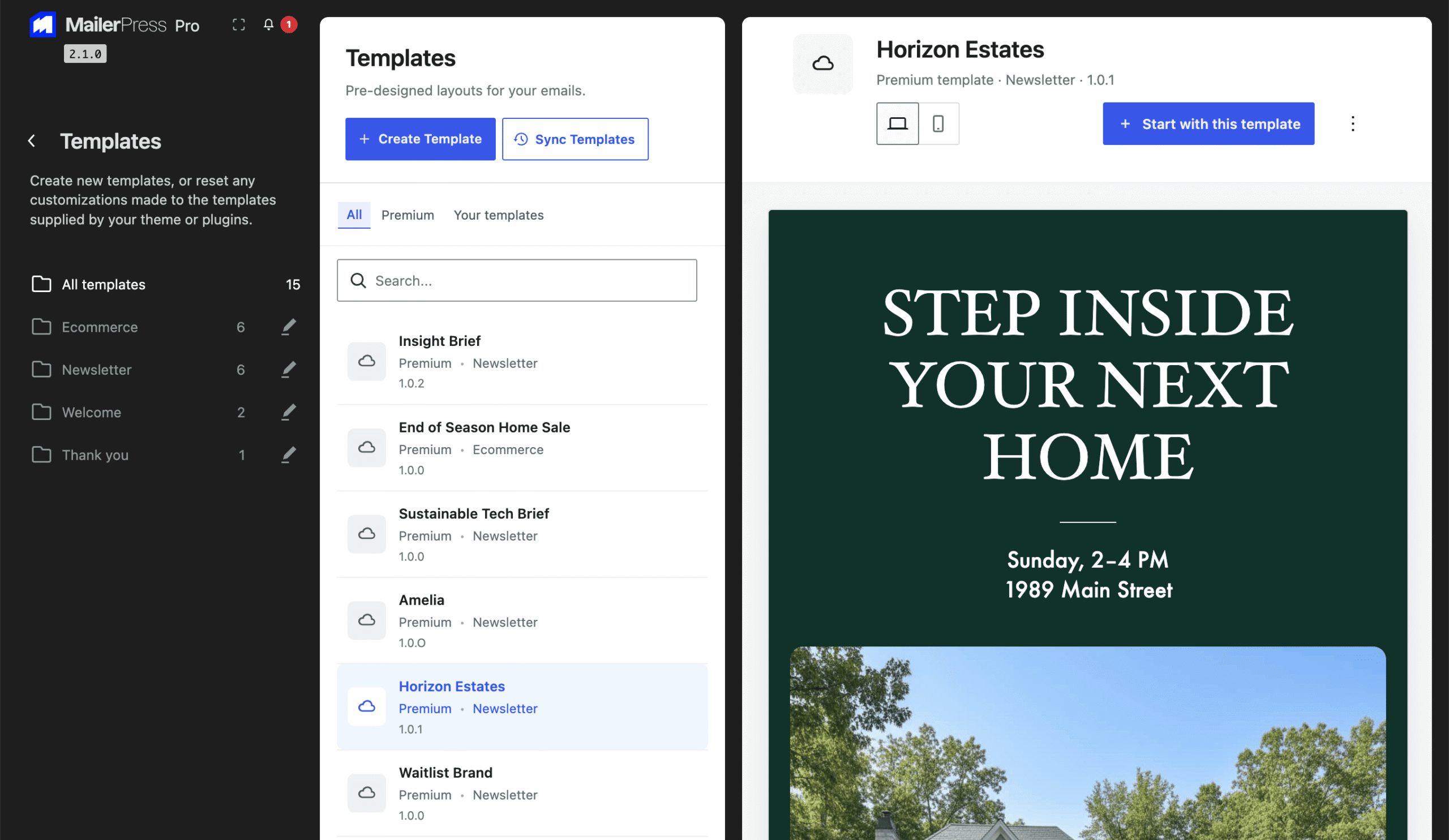
Pre-designed layouts for your emails
Top 3 reasons you’ll love MailerPress
Powerful
Twenty designs across newsletters, e-commerce, welcome, thank you and automations, including templates wired to the Cart Recovery Button, the Product Review block and the real order table, so a store email works from the first send.
Easy
Pick a template, open it in the drag-and-drop editor, and change anything you like. Everything is made of ordinary blocks and follows your theme.json styles, so bringing a design in line with your brand takes minutes.
Fast
The library is imported in the background when the plugin updates, so nothing blocks your dashboard. Templates are versioned, updated only when a newer version ships, and your existing campaigns are never overwritten.
Choose the right plan for you
All packages come with a 14-day money-back guarantee.
Pro
For bloggers, startups and non-governmental organizations.
$49
billed annually
1 website
Unlimited contacts
Unlimited campaigns
Business
For e-commerce, media companies and small businesses.
$99
billed annually
3 websites
Unlimited contacts
Unlimited campaigns
Enterprise
Best value
For web agencies and freelance developers with many clients.
$199
billed annually
Unlimited websites
Unlimited contacts
Unlimited campaigns
You have a question? We’ve got you covered.
See the list below for our most frequently asked question.
No. They ship with MailerPress Pro. The free plugin includes the drag-and-drop editor and lets you build and save your own layouts.
Yes. Templates are made of ordinary blocks. Change the text, images, colours, spacing and structure, and save your version as a reusable pattern.
No. Updates apply to the templates in the library, not to campaigns you have already created. A campaign is a copy made at the moment you started it.
They arrive with plugin updates and are imported automatically in the background. You can also re-import the whole set on demand with Sync Premium Templates.
Didn’t find your question?
Get ready with MailerPress
Documentation
Discover products and features designed to support the growth of your business. If you are a beginner, read our guides to learn more about the basics.
Help & Support
Discover products and features designed to support the growth of your business. If you are a beginner, read our guides to learn more about the basics.
Changelog
Stay ahead with our transparent roadmap that outlines upcoming features, improvements, and next steps for MailerPress.