We are pleased to announce the immediate availability of MailerPress 1.1.
This update focuses primarily on user experience and data structure. Over the past few months, we have worked to streamline the administration interface to make your daily workflow faster and more efficient.
Here is an overview of what is new in version 1.1.
What’s coming in 1.1
A Redesigned Admin Experience
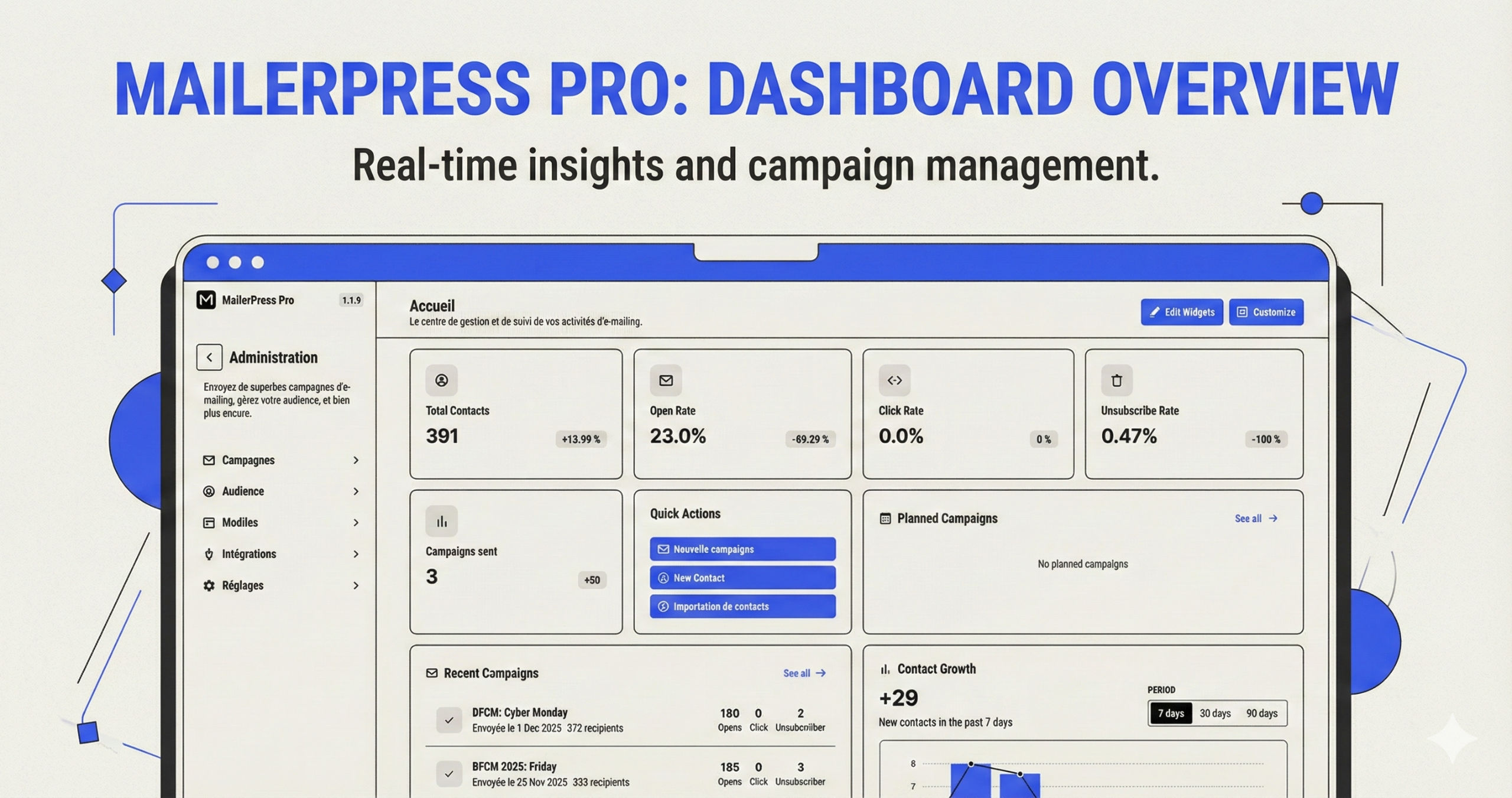
The most visible change in version 1.1 is the completely redesigned dashboard. Our goal was to reduce visual clutter and surface key metrics immediately upon login.
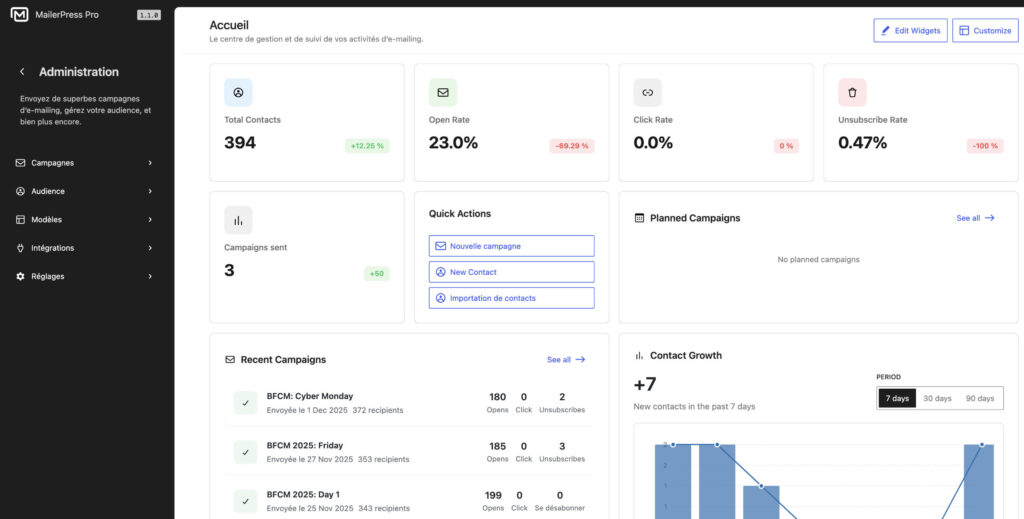
To support this new look, we have introduced a new navigation mode. Moving between your lists, campaigns, and settings is now smoother, requiring fewer clicks to access essential tools. We have also applied minor UX/UI enhancements across all data views to ensure a consistent interface throughout the plugin.
Streamlined Campaign Creation
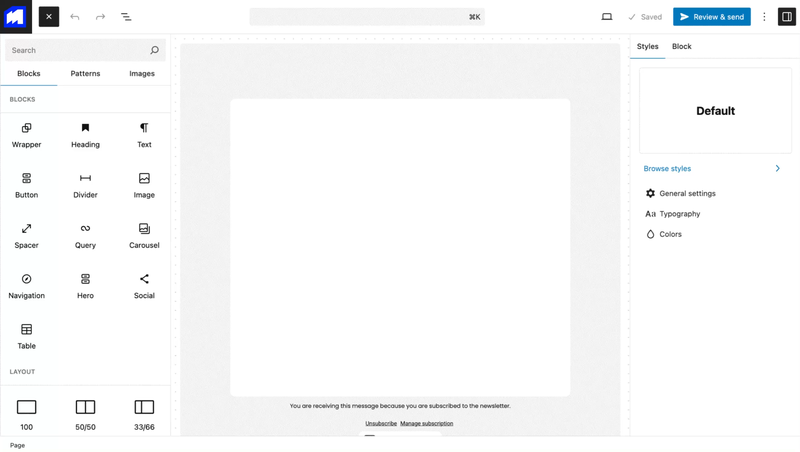
Creating newsletters is the core function of MailerPress. In version 1.1, the campaign creation view has been redesigned.
The new workflow is clearer and more intuitive. By simplifying the steps required to draft and configure your emails, we aim to save you time during the creation process, allowing you to focus on your content.
Advanced Contact Management
We have significantly upgraded the contact manager to provide more flexibility in how you handle subscriber data:
- Custom fields support: you can now create custom fields to store specific data points for your subscribers, allowing for more precise segmentation
- Built-in statistics: the contact management view now includes integrated statistics, giving you a quick insight into individual subscriber engagement directly from the list view
Fixes and Improvements
As part of our commitment to stability, this release also addresses the following:
- Translations: added missing translation strings for better localization support
- Bug fixes: various minor bugs reported in previous versions have been resolved
Changelog
View the full changelog.
Get MailerPress 1.1
MailerPress 1.1 is available now. You can update the plugin directly from your WordPress dashboard or download the latest version from your account.
If you have any questions regarding the new features, please consult our documentation or contact support.