




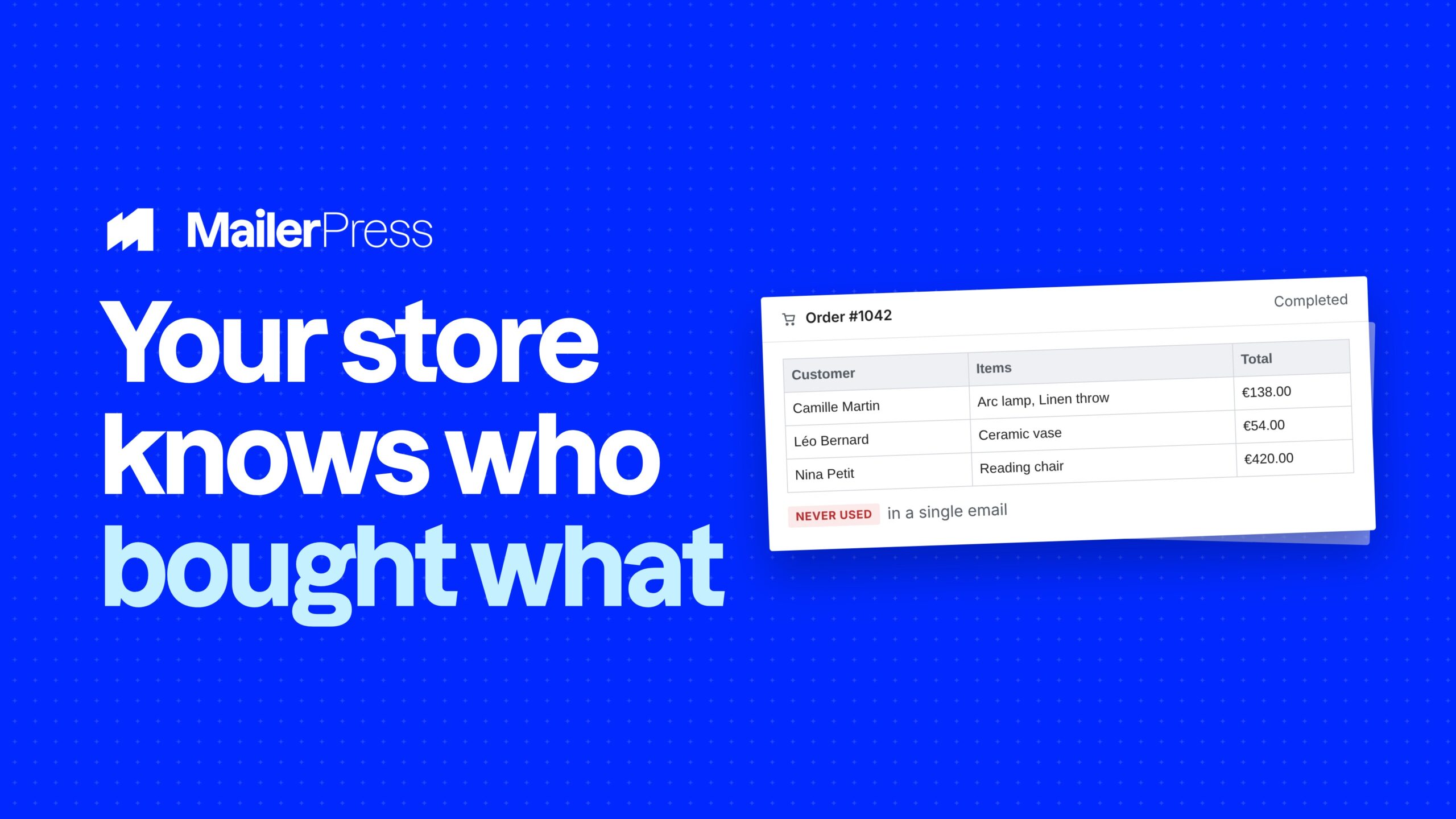
Store data is the best marketing data there is, and on most WordPress sites it never leaves WooCommerce. The integration is not a connector that copies orders somewhere else. It is your store and your email tool sharing one database.
Capture, design, automate, measure
Everything you can do with WooCommerce
01
Opt-in at checkout, both checkouts
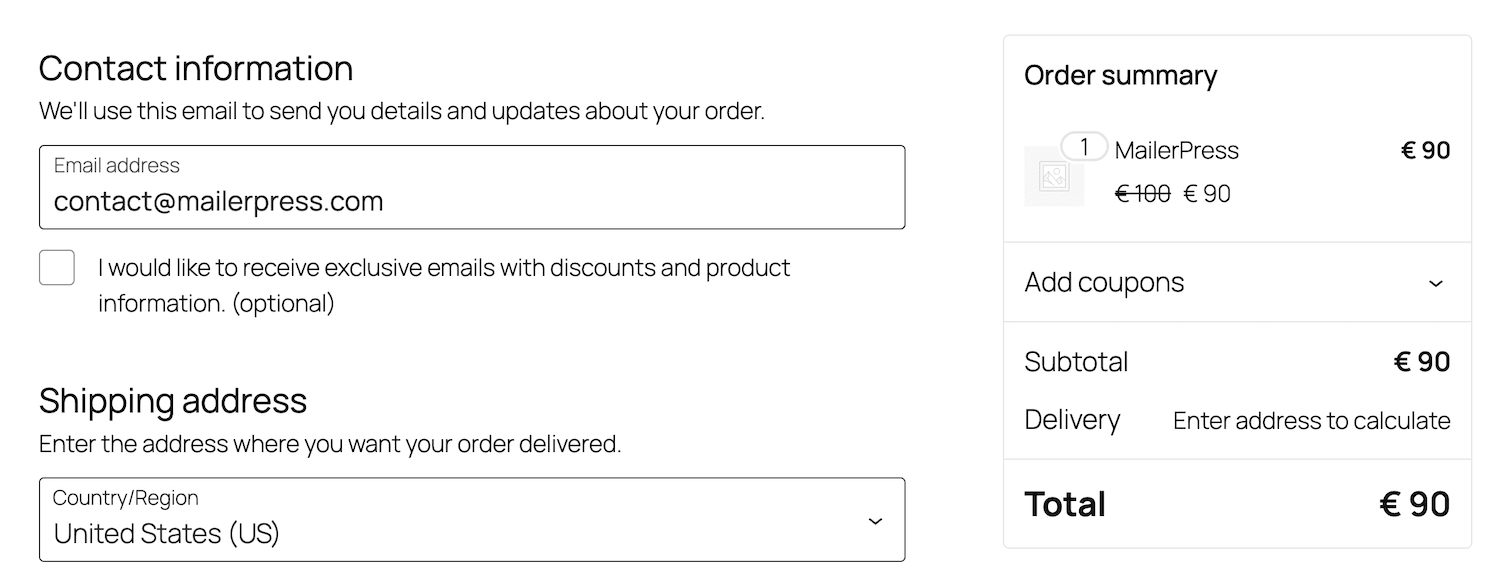
Add a newsletter checkbox to your checkout with your own label. It works on the Blocks checkout and on the classic shortcode checkout, where you also choose where it appears: with the contact fields, after the order notes, in the order section, next to the terms and conditions, or before the payment step. Opt-ins are picked up once the order goes through.
02
Order fields onto your contacts
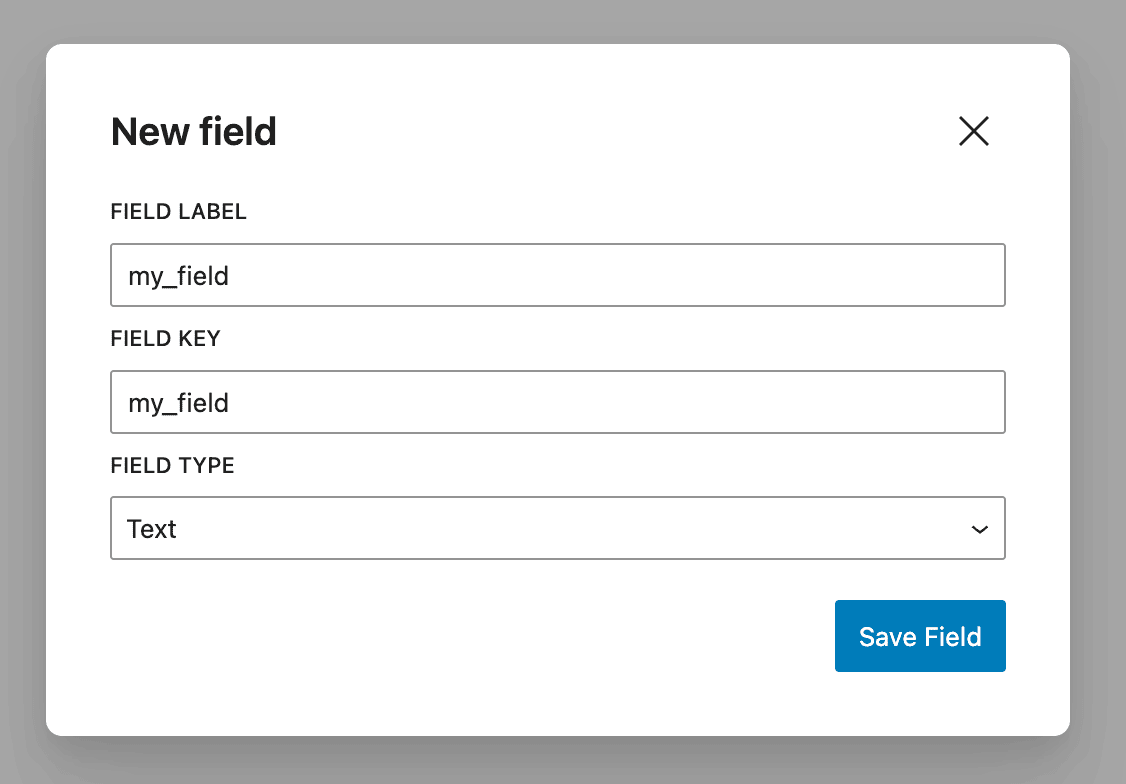
Map any WooCommerce field to one of your MailerPress custom fields: billing and shipping fields, and the custom checkout fields added by your other plugins and saved in order meta. Your contacts arrive with the data you need to segment and personalise, from the first order.
03
A subscription tab in My Account
Add a Newsletters tab to the WooCommerce account area so customers manage their own subscriptions where they already log in. Choose the tab title and its position in the account menu. Fewer unsubscribes that were really “I want fewer emails, not none”.
04
Twenty-one transactional emails, redesigned
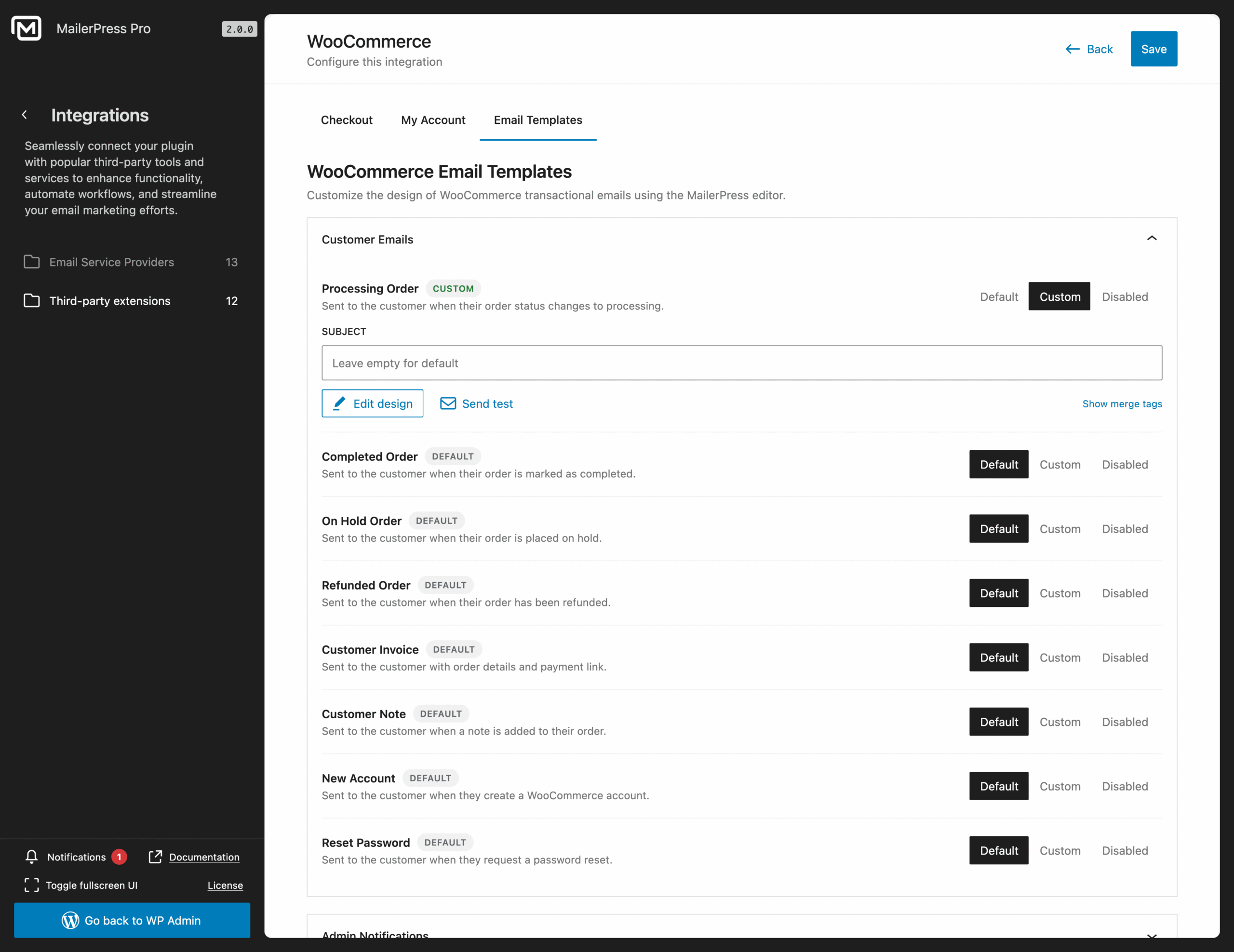
Rebuild the emails WooCommerce sends in the drag-and-drop editor: processing, completed, on hold and refunded order, customer invoice, customer note, new account and password reset for customers, new, cancelled and failed order for admins, plus the full WooCommerce Subscriptions set including renewals, switches, on hold, cancelled, expired and suspended.
05
Automations built on store events
Abandoned cart, first order, order status changed, product purchased, and the Subscriptions triggers: started, renewed, expired, trial started, trial ended, payment failed, status changed.
The abandoned cart trigger carries the cart total, currency, item count and a recovery URL that restores the shopper’s items at checkout, with an optional minimum cart value, and it works for guest checkouts once an email is entered.
06
Segment, personalise, and measure the revenue
Segment on purchase history, on a specific product bought or not bought, and on total purchases.
Show or hide a block in an email based on the reader’s order count, total spent or purchase history.
Merge tags cover the order, the customer, both addresses, a formatted products table, product review links and subscription details.
And when an order completes, its value is attributed to the campaign and the contact behind it, with refunds deducted automatically.
Take the full tour
-
Ask AI modal – MailerPress Pro
Top 3 reasons you’ll love MailerPress
Powerful
Checkout opt-in on both checkouts, order field mapping, 21 transactional emails you can redesign, eleven store and subscription automation triggers, purchase history segmentation, conditional blocks based on spend, and revenue attribution with automatic refund handling.
Easy
Everything is configured from the MailerPress screens in your WordPress admin, with WooCommerce fields and products offered from your own store. Emails are built in the same block editor you use for your site, and follow your theme.json styles.
Fast
MailerPress reads your orders from the same database WooCommerce writes to, with HPOS supported, so there is no sync to wait for and no copy to keep current. Order counts and totals used for conditional blocks are prefetched for the whole batch before a campaign goes out.
Choose the right plan for you
All packages come with a 14-day money-back guarantee.
Pro
For bloggers, startups and non-governmental organizations.
$49
billed annually
1 website
Unlimited contacts
Unlimited campaigns
Business
For e-commerce, media companies and small businesses.
$99
billed annually
3 websites
Unlimited contacts
Unlimited campaigns
Enterprise
Best value
For web agencies and freelance developers with many clients.
$199
billed annually
Unlimited websites
Unlimited contacts
Unlimited campaigns
You have a question? We’ve got you covered.
See the list below for our most frequently asked question.
Yes, on both the Blocks checkout and the classic shortcode checkout. On the classic checkout you can also choose where the checkbox appears.
Twenty-one email types: the customer and admin order emails, account and password emails, and the full WooCommerce Subscriptions set.
Yes. Completed orders are attributed to the campaign and contact that produced them, at both levels, and refunds are deducted automatically.
Yes, once the shopper has entered an email address at checkout. The recovery link brings them back with their cart restored.
Didn’t find your question?
Get ready with MailerPress
Documentation
Discover products and features designed to support the growth of your business. If you are a beginner, read our guides to learn more about the basics.
Help & Support
Discover products and features designed to support the growth of your business. If you are a beginner, read our guides to learn more about the basics.
Changelog
Stay ahead with our transparent roadmap that outlines upcoming features, improvements, and next steps for MailerPress.