




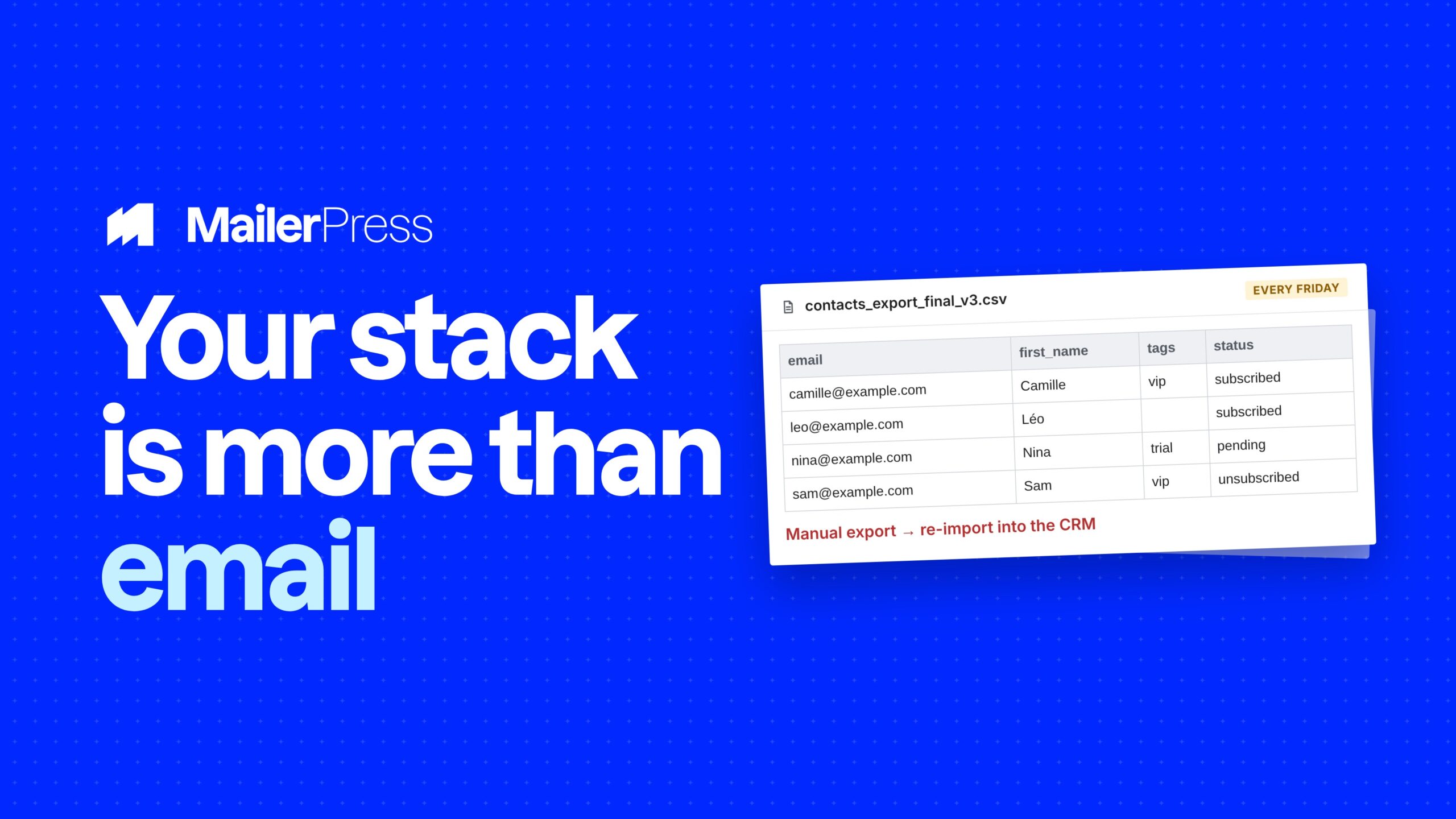
Every integration you cannot build is a manual export somebody does on a Friday afternoon. Webhooks are the escape hatch: an event on one side, a URL on the other, and whatever you need in between.
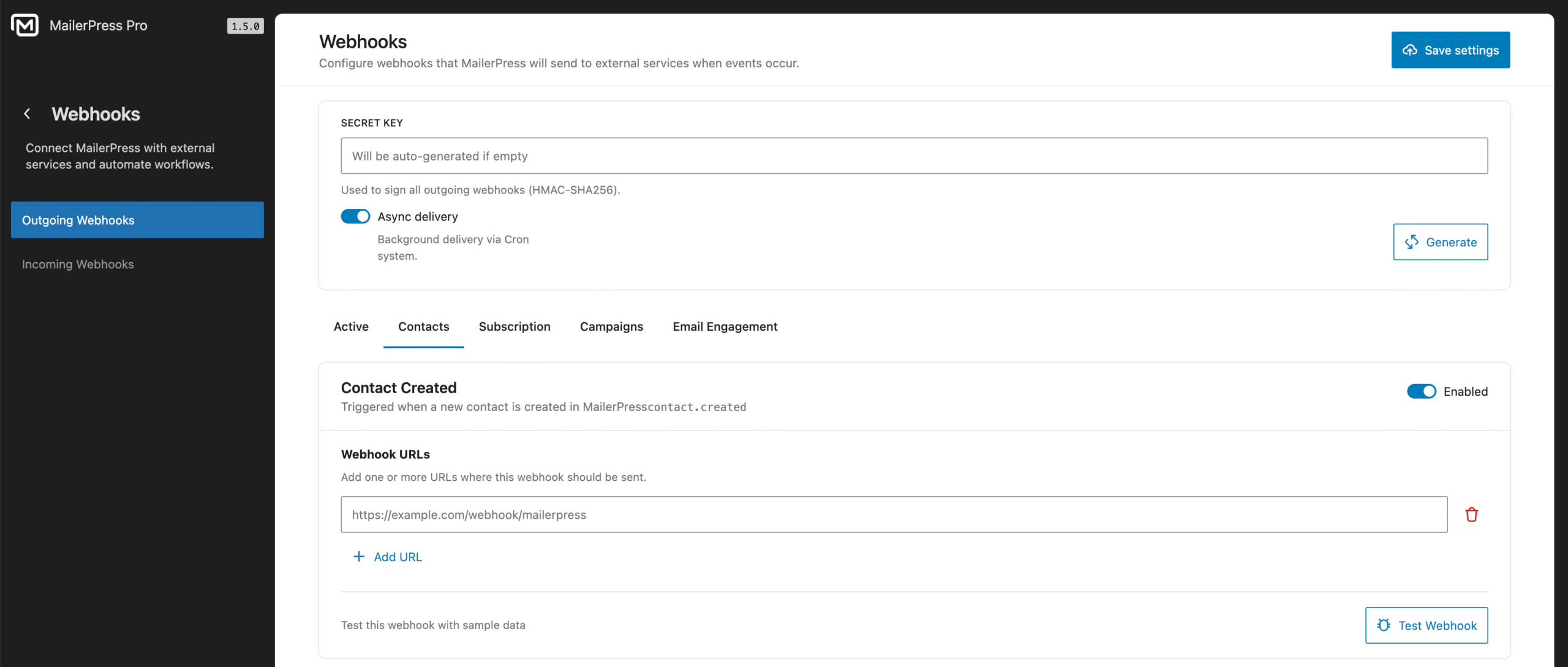
Point it at a URL, sign it, watch the log
Everything you can do with webhooks
01
Sixteen outgoing events
Contacts:
- created,
- updated,
- deleted,
- unsubscribed,
- tag added,
- tag removed,
- list added,
- list removed,
- custom field updated,
- subscription confirmed.
Campaigns:
- created,
- scheduled,
- sent.
Engagement:
- email opened,
- email clicked,
- email bounced.
Each event carries a JSON payload with the data of the object that changed.
02
Signed, and only where you point it
Every outgoing webhook is signed with HMAC SHA256 over the JSON body, sent as X-Webhook-Signature: sha256=<hash> so the receiver can verify it came from you. A webhook without a secret is refused rather than sent unsigned. Destination URLs are validated and requested through WordPress’s safe HTTP client, which blocks private and internal addresses, with SSL verification on.
03
Queued and retried
Deliveries run through Action Scheduler in the background, so a slow endpoint never holds up a page load or a campaign. A failed delivery is retried automatically: a second attempt after one minute, a third after five. If you would rather send synchronously, background processing can be switched off.
04
Incoming webhooks, with handlers included
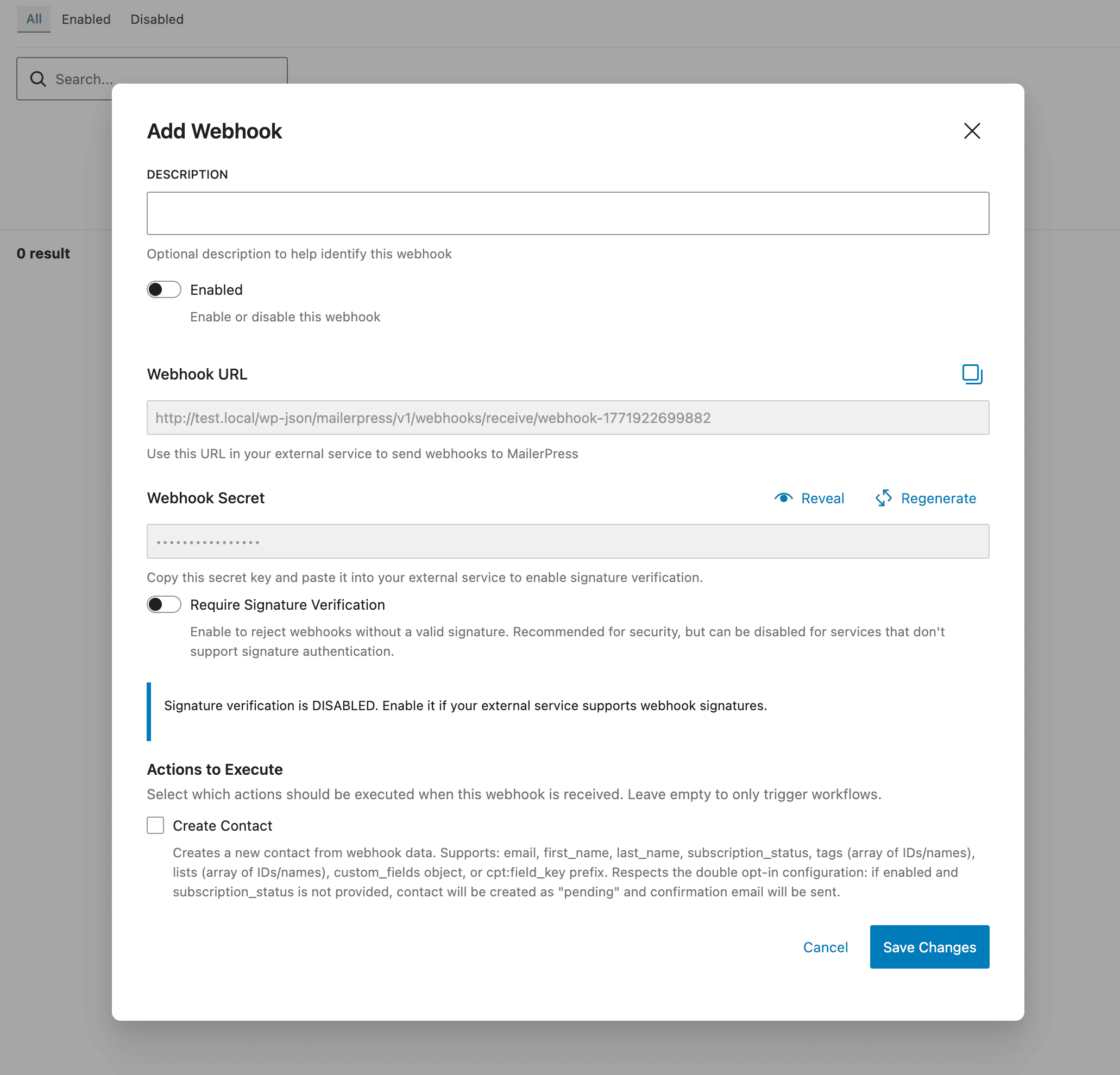
Give an external service a URL of the form /wp-json/mailerpress/v1/webhooks/receive/your-id and pick what MailerPress should do with the payload. Four handlers are built in: create contact, update contact, add tag, add to list. Choose one or several per webhook, and enable or disable a webhook without deleting it.
05
Payloads that speak your schema
The contact handlers accept email, first name, last name, subscription status, tags and lists by ID or by name, and your custom fields, either as a custom_fields object or with a cpt: prefix on the key. Your double opt-in setting is respected: if it is on and no status is sent, the contact is created as pending and the confirmation email goes out.
06
Verified, logged, and able to start an automation
Signature verification can be required per webhook, accepting X-Webhook-Signature, X-Hub-Signature-256 or X-Signature. Every call in and out is logged with its direction, webhook, event, HTTP status and timestamp, with stats and an activity feed on the dashboard. And the Webhook Received trigger lets an incoming call start a workflow, with the payload available as merge tags in the emails that follow.
Take the full tour
-
Incoming webhooks – MailerPress Pro
Top 3 reasons you’ll love MailerPress
Powerful
Sixteen outgoing events across contacts, campaigns and engagement, four incoming handlers that create and update contacts, apply tags and lists, and a Webhook Received trigger that turns any external call into the start of an automation. Developers can register their own events and handlers with a hook.
Easy
An incoming webhook is a URL and a list of handlers. An outgoing webhook is a URL and a secret. Tags and lists can be sent by name instead of by ID, so you do not have to look up identifiers before wiring up a service.
Fast
Outgoing calls are queued in the background, so nothing waits on a slow endpoint, and failures are retried automatically with a backoff. Incoming calls are handled by WordPress directly, with no middleware between the sender and your database.
Choose the right plan for you
All packages come with a 14-day money-back guarantee.
Pro
For bloggers, startups and non-governmental organizations.
$49
billed annually
1 website
Unlimited contacts
Unlimited campaigns
Business
For e-commerce, media companies and small businesses.
$99
billed annually
3 websites
Unlimited contacts
Unlimited campaigns
Enterprise
Best value
For web agencies and freelance developers with many clients.
$199
billed annually
Unlimited websites
Unlimited contacts
Unlimited campaigns
You have a question? We’ve got you covered.
See the list below for our most frequently asked question.
Yes. Every payload is signed with HMAC SHA256 using your secret and sent in the X-Webhook-Signature header. A webhook without a secret is not sent.
The delivery is retried automatically, a second time after one minute and a third after five minutes, then logged as failed.
Signature verification is optional per webhook. When you enable it, MailerPress accepts X-Webhook-Signature, X-Hub-Signature-256 or X-Signature.
Yes. The Webhook Received trigger starts a workflow when a call arrives, and the payload is available to the steps that follow.
Didn’t find your question?
Get ready with MailerPress
Documentation
Discover products and features designed to support the growth of your business. If you are a beginner, read our guides to learn more about the basics.
Help & Support
Discover products and features designed to support the growth of your business. If you are a beginner, read our guides to learn more about the basics.
Changelog
Stay ahead with our transparent roadmap that outlines upcoming features, improvements, and next steps for MailerPress.