




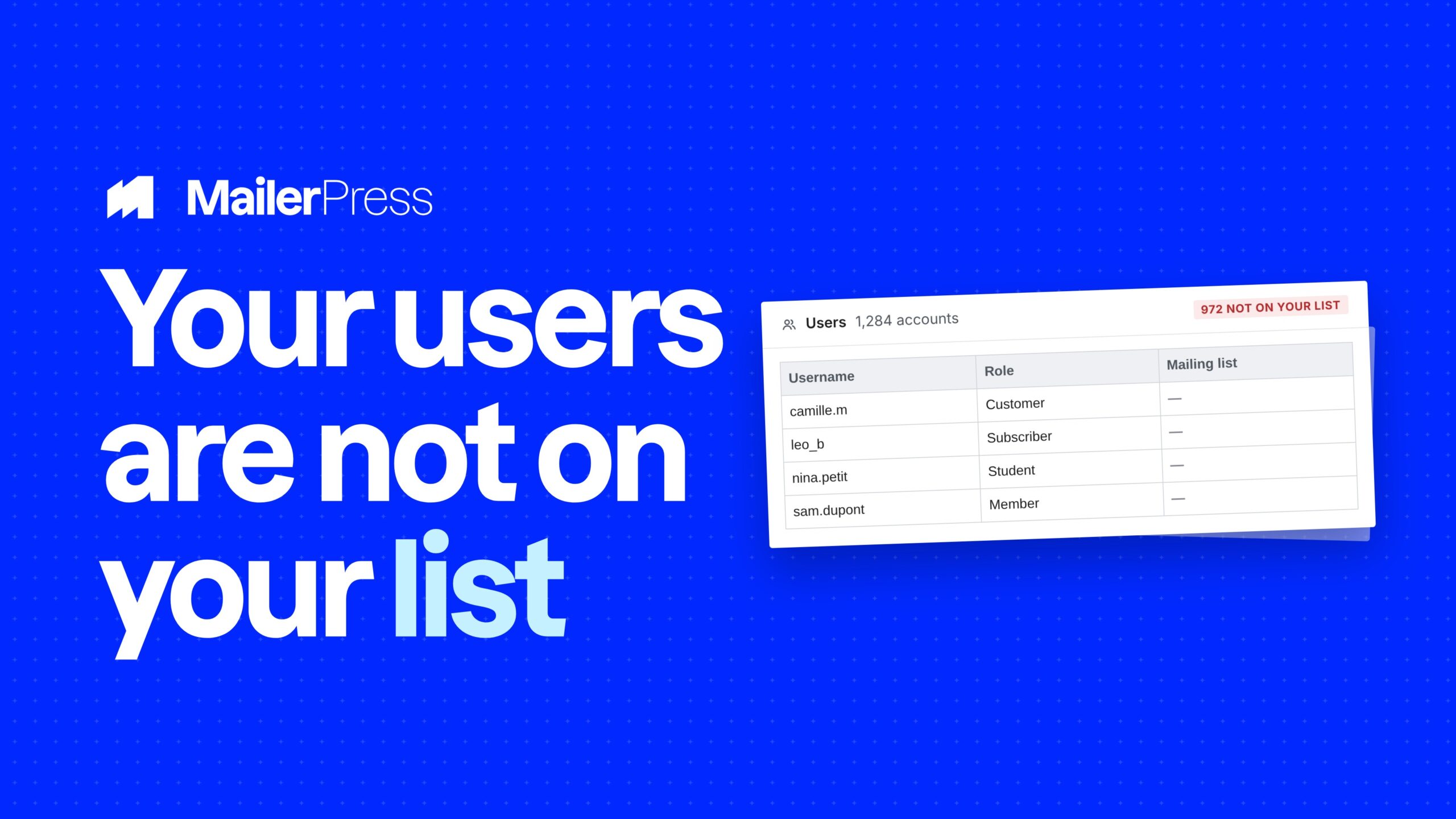
The gap between “has an account” and “is on the list” is where most WordPress sites lose their easiest audience. Nobody exports a CSV of users every month. So either the sync happens automatically, or it does not happen at all.
Choose the roles, map the fields, sync
Everything you can do with WordPress user sync
01
Sync by role
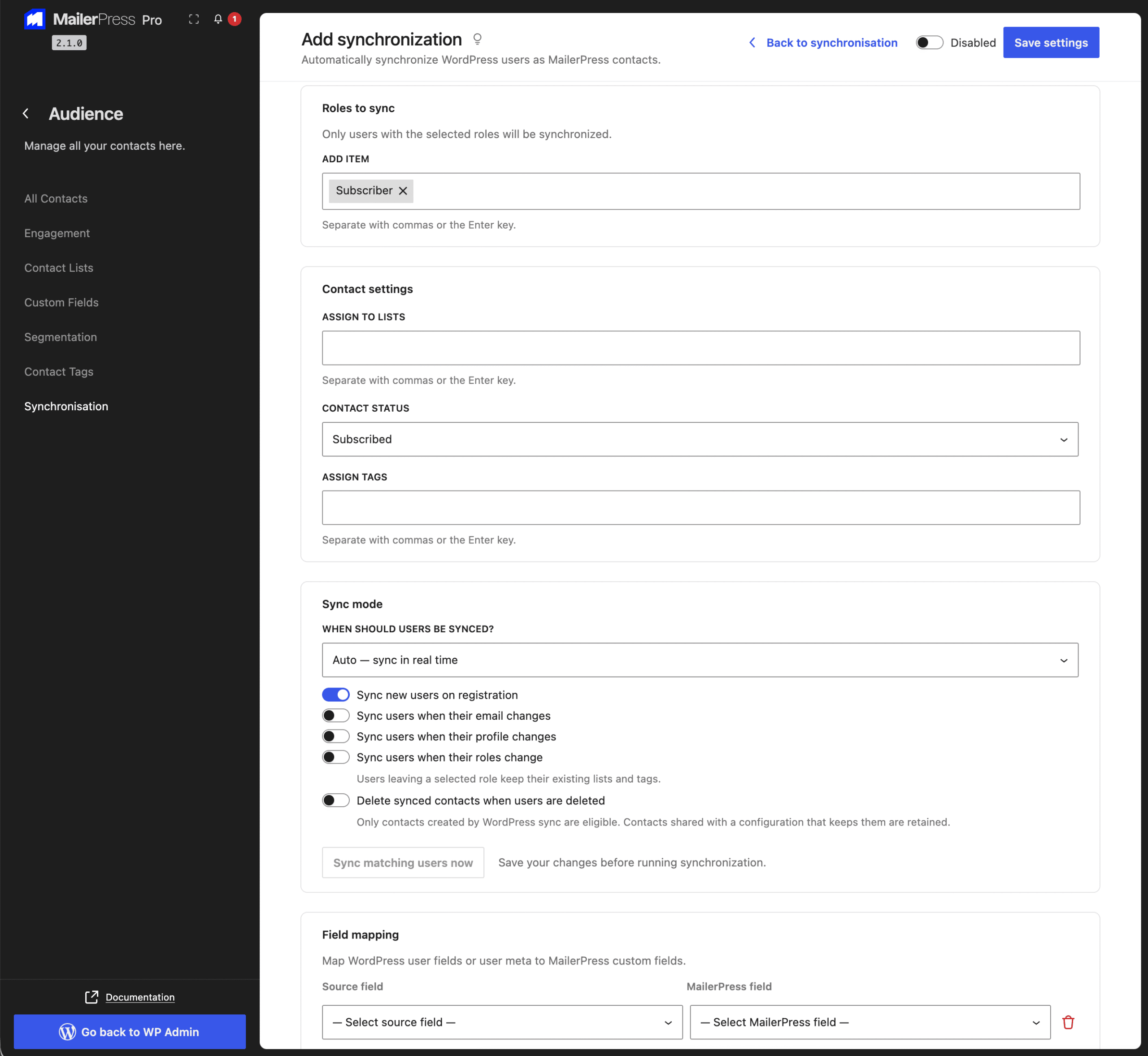
Pick exactly which user roles you want as contacts: subscribers only, customers only, or several roles at once. Users whose role is not in your selection are left alone, so an editor account does not end up in your newsletter list by accident.
02
Choose the destination
Assign the synced users to one or more lists, apply the tags you want them to carry, and set the subscription status they should get: subscribed, or pending so they receive your double opt-in confirmation first. The rules apply to the initial bulk sync and to every user that follows.
03
Map fields and user meta
Map the WordPress fields you care about to your own custom fields: email, display name, first name, last name, website URL, biographical info and registration date. You can also map any user meta key, which covers the data added by your membership, LMS or e-commerce plugin.
04
Automatic or on demand
Run a manual bulk sync whenever you want, with a Sync now button and a count of contacts processed. Or switch on automatic sync and choose the events that matter: on user registration, on profile update, on user deletion.
Each event is a separate toggle, so you can sync new registrations without touching existing contacts on every profile save.
05
No duplicates, no resurrections
The sync recognises a contact by the WordPress user ID it stored the first time, and falls back to the email address. A user who changes their email updates the same contact rather than creating a second one. Contacts who unsubscribed are skipped and never put back on the list by a sync.
06
Status you can check
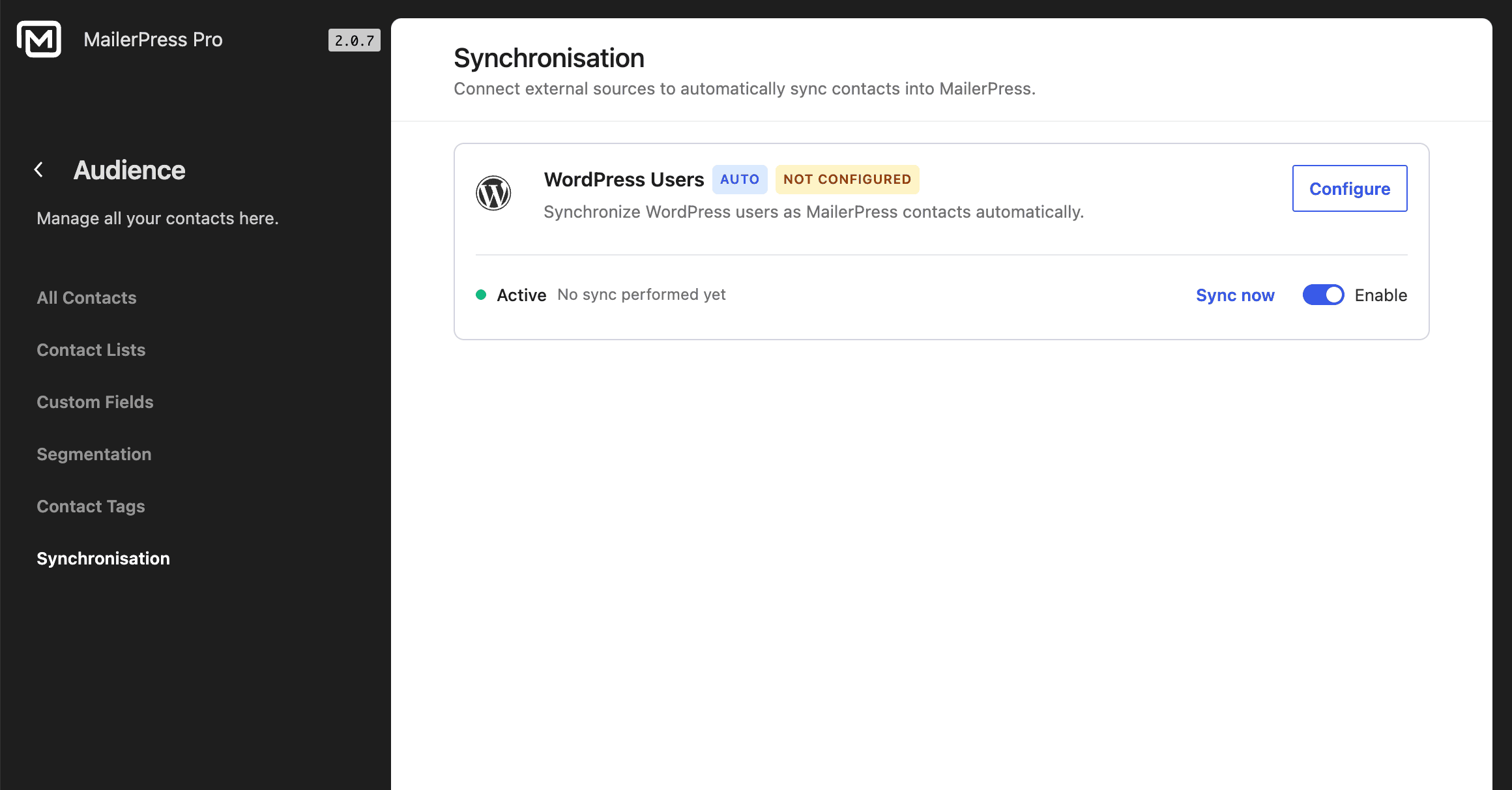
The connector card shows whether the sync is active, the date of the last run, how many contacts it processed and the last error if something went wrong. Every run reports how many contacts were synced, skipped and failed.
Take the full tour
-
Sync your WordPress users to MailerPress
Top 3 reasons you’ll love MailerPress
Powerful
Filter by role, target several lists and tags at once, set the subscription status, and map any user field or user meta key to your own custom fields. Automatic sync covers registration, profile update and deletion, each with its own switch.
Easy
Choose roles, choose lists, save. Run the first bulk sync from the same screen and watch the count. There is no export, no CSV and no scheduled script to maintain.
Fast
The sync runs inside WordPress against your own user table, so there is no API to call and no rate limit to work around. New registrations are synced as they happen rather than waiting for the next batch.
Choose the right plan for you
All packages come with a 14-day money-back guarantee.
Pro
For bloggers, startups and non-governmental organizations.
$49
billed annually
1 website
Unlimited contacts
Unlimited campaigns
Business
For e-commerce, media companies and small businesses.
$99
billed annually
3 websites
Unlimited contacts
Unlimited campaigns
Enterprise
Best value
For web agencies and freelance developers with many clients.
$199
billed annually
Unlimited websites
Unlimited contacts
Unlimited campaigns
You have a question? We’ve got you covered.
See the list below for our most frequently asked question.
No. Contacts with an unsubscribed status are skipped by the sync and stay unsubscribed.
The contact is matched on the stored WordPress user ID first, so the existing contact is updated with the new address instead of a duplicate being created.
Yes. Automatic sync has separate switches for registration, profile update and deletion. Turn on registration only and leave the others off.
Yes, if it is stored in user meta. Map any user meta key to one of your MailerPress custom fields.
Didn’t find your question?
Get ready with MailerPress
Documentation
Discover products and features designed to support the growth of your business. If you are a beginner, read our guides to learn more about the basics.
Help & Support
Discover products and features designed to support the growth of your business. If you are a beginner, read our guides to learn more about the basics.
Changelog
Stay ahead with our transparent roadmap that outlines upcoming features, improvements, and next steps for MailerPress.