




Typography is the fastest way an email either looks like yours or looks like a template. The problem was never choosing a font, it was hosting it, embedding it, and doing that without handing your subscribers’ IP addresses to a third party. MailerPress takes care of all three.
Browse, install, use
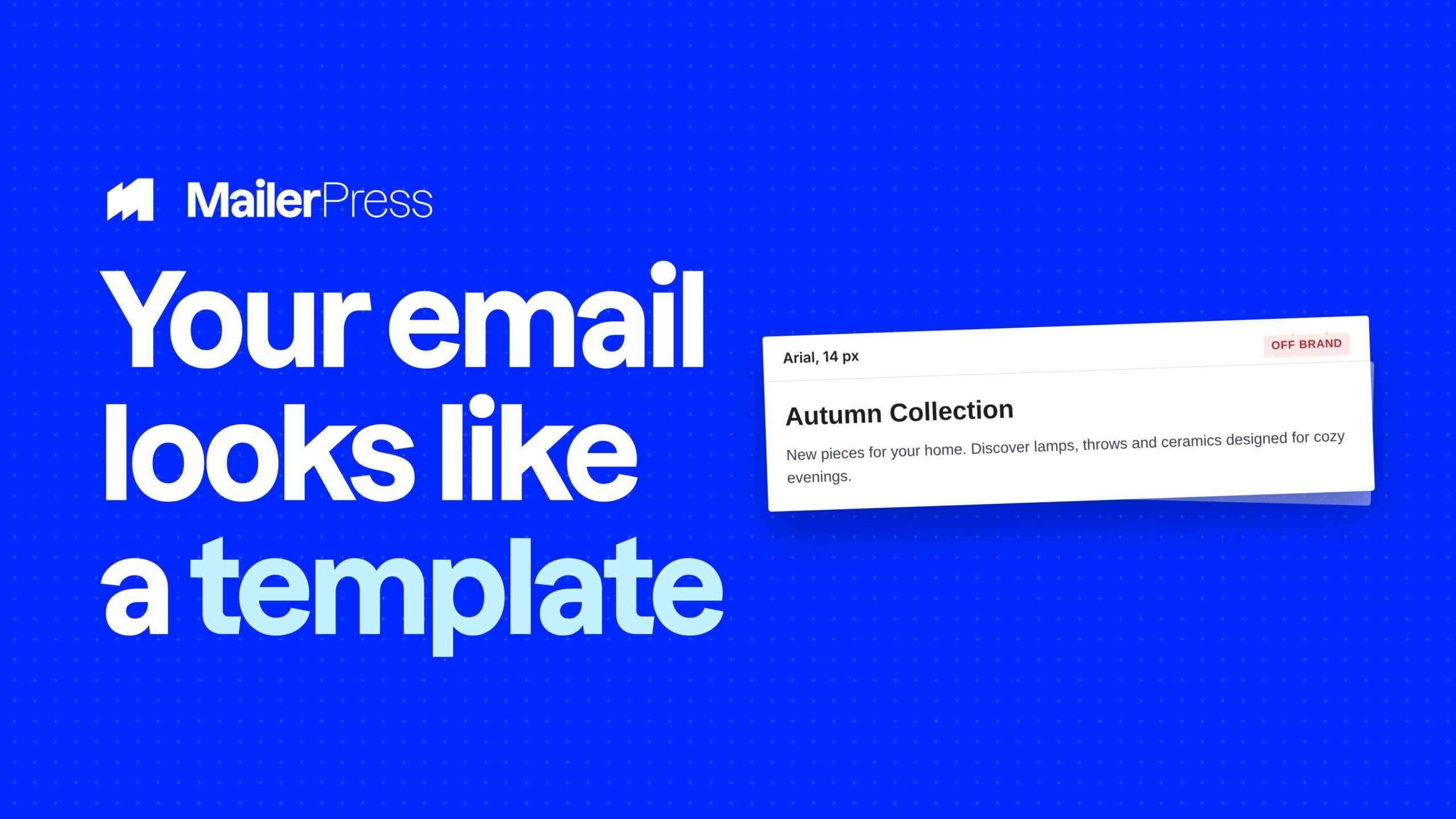
Everything you can do with Google Fonts
01
The Google Fonts library, in the editor
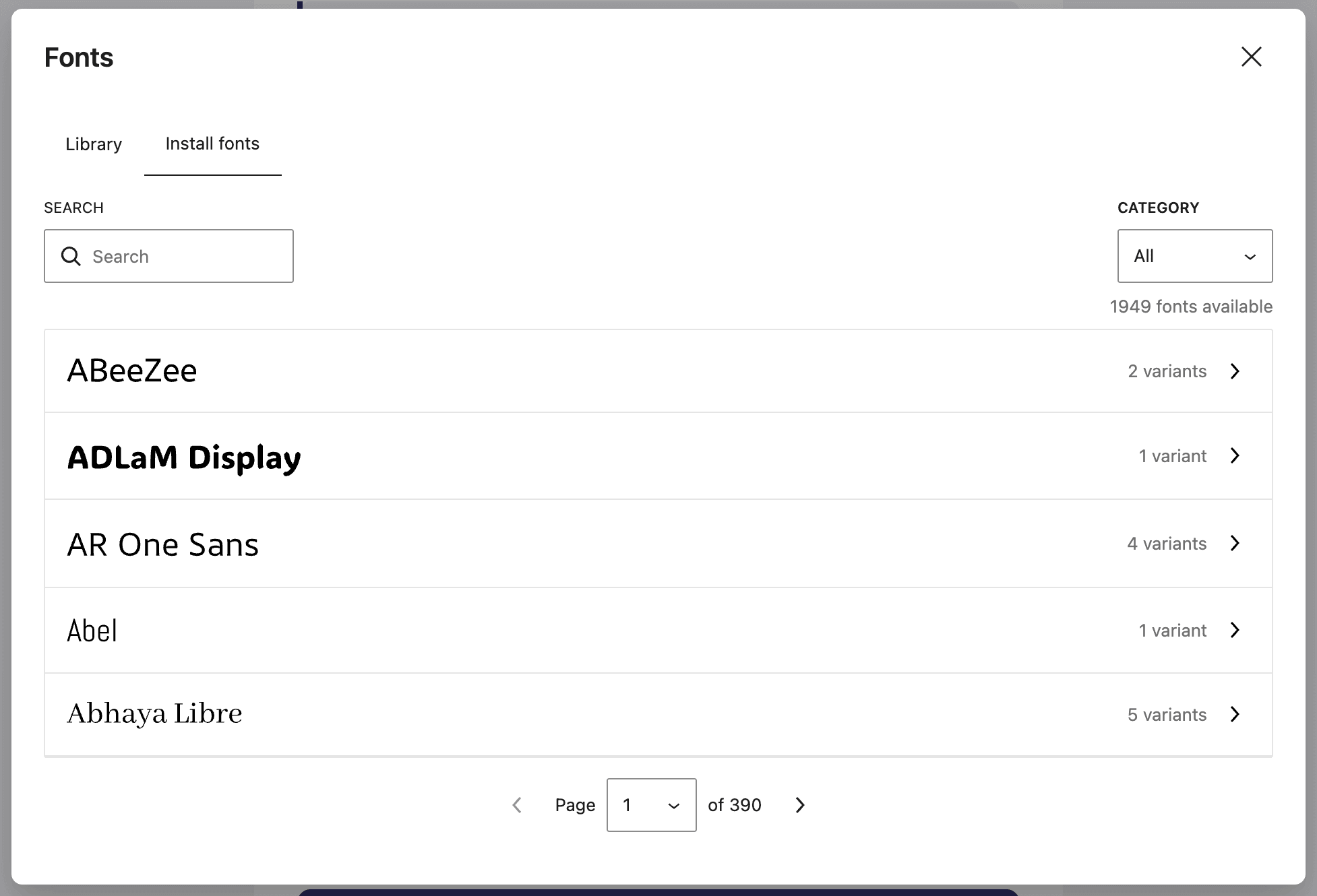
MailerPress uses the Google Fonts collection that ships with WordPress, with previews for every family, so you pick a font by looking at it rather than by guessing from its name. Browse, page through the list, and install the one you want without leaving the editor.
02
Hosted on your own domain
Installing a font downloads its files into wp-content/uploads/mailerpress-fonts/ on your own server. Your site never requests fonts.googleapis.com, and neither does the email your subscriber opens. That is one less third party in the chain and one less thing to declare.
03
The weights and styles you need
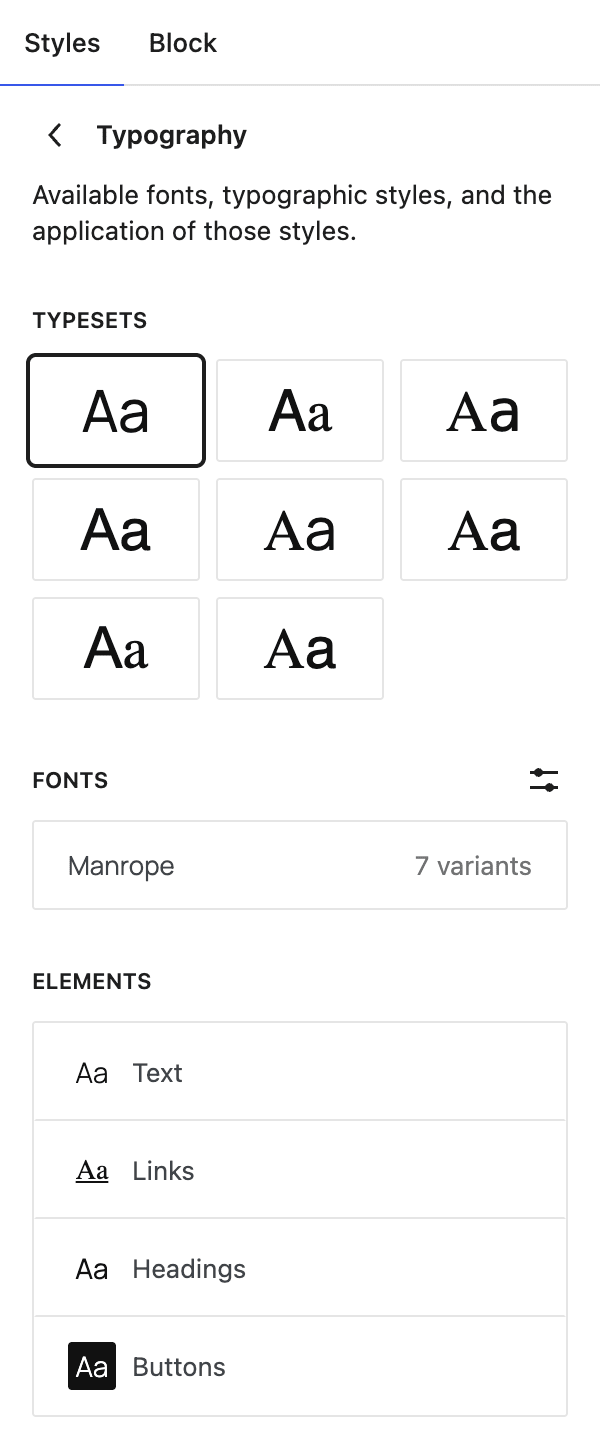
Install a family with the exact variants your design uses: regular, bold, italic, and the numeric weights in between. Each variant is stored separately and appears in the editor’s font controls, so you can set a heading at 700 and body copy at 400 from the same family.
04
Embedded only where it is used
When a campaign is generated, MailerPress walks through the design, collects the font families actually used, and embeds only those. The @font-face rules point at the files hosted on your own site and are inlined in the email head, with a fallback display so text stays readable while a font loads.
05
A safe install path
Downloads are restricted to an allowlist of hosts, accepted over HTTPS only, checked for a real font extension and a real font content type, capped at 2 MB per file, and fetched with WordPress’s own safe HTTP client, which blocks internal addresses. A font that does not pass those checks is simply not installed.
06
A library you can clean up
Fonts you no longer use can be removed from the library. MailerPress deletes the downloaded files from your uploads folder at the same time, so an abandoned test does not sit on your server forever.
Take the full tour
-
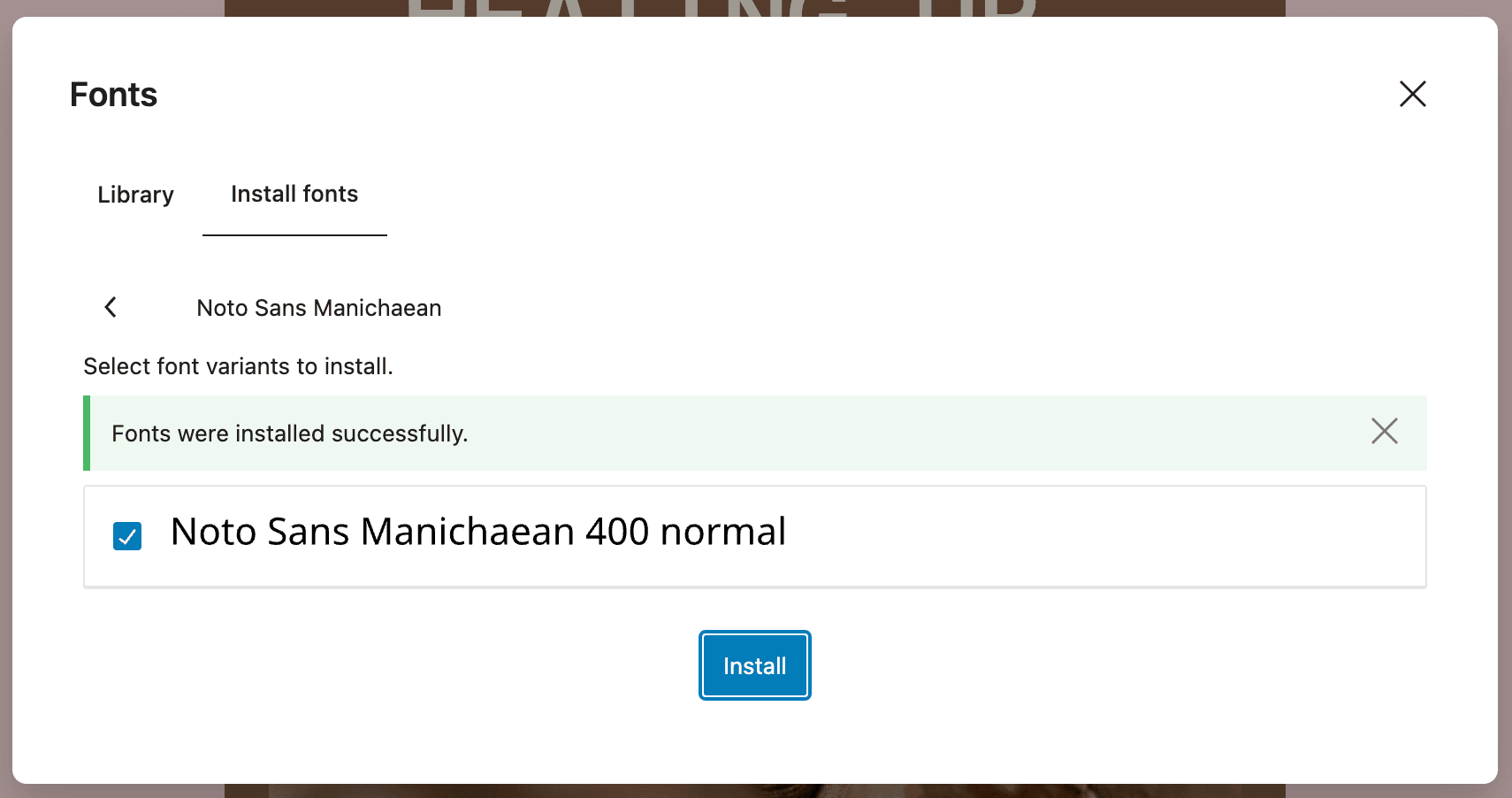
Google Fonts successfully installed – MailerPress
Top 3 reasons you’ll love MailerPress
Powerful
The full Google Fonts collection that ships with WordPress, with previews, installed per family and per variant. Set different weights and styles across headings and body copy, and MailerPress embeds exactly the ones your design uses.
Easy
Browse, preview, install. There is no CSS to write, no file to upload by FTP, and no font host to configure. The installed font appears in the editor’s typography controls straight away.
Fast
Font files are served from your own domain, so there is no third-party lookup for the reader’s client to resolve. Only the families present in the design are embedded, and the CSS is inlined in the email rather than fetched as a separate request.
Choose the right plan for you
All packages come with a 14-day money-back guarantee.
Pro
For bloggers, startups and non-governmental organizations.
$49
billed annually
1 website
Unlimited contacts
Unlimited campaigns
Business
For e-commerce, media companies and small businesses.
$99
billed annually
3 websites
Unlimited contacts
Unlimited campaigns
Enterprise
Best value
For web agencies and freelance developers with many clients.
$199
billed annually
Unlimited websites
Unlimited contacts
Unlimited campaigns
You have a question? We’ve got you covered.
See the list below for our most frequently asked question.
In your own uploads folder, under mailerpress-fonts. MailerPress downloads them once at install time, and the emails point at that location.
No. The @font-face rules embedded in the email point at the files hosted on your own domain.
Yes. Each weight and style is installed as its own variant and appears in the editor’s typography controls.
Yes. Removing a font from the library also deletes its files from your uploads folder.
Didn’t find your question?
Get ready with MailerPress
Documentation
Discover products and features designed to support the growth of your business. If you are a beginner, read our guides to learn more about the basics.
Help & Support
Discover products and features designed to support the growth of your business. If you are a beginner, read our guides to learn more about the basics.
Changelog
Stay ahead with our transparent roadmap that outlines upcoming features, improvements, and next steps for MailerPress.