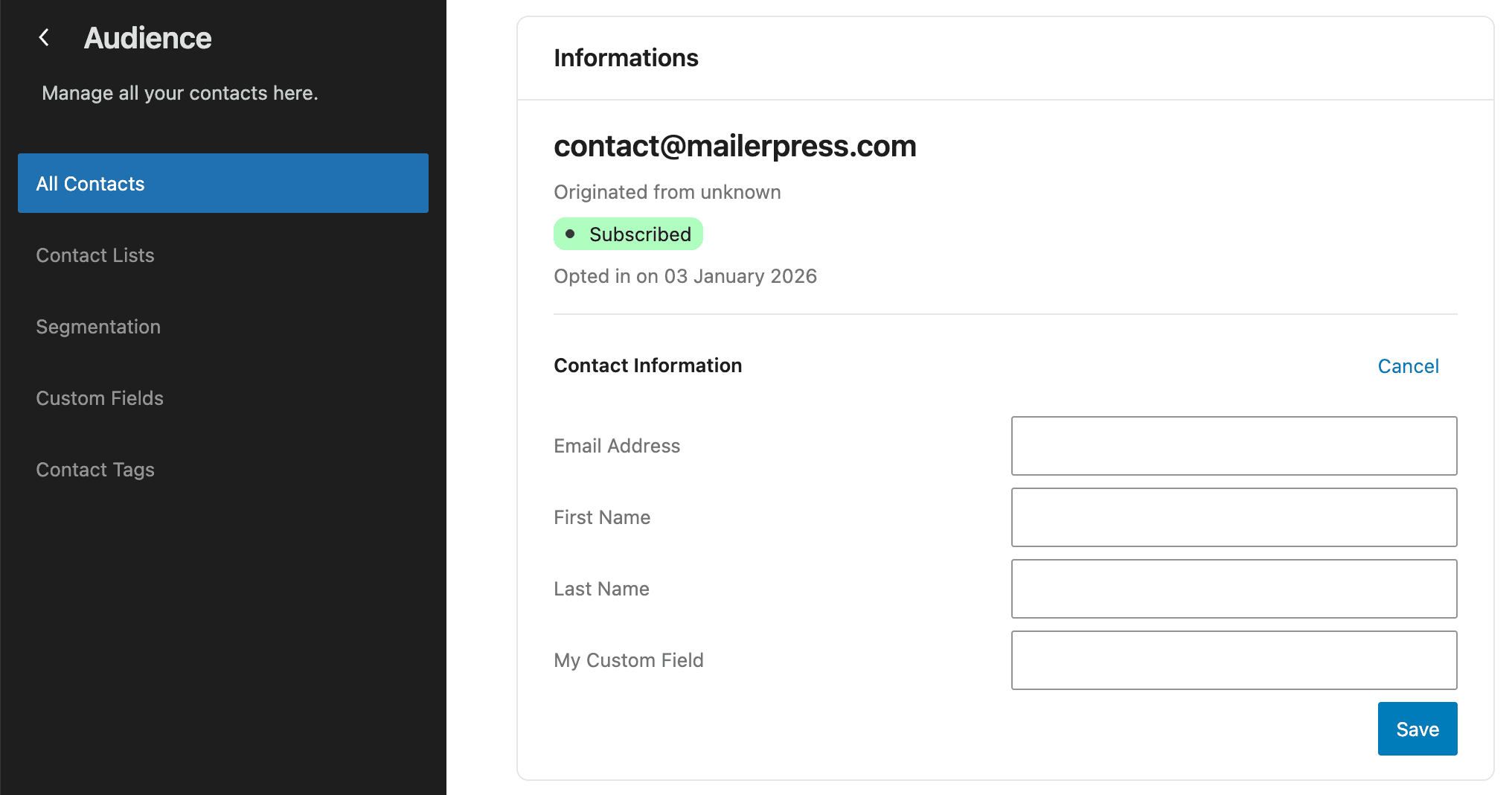





A contact list is only as useful as what you know about the people on it. A birthday, a plan, a renewal date: those details are what turn a mass email into something worth opening. In MailerPress they sit in your own database, next to the contact, ready to use.
Define it, fill it, use it
Everything you can do with custom fields
01
Five field types, one screen
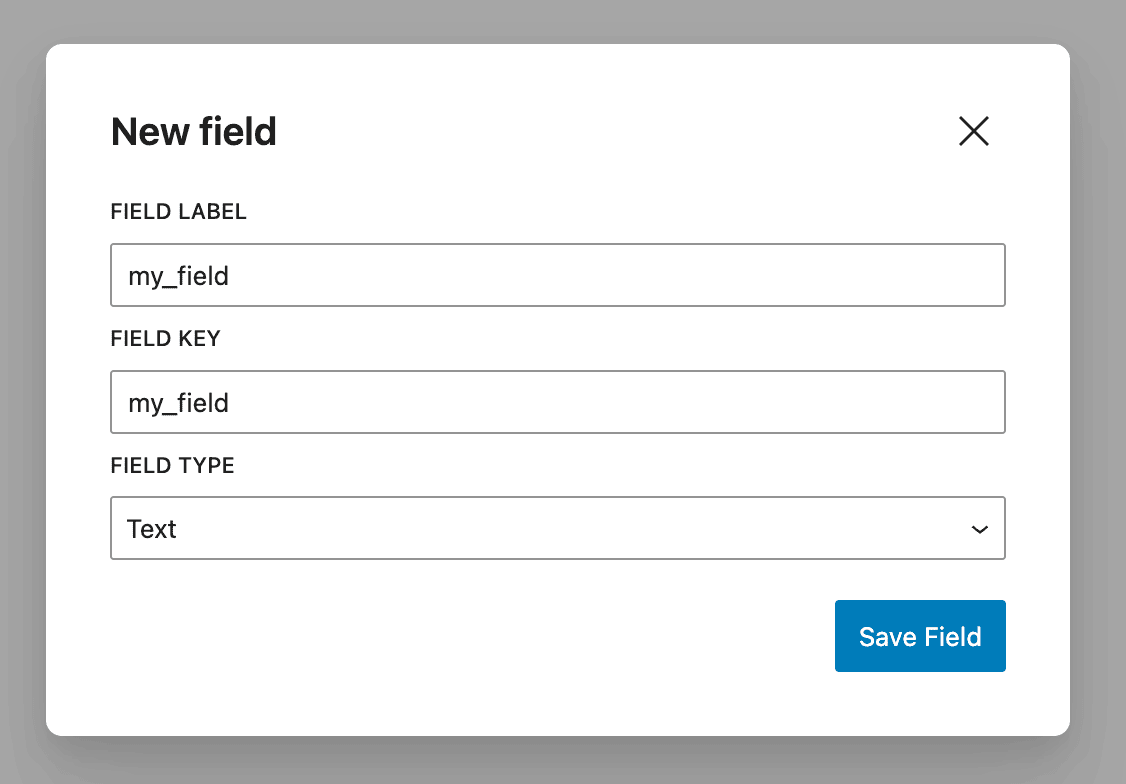
Create a field from the Contacts settings, give it a label, and pick a type. MailerPress builds the field key from the label, so you never have to invent one.
Types: text, number, date, checkbox and select.
Select fields hold a fixed list of options you define.
The field key is what you use everywhere else: merge tags, segments, API and webhooks.
No limit on the number of fields.
02
Values cleaned on the way in
MailerPress validates every value against the field type, whatever the source. A number is stored as a number, not as a string. A checkbox accepts 1, true, yes, on or enabled and is stored as 1 or 0. A date is parsed and normalised. A select value is matched against your options, ignoring case.
The same rules apply to imports, forms, webhooks and the API.
Values that do not fit the type are rejected instead of being stored as junk.
03
Fill them from anywhere
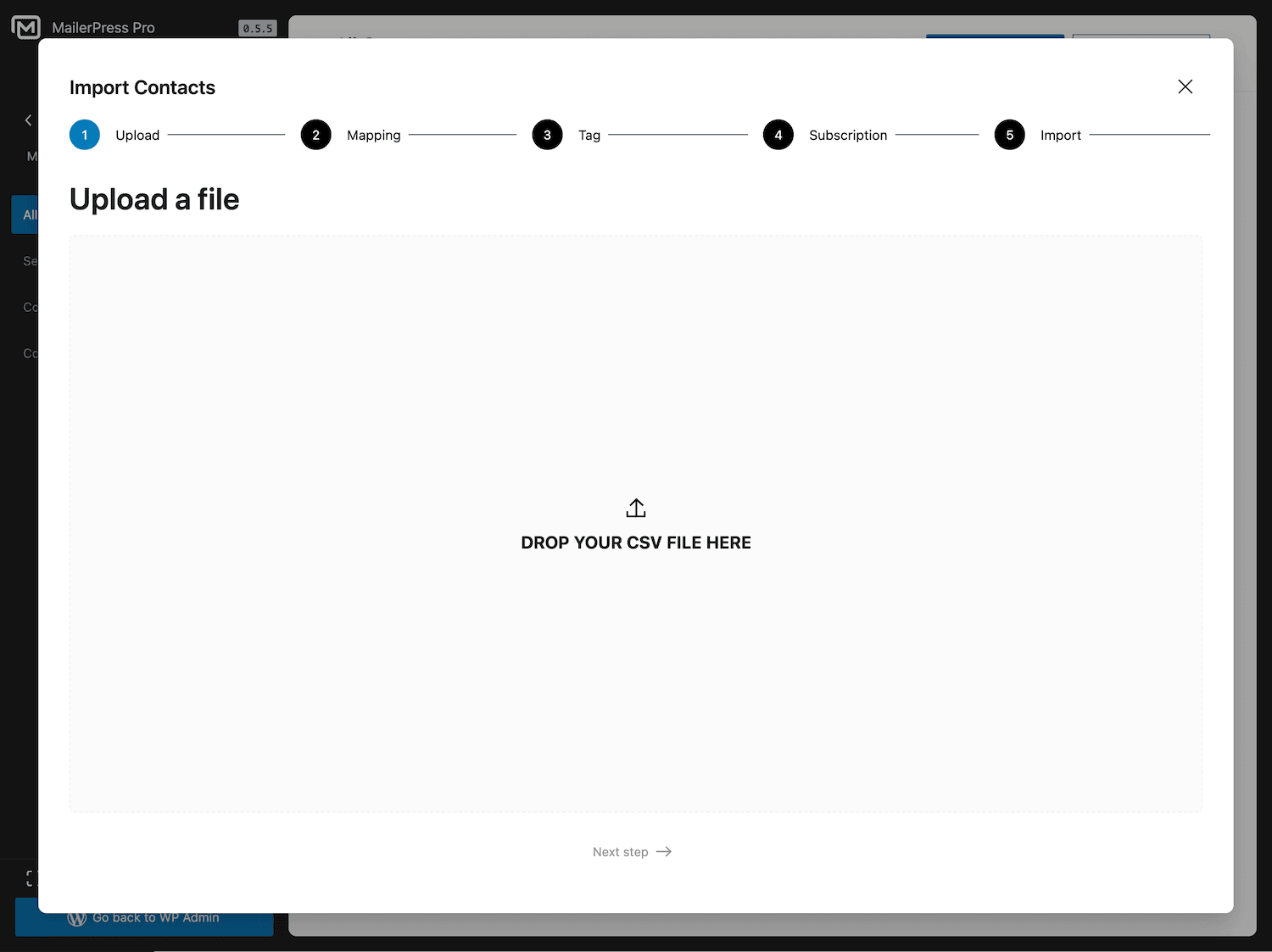
Map a column during a CSV import.
Map a Contact Form 7, Gravity Forms, Fluent Forms, Elementor, Bricks, Divi or WPForms field.
Map a WooCommerce checkout or order field, including your own custom checkout fields.
Map a WordPress user field or user meta key when you sync users.
Send them in an incoming webhook, as a custom_fields object or with the cpt: prefix.
Set them from an automation step, or write them through the REST API.
04
Personalise with merge tags
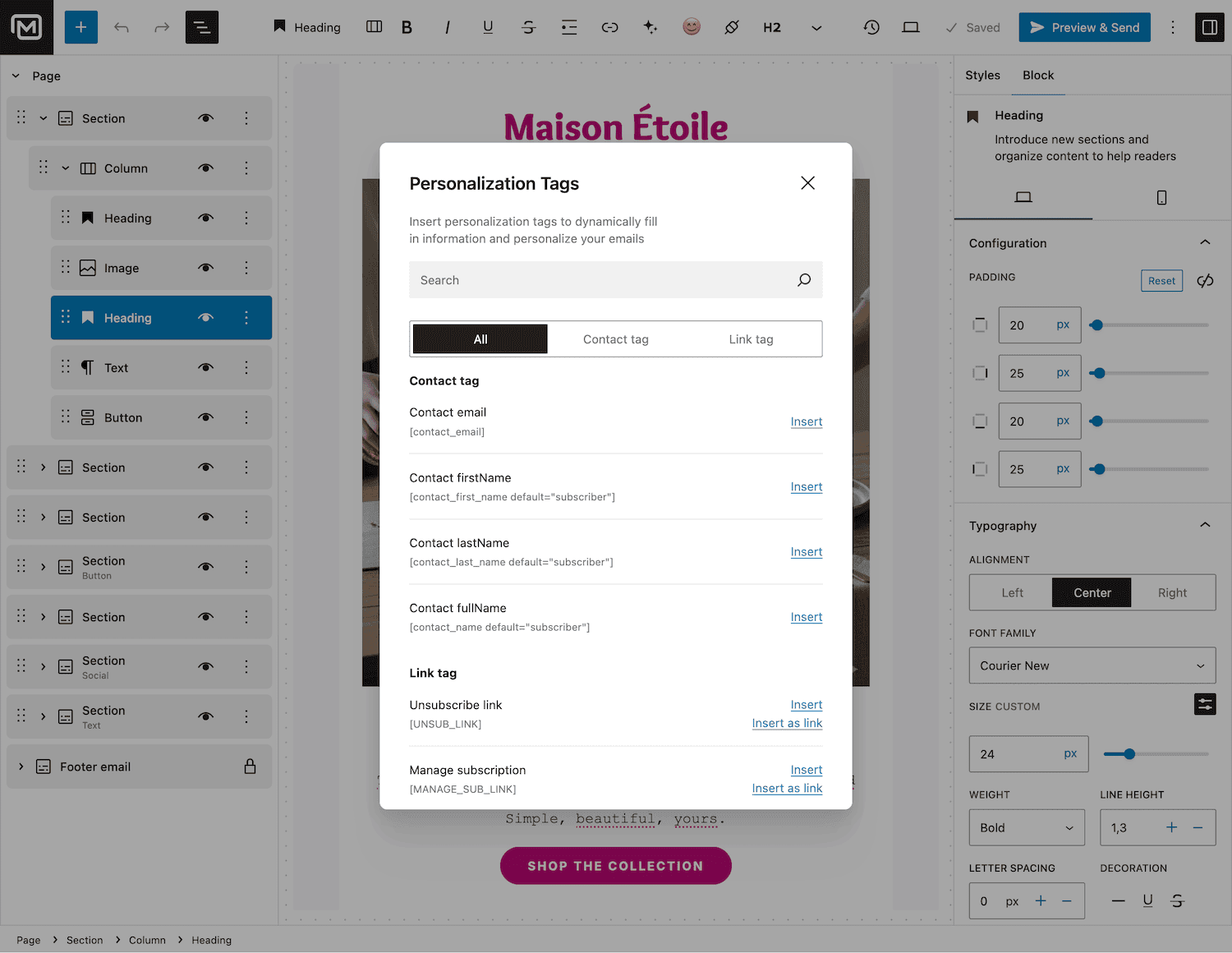
Every custom field is available in the email editor as {{field_key}}, without declaring anything. Add a fallback with {{field_key default="there"}} so an empty value never leaves a hole in your copy. Values are resolved per recipient when the campaign is sent, so each subscriber gets their own.
05
Segment on your own data
Custom fields are full segmentation conditions.
Use equals, does not equal and contains on text, greater than and less than on numbers, and before, after or on for dates.
Combine them with lists, tags, opens and purchase history using AND/OR logic, then send to the segment.
06
Search, sort and automate
Search your contacts by custom field value, alongside names, emails, list and tag names, opt-in sources and contact IDs. Sort the contact table by any field. Start an automation from the Contact custom field updated trigger, branch a workflow on a field value, or push a contact.custom_field.updated webhook to your own systems.
Take the full tour
-
Add a custom field – MailerPress
Top 3 reasons you’ll love MailerPress
Powerful
Five field types, values validated on the way in, and no limit on how many fields you create. Every field works as a merge tag, as a segmentation condition, as an automation trigger and as a webhook event, without any extra configuration.
Easy
Type a label, pick a type, save. MailerPress builds the field key for you. From there you fill the field wherever your contacts come from: CSV import, form plugin, WooCommerce checkout, WordPress users sync, incoming webhook or REST API.
Fast
Definitions and values live in your own WordPress database, so reading them costs a query rather than an API call. When a campaign goes out, the values for the whole batch are fetched in one query and merged per recipient.
Choose the right plan for you
All packages come with a 14-day money-back guarantee.
Pro
For bloggers, startups and non-governmental organizations.
$49
billed annually
1 website
Unlimited contacts
Unlimited campaigns
Business
For e-commerce, media companies and small businesses.
$99
billed annually
3 websites
Unlimited contacts
Unlimited campaigns
Enterprise
Best value
For web agencies and freelance developers with many clients.
$199
billed annually
Unlimited websites
Unlimited contacts
Unlimited campaigns
You have a question? We’ve got you covered.
See the list below for our most frequently asked question.
There is no limit. Fields are stored in your own database, and adding one does not change your price.
Text, number, date, checkbox and select. Select fields hold a list of options you define, and incoming values are checked against that list.
Yes. Every field is available as a merge tag {{field_key}} in the editor, with an optional fallback value if the contact has nothing stored.
Yes. Map each column to a field during the import. Values are validated according to the field type before they are saved.
Didn’t find your question?
Get ready with MailerPress
Documentation
Discover products and features designed to support the growth of your business. If you are a beginner, read our guides to learn more about the basics.
Help & Support
Discover products and features designed to support the growth of your business. If you are a beginner, read our guides to learn more about the basics.
Changelog
Stay ahead with our transparent roadmap that outlines upcoming features, improvements, and next steps for MailerPress.