




Segments decide who receives the email. Conditions decide what each person actually sees inside it. One narrows your audience, the other stops you from writing the same email four times.
Pick a block, add a condition, done
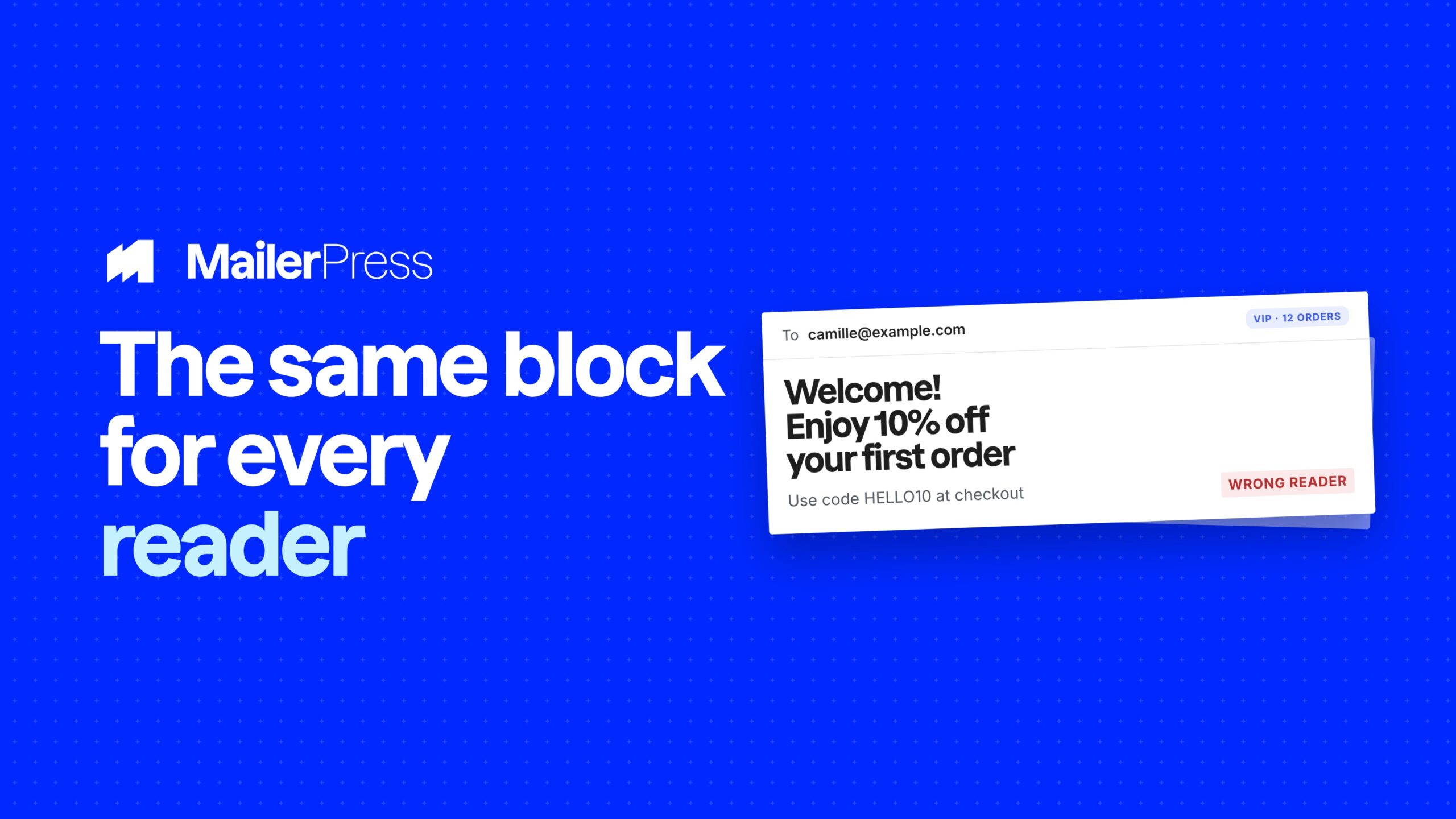
Everything you can do with conditional content
01
Conditions built from data you already have
- Tags and lists for the basics.
- Subscription status and engagement status for behaviour.
- Signup date and days since signup for lifecycle.
- Any custom field you have created, whatever its type.
- And with WooCommerce: products purchased, number of orders, total spent.
02
Show something else, or show nothing
Each condition does one of two things: swap the block for a different version, or remove it from the email entirely. Add several variants to the same block and MailerPress uses the first one that matches. If a contact matches none of them, they simply get the content you wrote in the block. No blank spaces, no broken layouts.
03
AND or OR, on any block
Combine several rules in one variant and choose how they apply. ALL narrows: customers tagged VIP who have spent more than 200. ANY widens: contacts on the Trial list or contacts tagged Demo.
The Conditional display panel sits in the block sidebar, so it works the same on a paragraph, an image, a button or a whole section.
04
Operators that fit your data
Text gets equals, does not equal, contains, does not contain and starts with. Numbers get greater than and less than. Dates get before and after. Checkboxes get is checked and is not checked. And any field can simply be tested as filled in or left empty.
05
One campaign for buyers and non-buyers
With WooCommerce active, a condition can read purchase history: whether the contact bought a specific product, how many orders they have placed, and how much they have spent in total.
Show a review request to people who already bought, and a first-order discount to everyone else, in the same email.
06
Decided at send time, for every contact
Nothing is frozen when you save. Every condition is evaluated recipient by recipient while the campaign goes out, using each contact’s current data.
Store data is loaded once for a whole batch instead of once per contact, so personalizing every email does not slow your send down.
Take the full tour
-
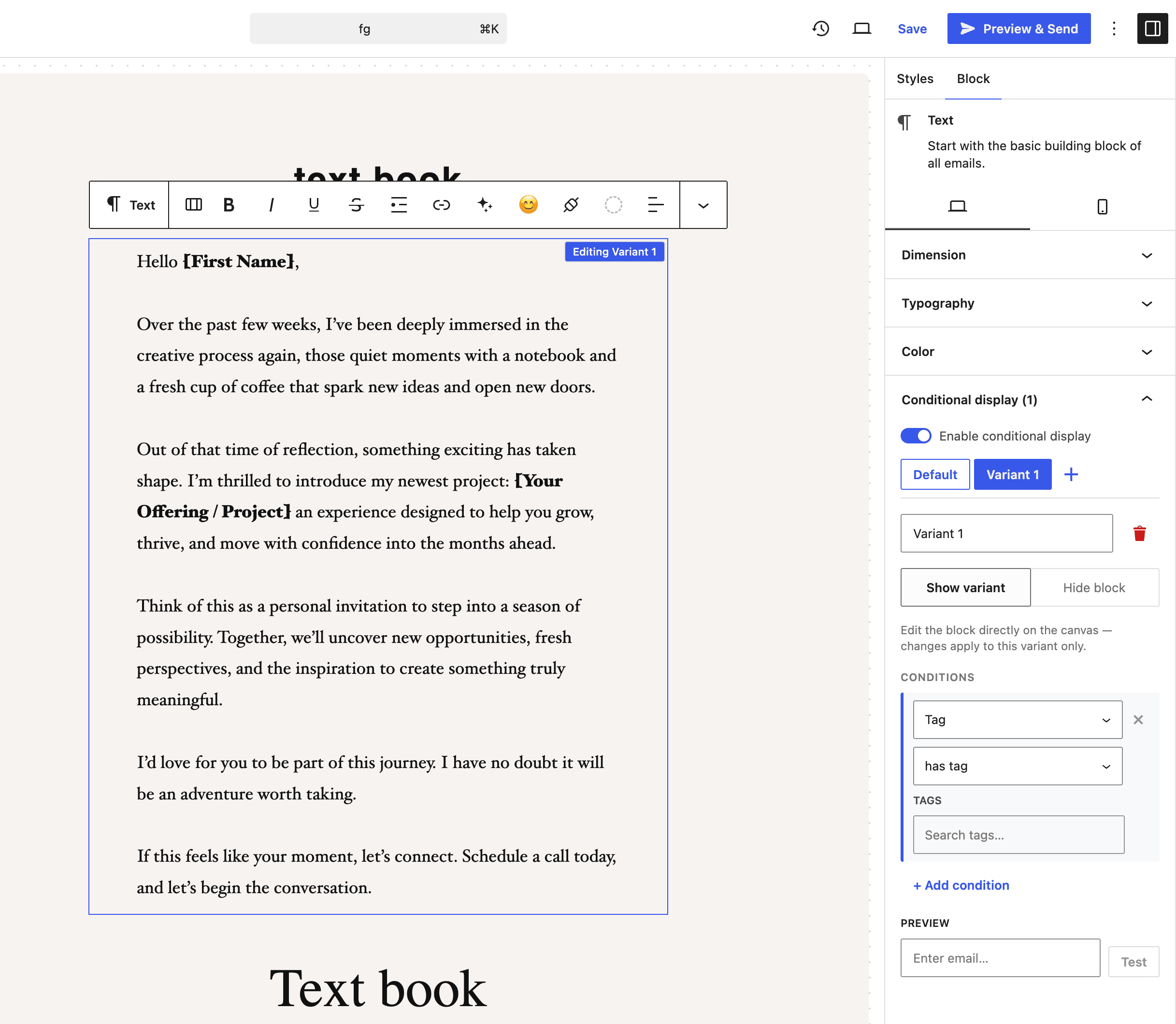
Conditional display panel – MailerPress
Top 3 reasons you’ll love MailerPress
Powerful
Ten condition types across contact data, engagement, custom fields and WooCommerce purchases, combined with AND or OR. Every variant can either show different content or remove the block completely.
Easy
The Conditional display panel sits in the block sidebar, next to the settings you already use. Pick a block, pick a condition, pick a value — your lists, tags, custom fields and products are offered from your own data.
Fast
Conditions are resolved from your own database while the campaign is sent. Store data is loaded once per batch instead of once per contact, so a personalized send is as quick as a plain one.
Choose the right plan for you
All packages come with a 14-day money-back guarantee.
Pro
For bloggers, startups and non-governmental organizations.
$49
billed annually
1 website
Unlimited contacts
Unlimited campaigns
Business
For e-commerce, media companies and small businesses.
$99
billed annually
3 websites
Unlimited contacts
Unlimited campaigns
Enterprise
Best value
For web agencies and freelance developers with many clients.
$199
billed annually
Unlimited websites
Unlimited contacts
Unlimited campaigns
You have a question? We’ve got you covered.
See the list below for our most frequently asked question.
Yes. Each variant can either show alternative content or remove the block from the email entirely.
They receive the default content you wrote in the block. There is never a blank space in the email.
No. Tags, lists, subscription status, engagement, custom fields and signup dates work on any site. Purchase conditions only appear when WooCommerce is active.
No, it is a MailerPress Pro feature. The Conditional display panel is visible in the free version so you can see exactly where it lives before upgrading.
Didn’t find your question?
Get ready with MailerPress
Documentation
Discover products and features designed to support the growth of your business. If you are a beginner, read our guides to learn more about the basics.
Help & Support
Discover products and features designed to support the growth of your business. If you are a beginner, read our guides to learn more about the basics.
Changelog
Stay ahead with our transparent roadmap that outlines upcoming features, improvements, and next steps for MailerPress.