MJML is a code language made for emails: it turns simple tags into HTML that displays well in email apps, on desktop and mobile. MailerPress is built on MJML, so you can paste an existing MJML template into the editor and keep editing it with blocks. The MJML code editor is included in the free MailerPress plugin.
Import your MJML template
- Create or edit a campaign to open the MailerPress editor.
- In the top-right corner, open the Settings menu (three dots) and choose Code editor (MJML), or press Ctrl+Shift+E (Cmd+Shift+E on Mac).
- Replace the code shown with your MJML template. It must start with the
<mjml>tag. - Check the status at the top of the code editor: No error found, or the number of errors to fix.
- Click Apply.
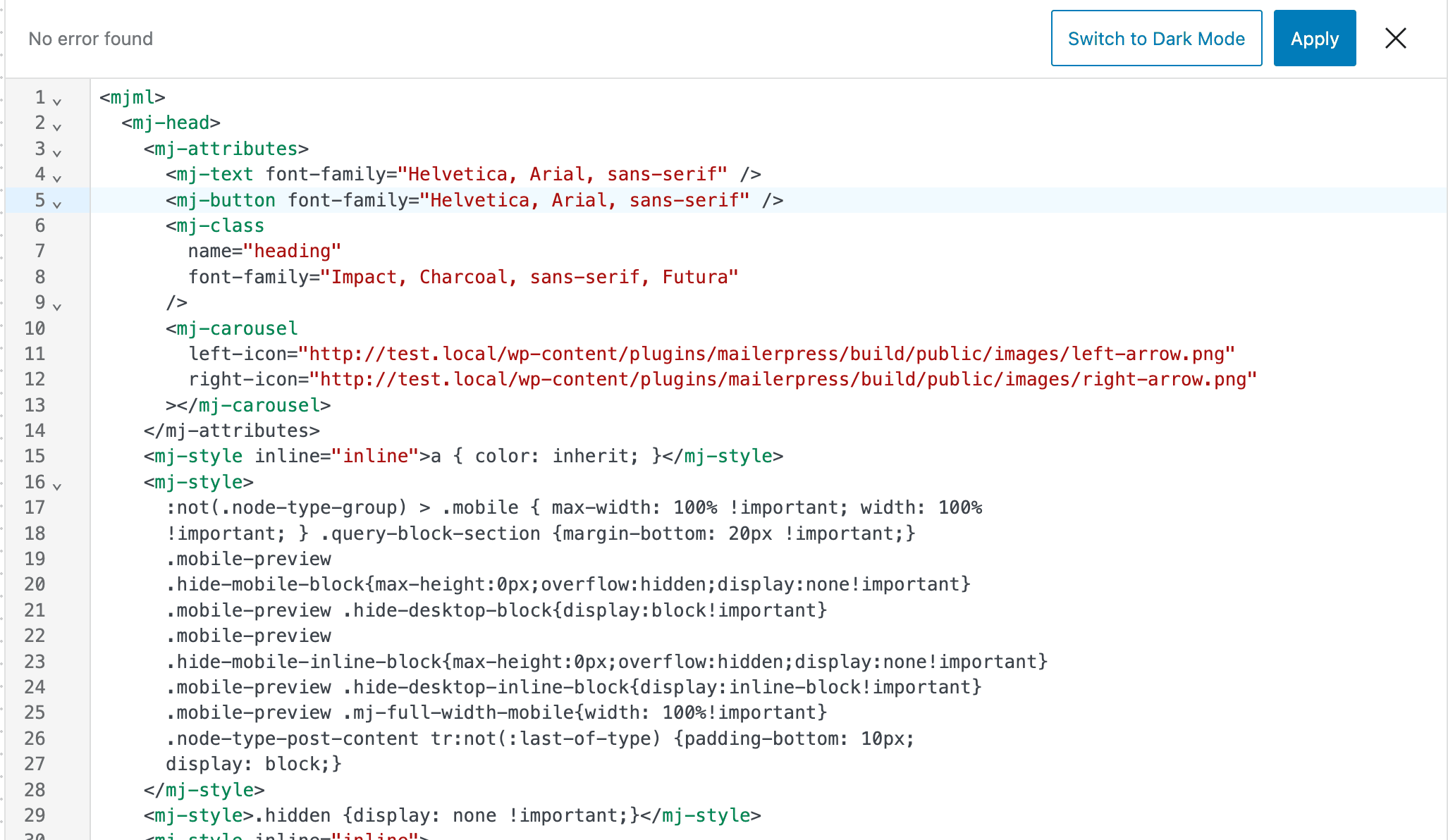
MailerPress converts your code into blocks that you can edit and move in the canvas. Apply stays disabled until the code is valid MJML. The code editor also has a light and a dark mode.
Save it as a template
- Open the Settings menu again and choose Save as template, or press Ctrl+Shift+S (Cmd+Shift+S on Mac).
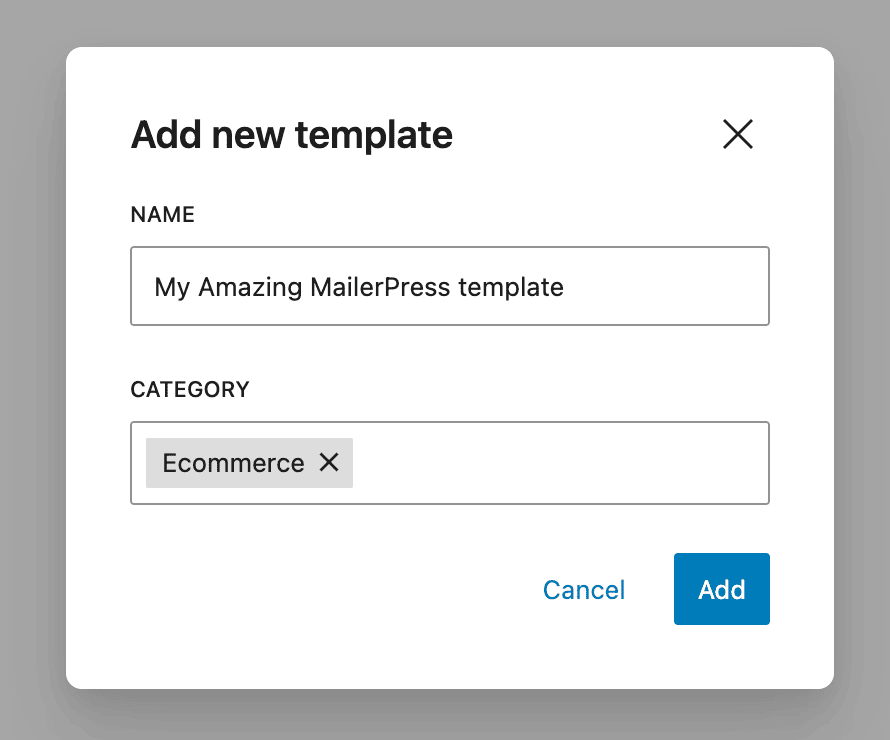
- In the Add new template window, enter a Name and choose or type a Category.
- Click Add.
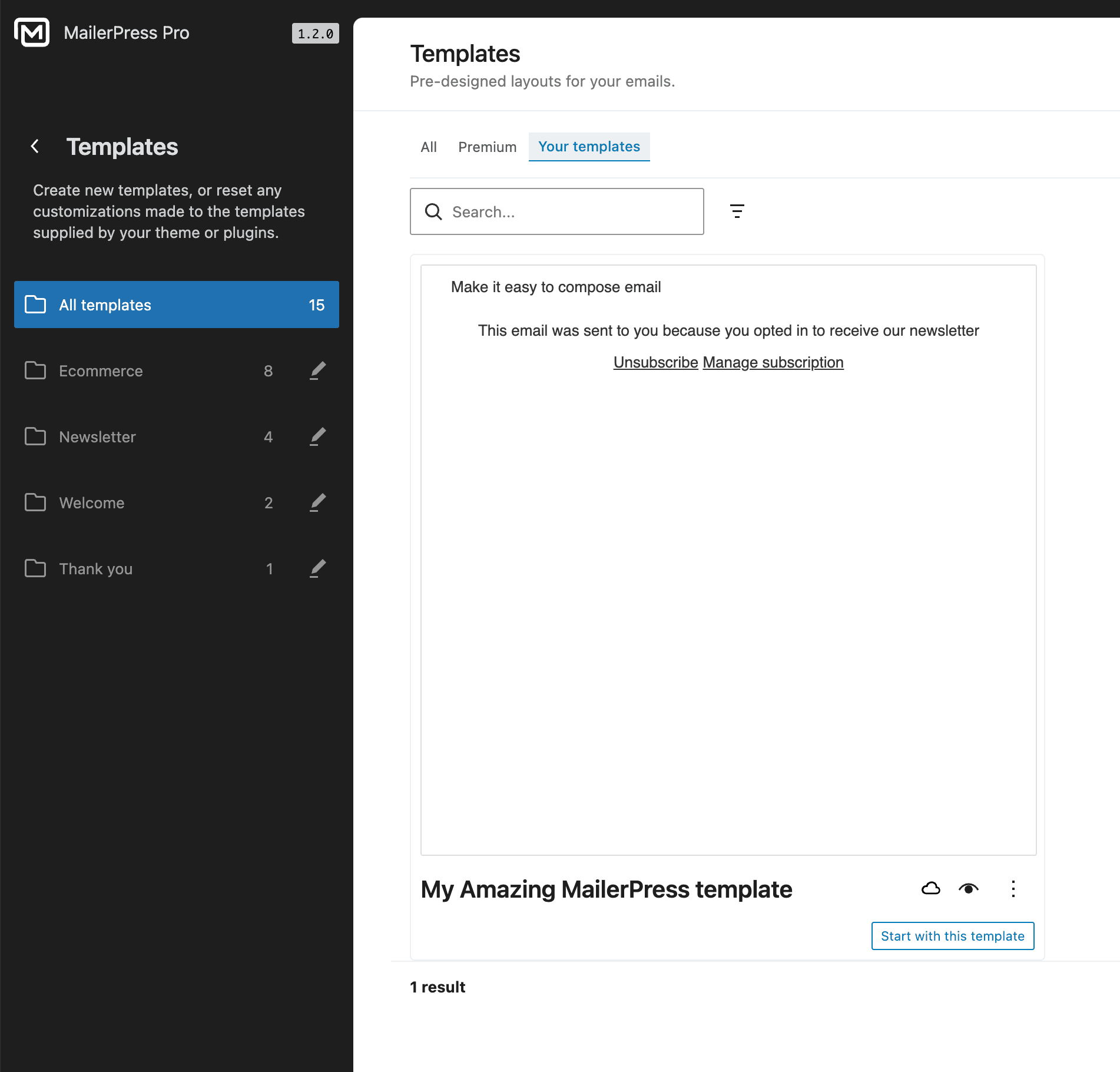
You can now pick this template when you create a campaign. It is also listed in MailerPress > Templates, under the Your templates tab. See Email templates and patterns to manage your templates.