You can copy the HTML code (the code email apps read to display your email) of an email designed in the MailerPress editor, for example to reuse it in another tool.
This feature requires MailerPress Pro. Without MailerPress Pro, the HTML code item does not appear in the editor menu.
Copy the HTML code of an email
- Go to MailerPress > Campaigns and edit the campaign you want.
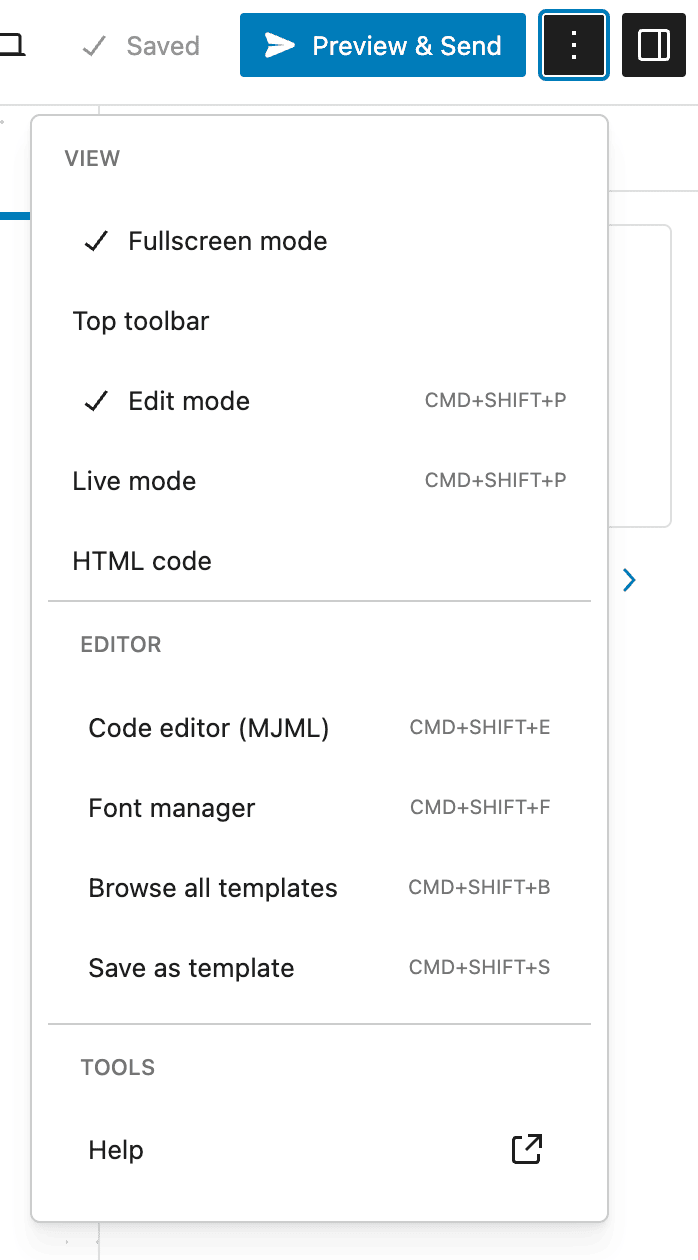
- In the top-right corner of the editor, click the Settings icon (three dots).
- In the View group of the menu, click HTML code.
- A window shows the code. Click inside it, press Ctrl+A (Cmd+A on Mac) to select it all, then copy it with Ctrl+C (Cmd+C).
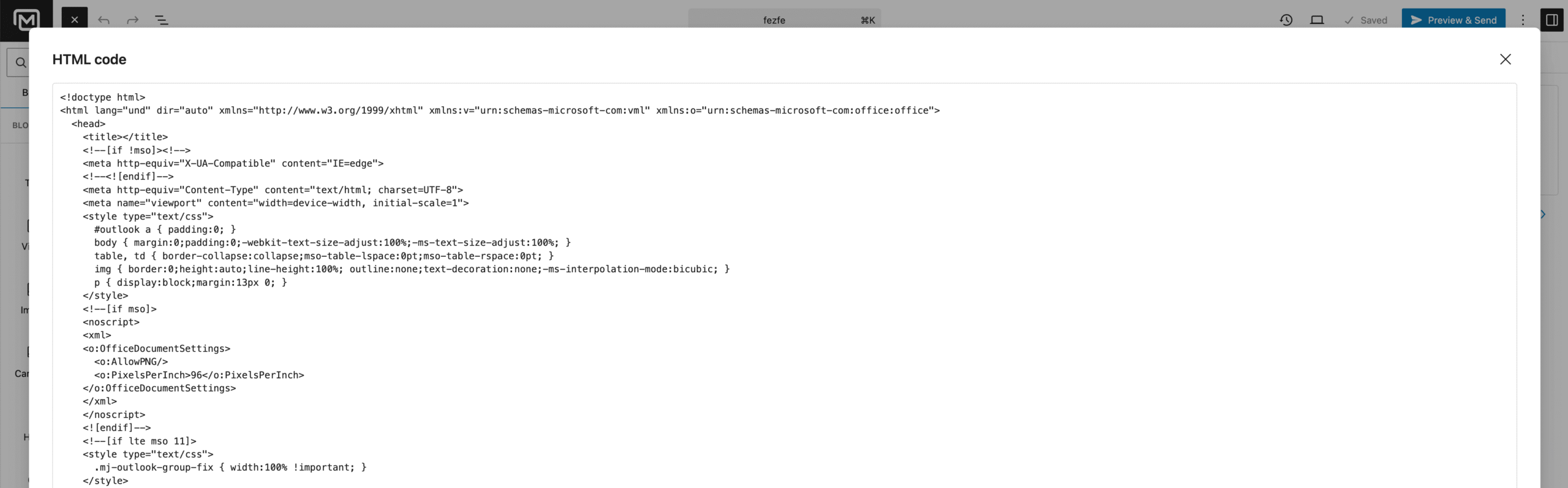
The code matches the email as it is in the editor, including unsaved changes. Personalization tags (such as the contact’s first name) stay as tags: MailerPress fills them in for each recipient only when it sends the email.
To reuse a design in MailerPress itself, you do not need the HTML: save it as a template or use Export email as JSON in the same menu (see Email templates and patterns).