MailerPress Pro v2.0 is required to support automations with AI.
Using AI to generate automations helps you get started faster by turning a simple goal into a ready-to-use workflow.
Instead of building everything step by step, the AI suggests a structure with triggers, actions, and timing already in place.
This saves time, reduces setup errors, and makes it easier to create effective automations, even if you’re not familiar with the process.
Configure your AI provider
The first step is to add your own AI key to MailerPress.
We currently support these AI providers:
- OpenAI
- Mistral
- Claude (Anthropic)
- DeepSeek
- Google Gemini
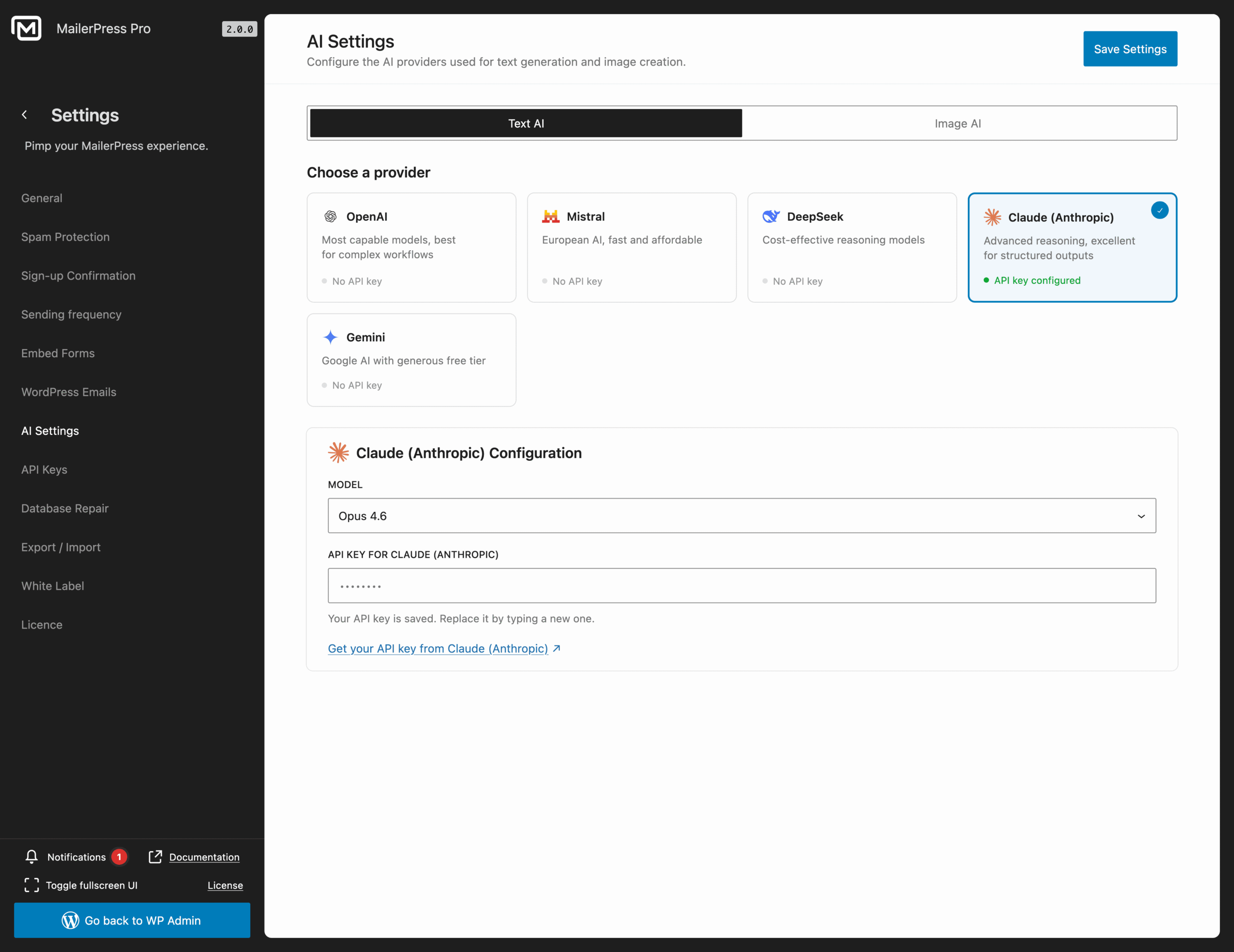
Go to your WordPress administration, MailerPress, Settings, AI Settings page.
From Text AI tab, select your provider, the desired model (eg: Opus 4.6) and paste your API key.
Save settings.
Create simple or complex automations with AI
Now go to MailerPress, Automations and click “New automation” button.
Choose Create with AI.
A modal appears to start prompting the AI.
Describe as much as possible the workflow your would like to create.
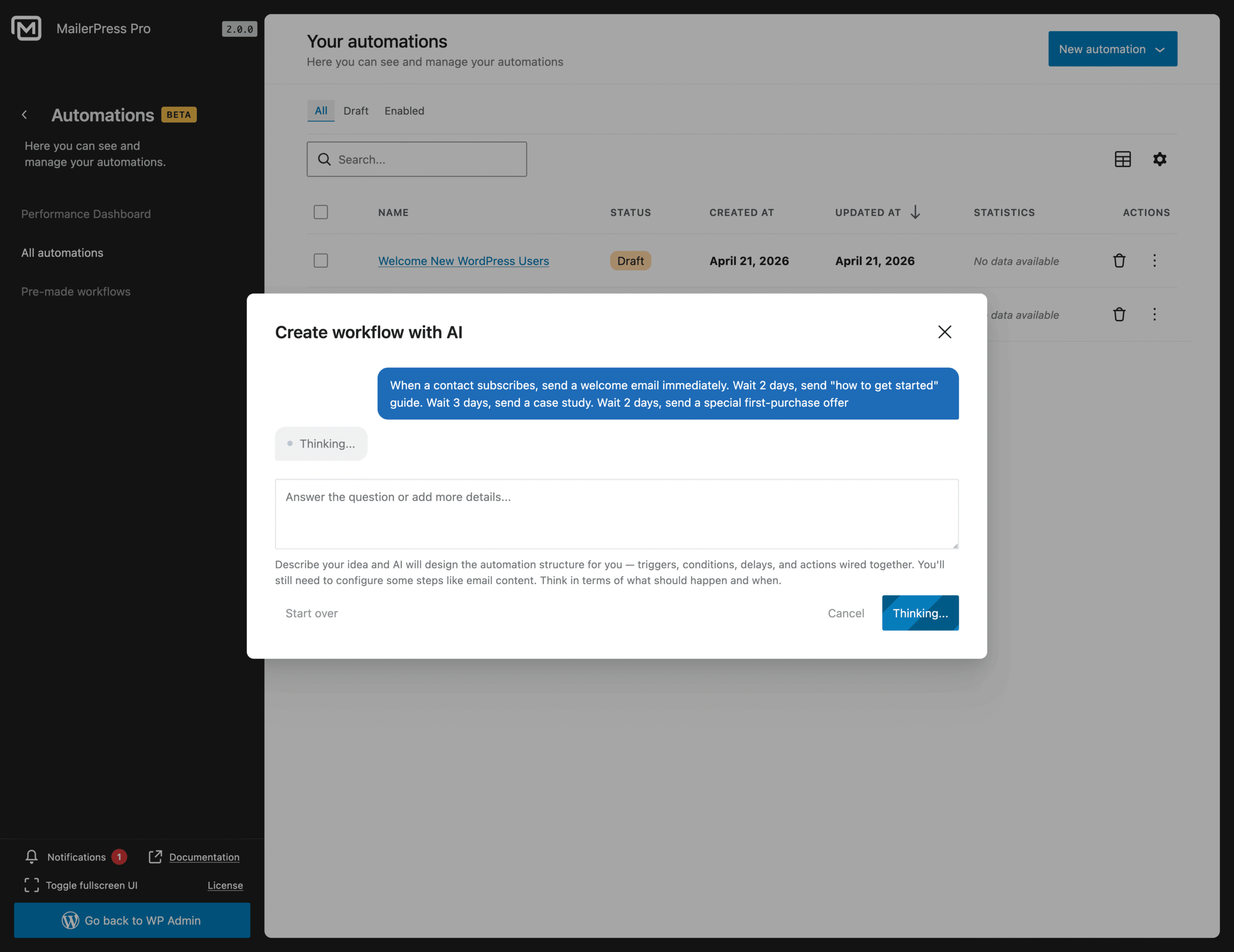
If you have no ideas, hit / to get suggestions.
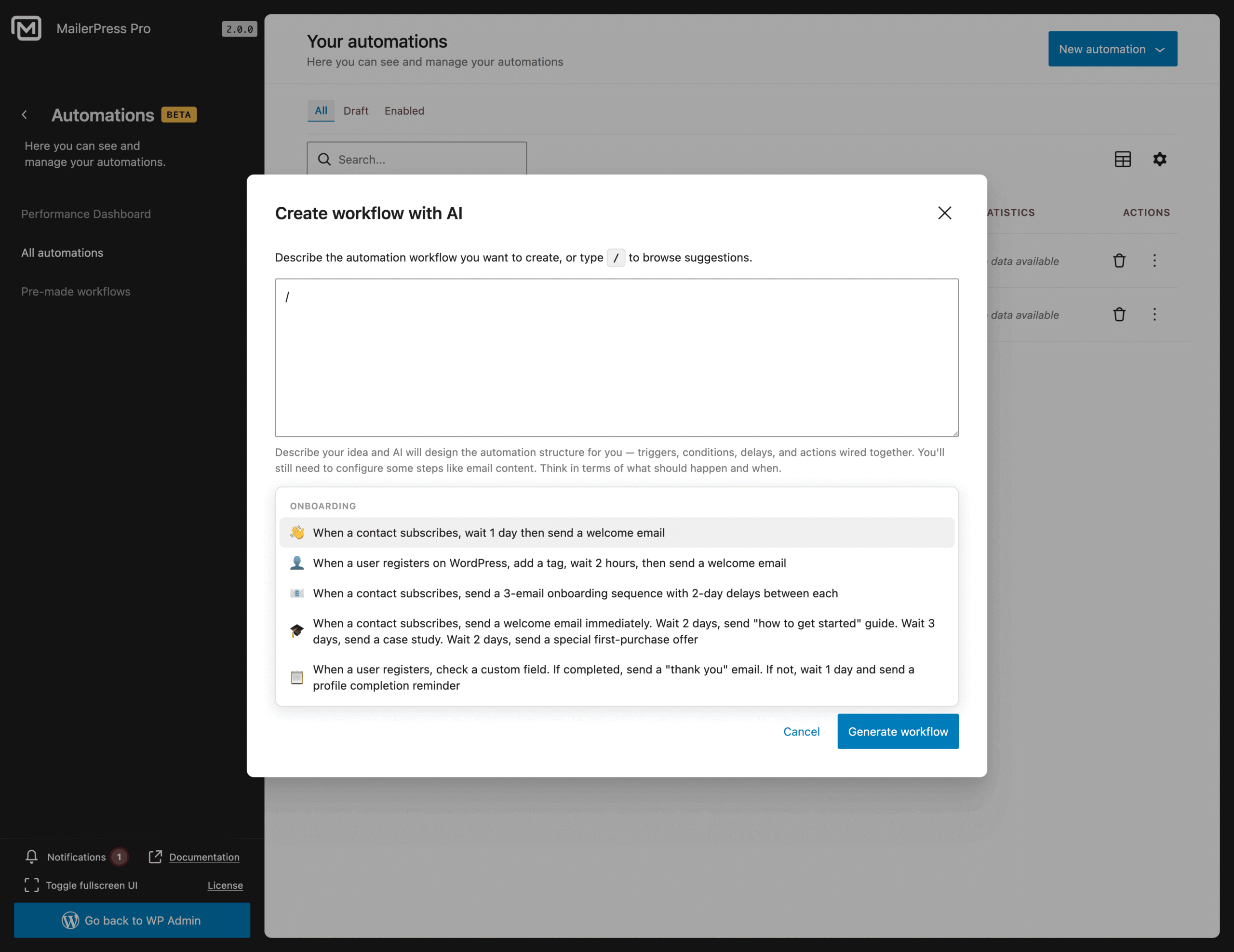
Once you’re ready, click the Generate workflow button.
Answer all the questions from the AI.
Once the AI has all the details, it will provide a summary of the workflow to be created.
Validate by clicking Create workflow button.
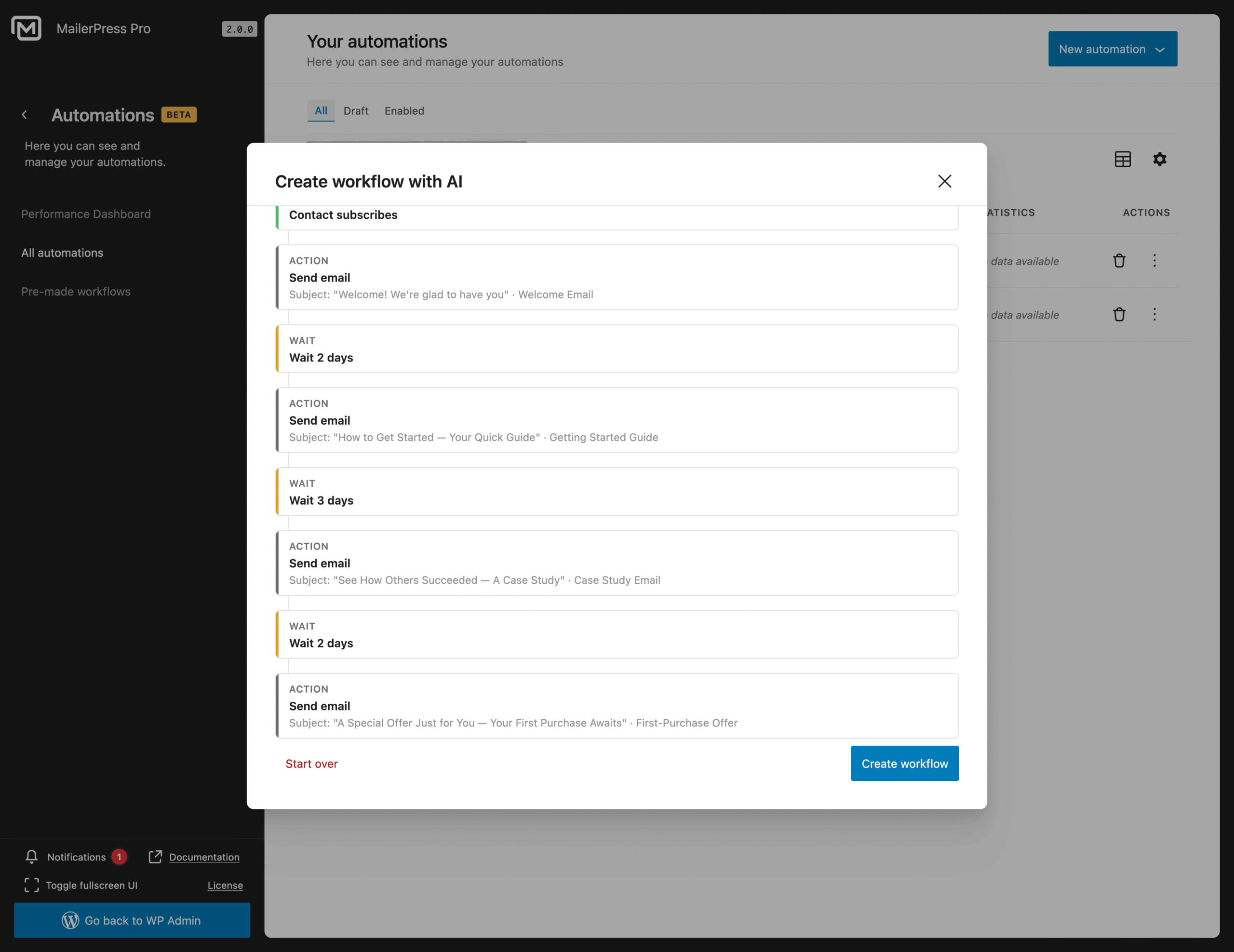
Your new workflow is now automagically generated.
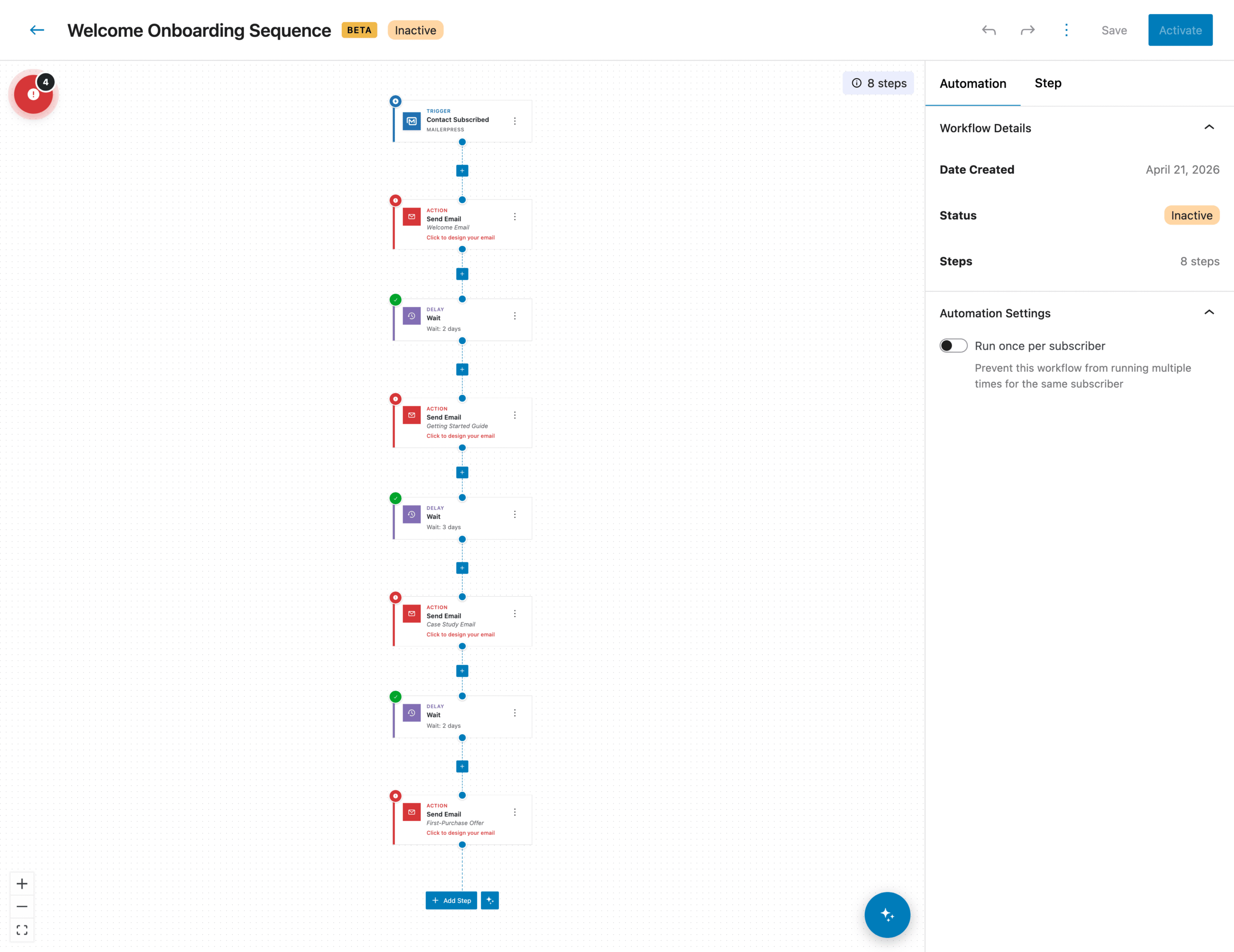
Add steps to your workflow with AI
From your canvas, AI can help you add additional steps.
Just click the AI icon next to “Add Step” button and start prompting.
Enter the details, click Generate Steps and voilà!