
When to repair your database?
If you encounter issues with MailerPress, such as being unable to create campaigns or contacts, your database may need to be repaired.
How to repair your database?
To do this, edit your wp-config.php file using an SFTP client or a similar tool.
Add the following line of code:
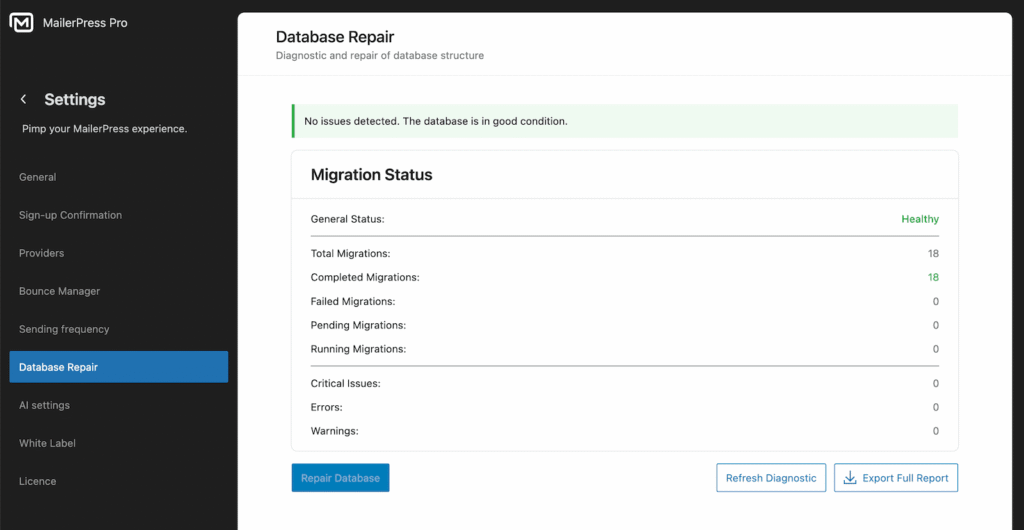
define('MAILERPRESS_DB_CHECK', true);Next, log in to your WordPress admin dashboard and navigate to MailerPress, Settings, Database Repair.
MailerPress will automatically run a diagnostic on its custom database tables to detect any errors.
Scroll to the bottom of the page and click Repair Database to fix any reported issues.
Once the process is complete, test your setup to confirm that the problem has been resolved.
If you continue to experience issues, please open a support ticket from your customer area.