
A contact tag is a label you assign to a contact to help organize and segment your audience. Tags let you group contacts based on specific traits or actions—like “Customer”, “Webinar Attendee”, or “Interested in SEO”.
In MailerPress, tags make it easy to send targeted emails, personalize content, and automate campaigns based on what you know about each contact. Think of them as flexible, customizable markers that help you stay organized and relevant.
Add a contact tag
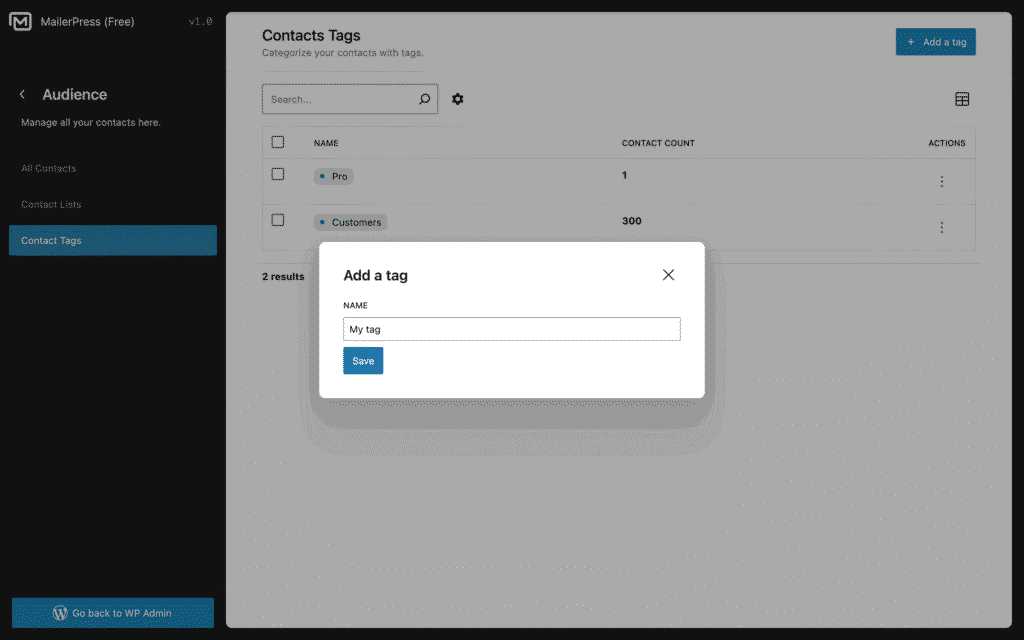
From MailerPress, Audience, Contacts Tags, click the Add a tag button.
A new modal appears.
Enter the name of your tag and click Save.
Edit a contact tag
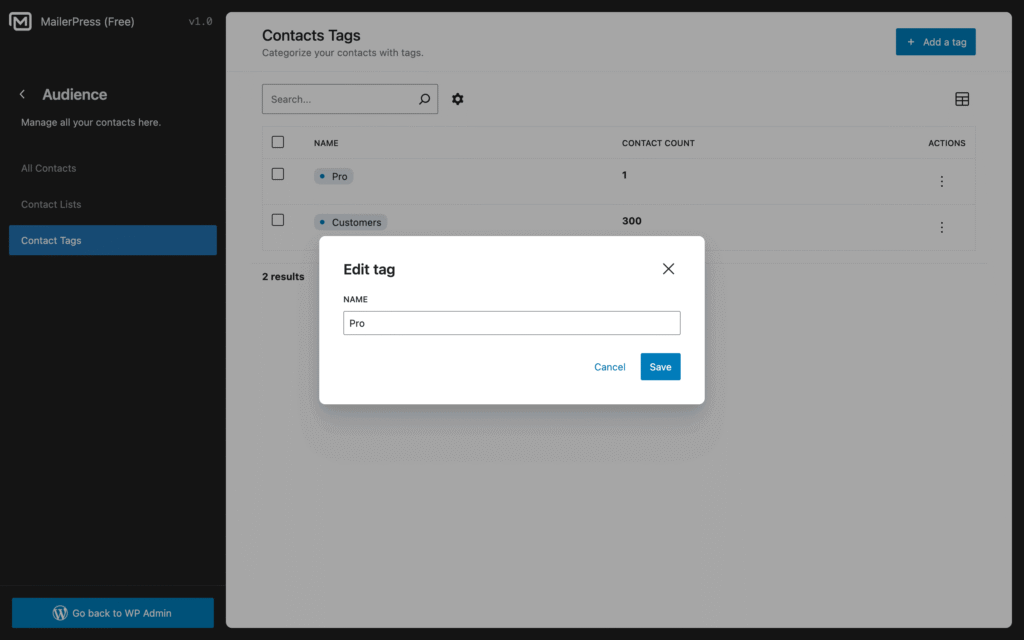
From MailerPress, Audience, Contacts Tags, hover the contact tag and click the dropdown icon located in the Actions column.
Choose Edit.
A new modal appears.
Update the name of your tag and click Save.
Delete a contact tag
From MailerPress, Audience, Contacts Tags, hover the contact tag and click the dropdown icon located in the Actions column.
Choose Delete and confirm.