In email marketing, lists are collections of contacts—people who have subscribed to receive your emails. Each list helps you organize your audience based on interests, behavior, or campaign goals. Whether you’re sending newsletters, promotions, or updates, managing your lists effectively ensures your messages reach the right people at the right time.
In MailerPress, lists are the foundation of your email strategy, helping you stay organized and grow your audience with ease.
Create a list
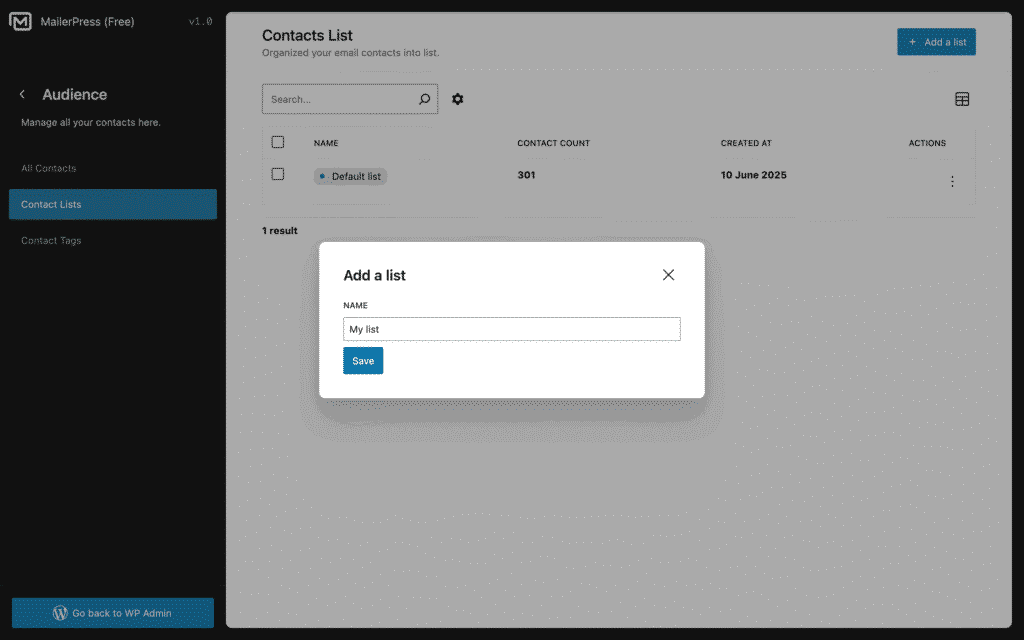
From MailerPress, Audience, Contact Lists page, click Add a list button.
A new modal appears.
Enter the name of your list and click Save.
The new list will appear in the table.
Edit a list
From MailerPress, Audience, Contact Lists page, hover the list to edit.
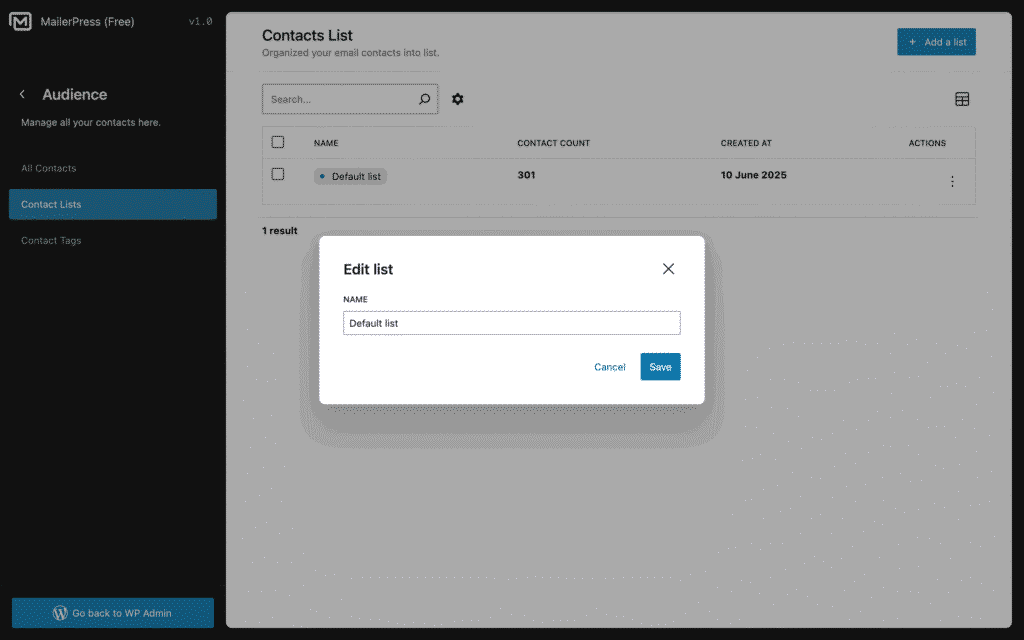
Click the dropdown menu icon, and choose Edit. Or just hover the list and click the eye icon.
A new modal appears.
Edit the name of your list and click Save.
Delete a list
From MailerPress, Audience, Contact Lists page, hover the list to edit.
Click the dropdown menu icon, and choose Delete. Or just hover the list and click the trash icon.
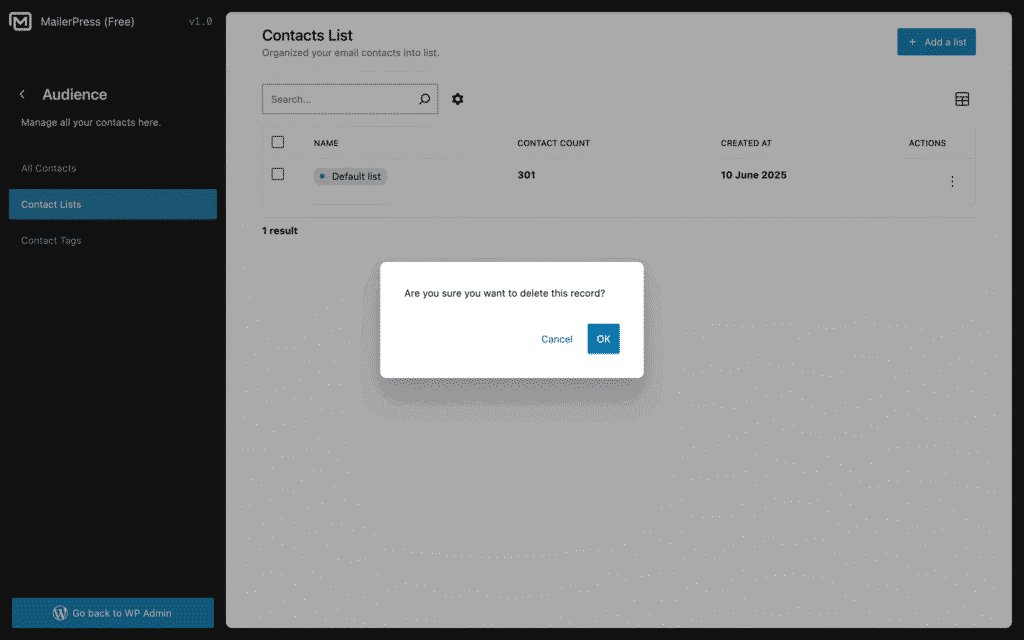
Confirm by clicking OK.