
Requirements
To run MailerPress, make sure you match the minimum configuration below:
- WordPress 6.5 or greater
- PHP 8.2 or greater
- MySQL or MariaDB
Install MailerPress Free
Sign in to your WordPress administration, then go to Plugins, Add Plugin.
Search for MailerPress.
Click Install Now then Activate.
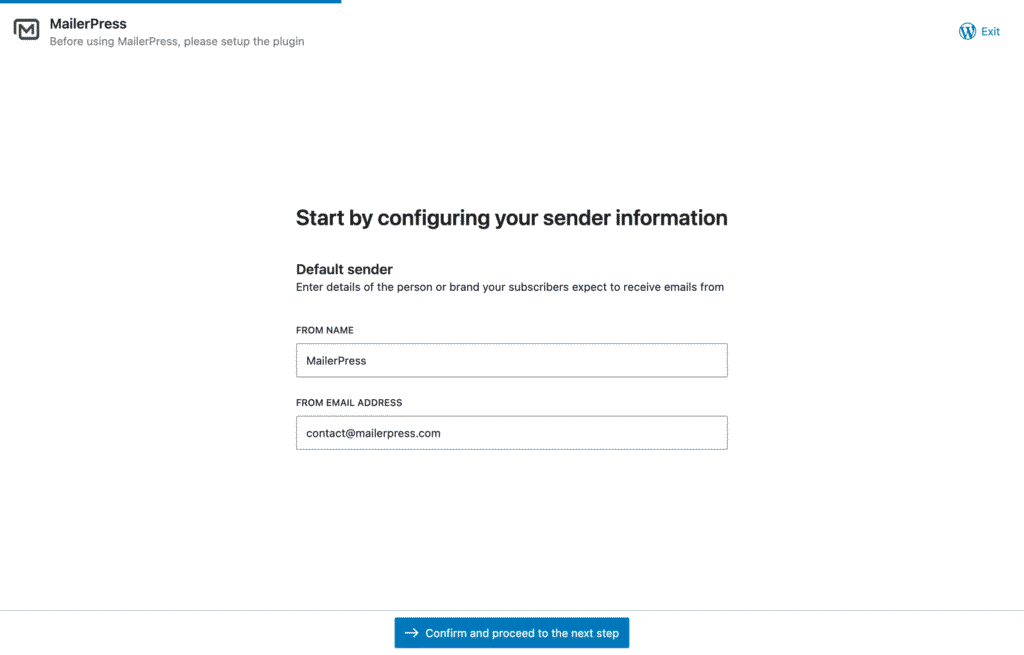
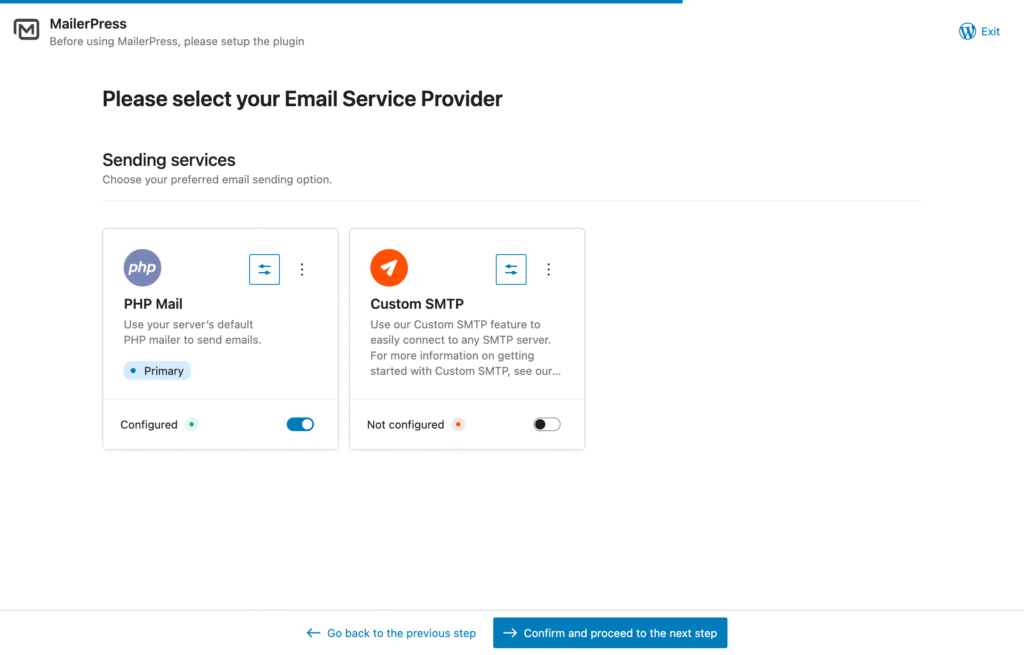
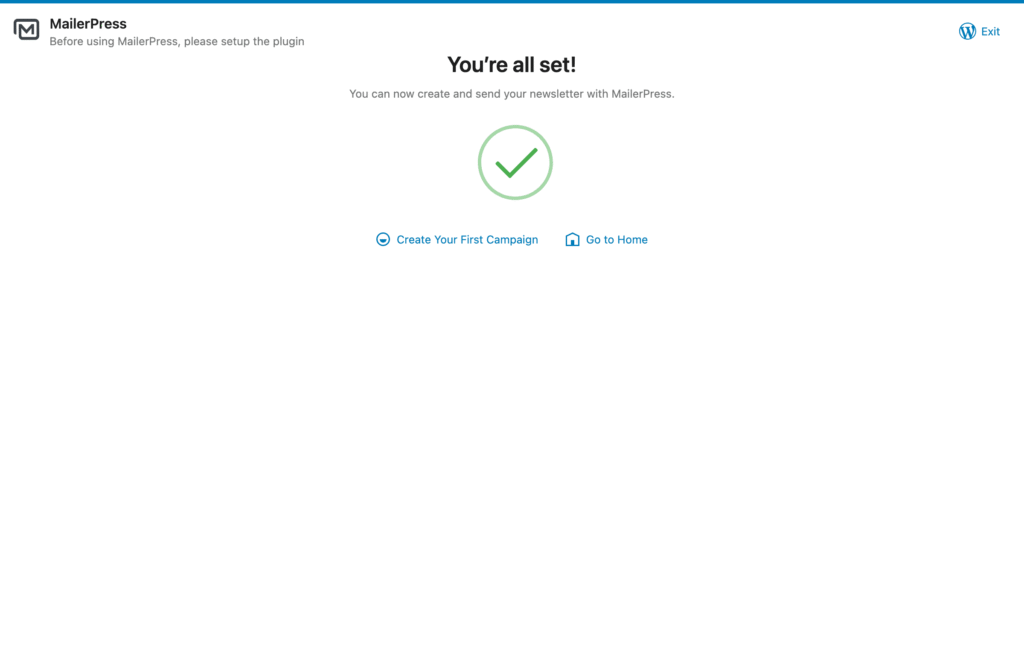
You will be automatically redirected to our wizard assistant to setup MailerPress.
Quick setup with our Wizard Assitant
Install MailerPress Pro
MailerPress Free is required to use the Pro version. It will be automatically installed and activated when you install the Pro version using the WordPress admin.
The first step is to purchase MailerPress Pro from our Pricing page.
Once done, go to your Customer Area to download the ZIP file of MailerPress Pro.
Then, go to your WordPress administration, Plugins, Add Plugin, and click the Upload Plugin button.
Browse your computer to select the ZIP file previously downloaded.
Once uploaded, activate the plugin.