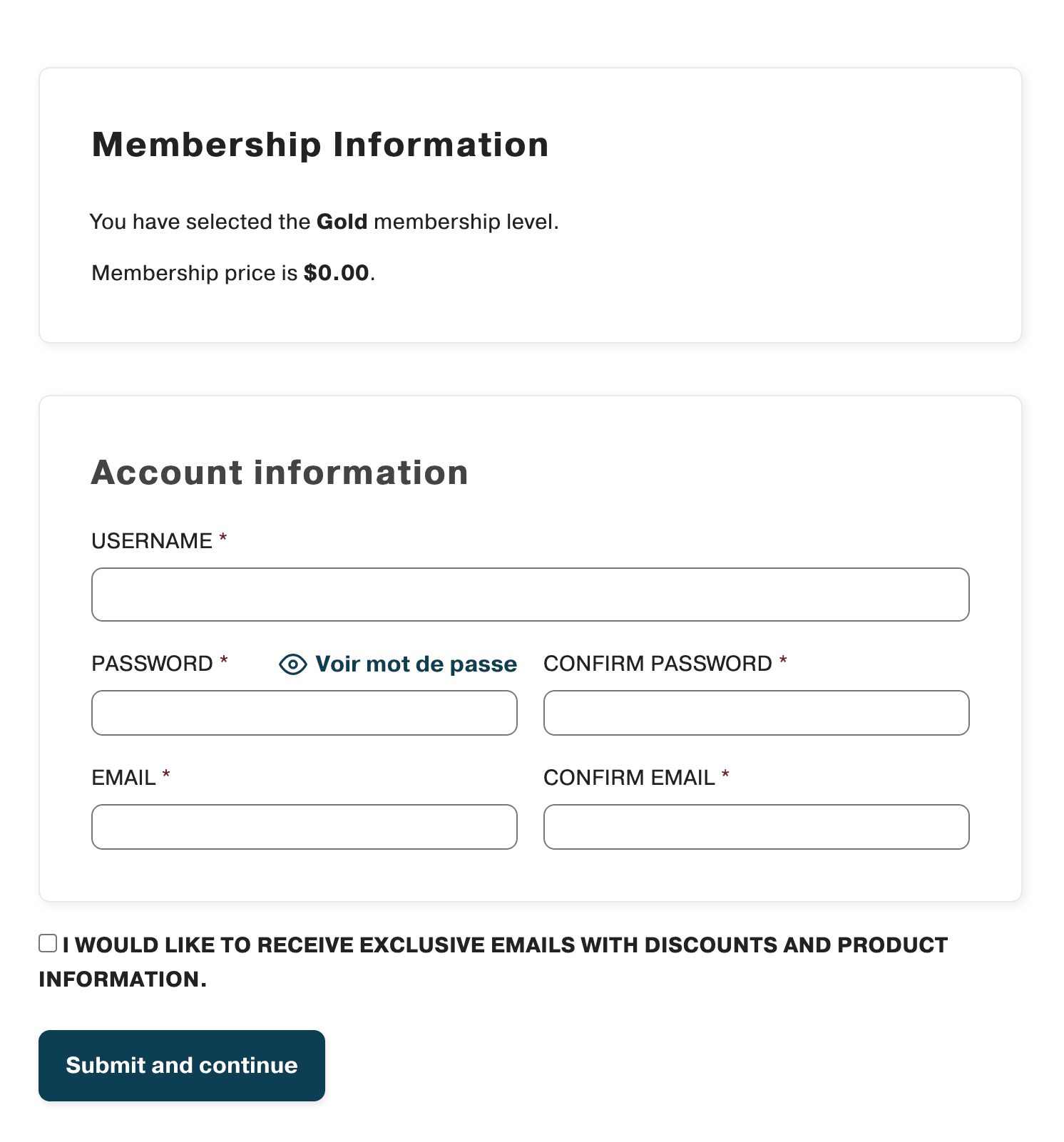
Adding an email opt-in checkbox at checkout with MailerPress and the Paid Memberships Pro integration is a simple yet powerful way to grow your mailing list while users are already engaged.
It allows you to collect consented email addresses seamlessly during the purchase process and automatically sync new members to MailerPress, helping you build stronger relationships, send targeted campaigns, and increase long-term engagement with minimal effort.
Requirements
- MailerPress Pro version 1.0 or greater
- Paid Memberships Pro version (freemium plugin)
Add a Checkbox to the Membership checkout form of Paid Memberships Pro
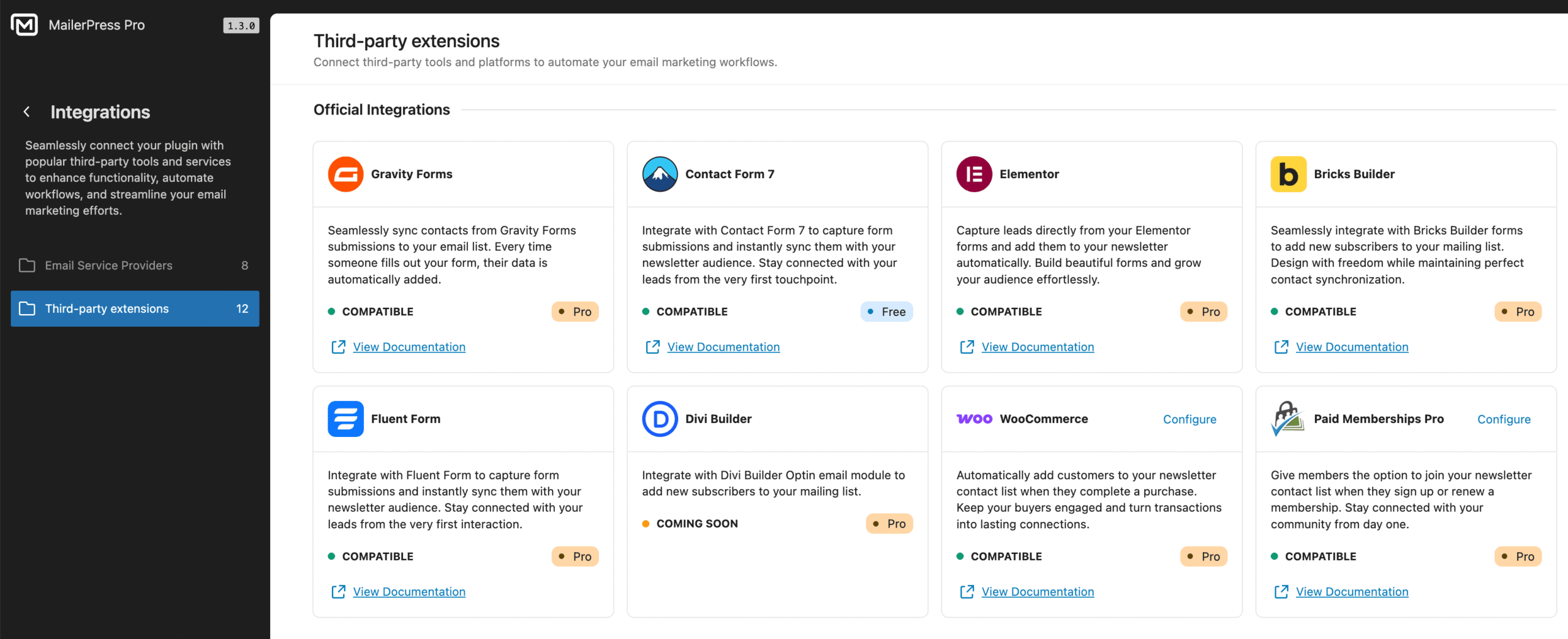
- Go to your WordPress dashboard and navigate to MailerPress, Integrations, Paid Memberships Pro.
- Click the Configure button.
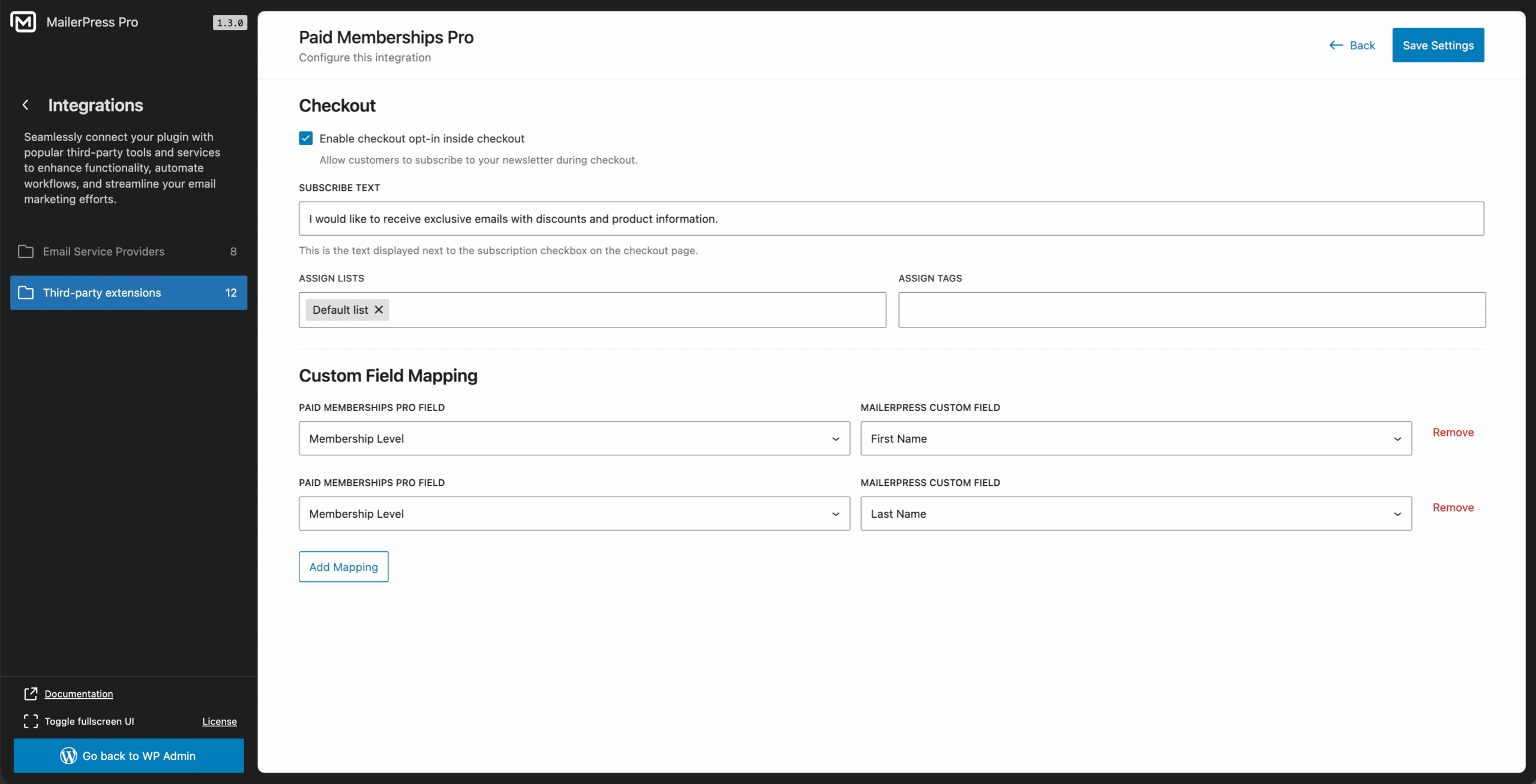
- Check Enable checkout opt-in inside checkout option.
- Enter the desired text to display at checkout form, eg: “I would like to receive exclusive emails with discounts and product information.”
- Assign a MailerPress list and tags (optional).
- Then map the custom fields between Paid Memberships Pro form and MailerPress.
- Save settings.
MailerPress now displays a checkbox on the checkout form and automatically syncs the data with MailerPress contacts.