MJML is a powerful markup language designed specifically for creating responsive email templates with ease. By using MJML, developers and marketers can write clean, modular code that automatically translates into fully responsive HTML, saving time and ensuring emails look great across all devices and email clients.
Import your MJML template
To import your MJML email template to MailerPress, simply create / edit a campaign.
From the top right corner of the UI editor, click the three dots to open a contextual menu.
Choose Code editor (MJML).
The code editor appears. Paste your MJML template here.
Once your satisfied with your code, click Apply button to save.
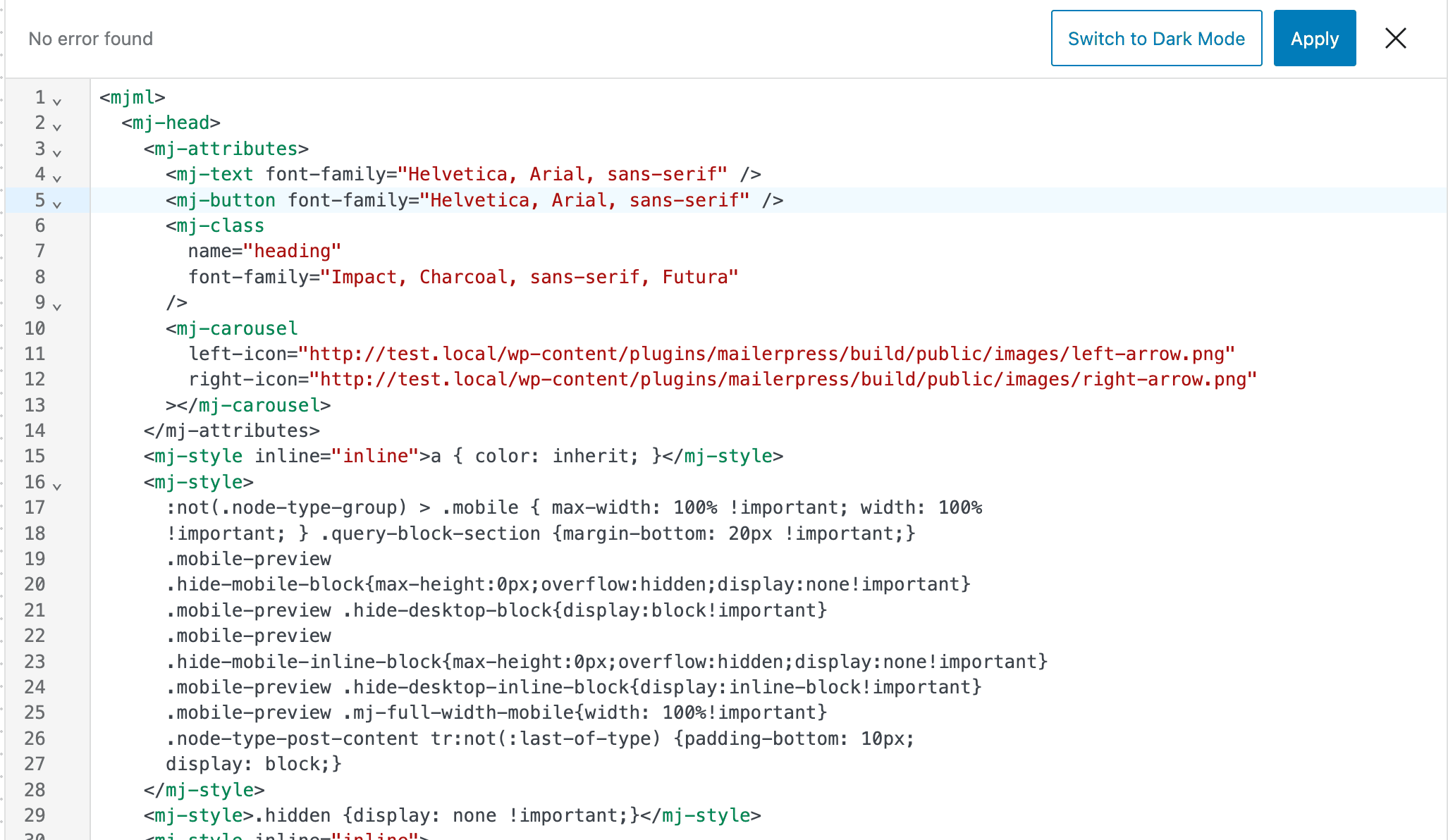
MailerPress will automagically converts your MJML code to blocks so you can easily edit and reorganize them.
Save as a template
You can reuse this newly created email as a template for future campaigns.
To do this, click the three-dots icon again and select Save as template.
Enter a name for your template and choose a category, then click Save.
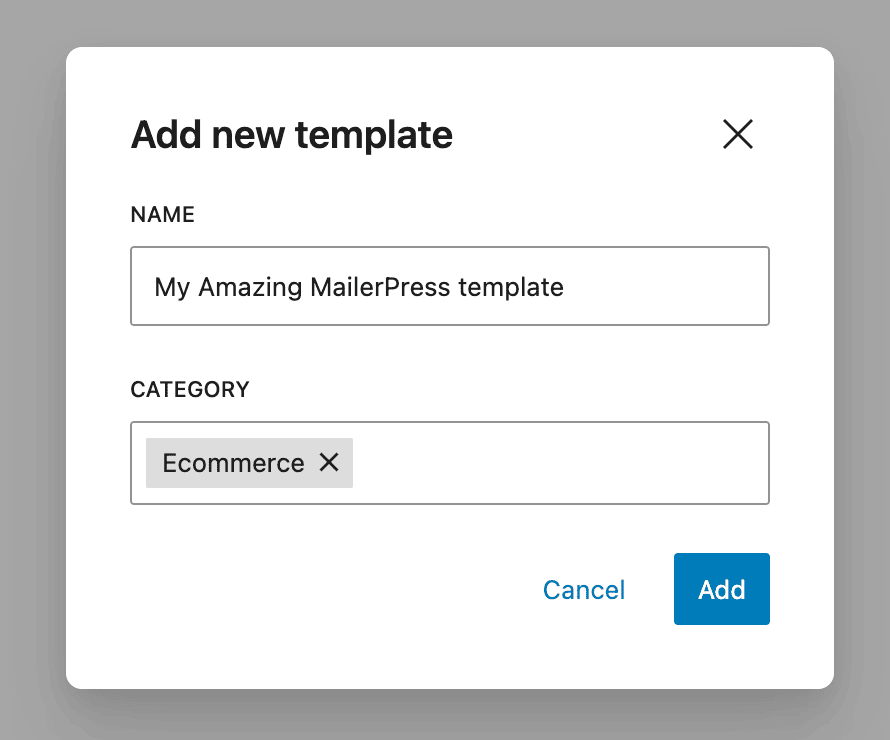
When you start a new email campaign, you’ll be able to select this template to get started right away.
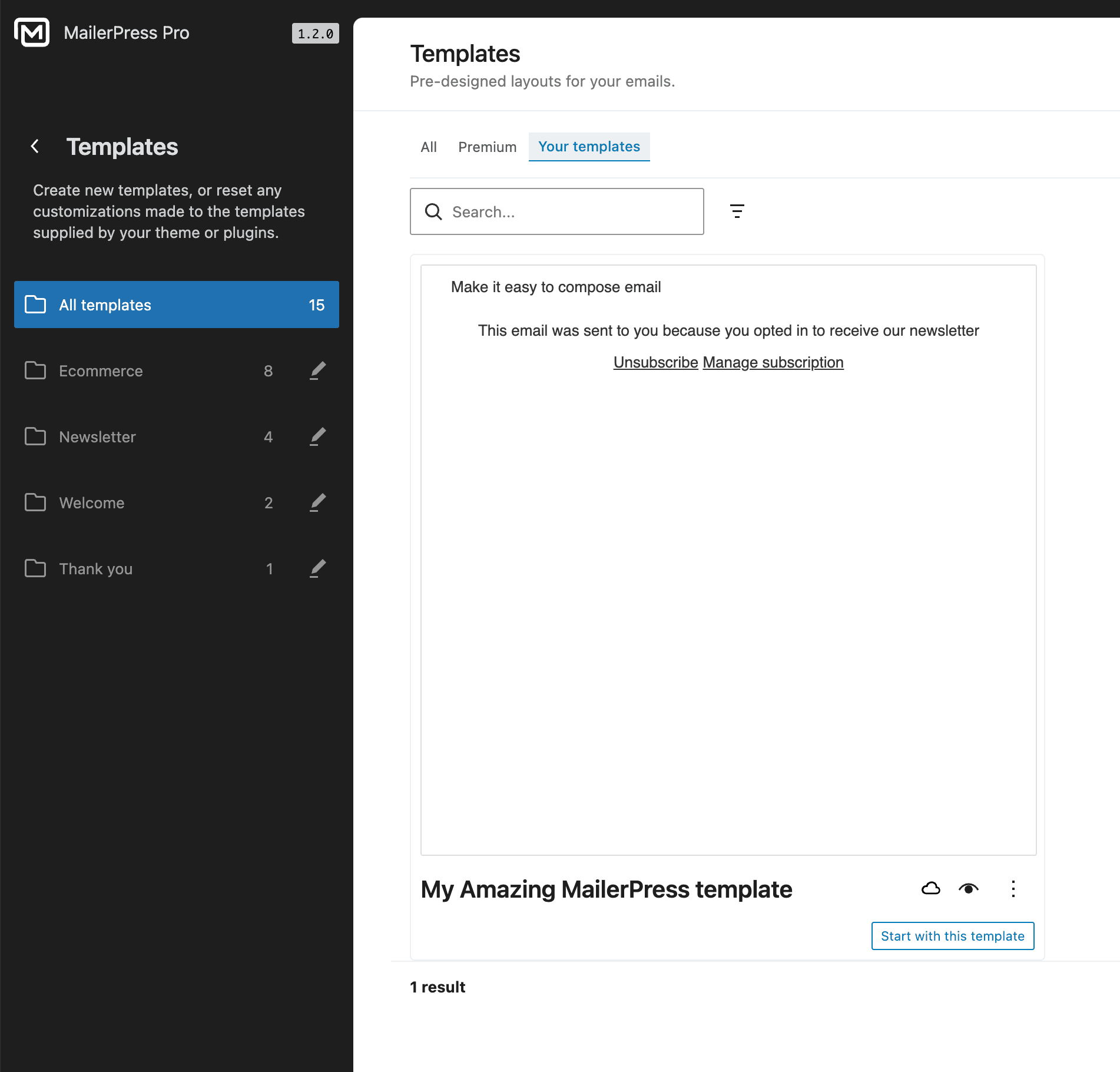
You can also find it later in MailerPress, Templates, under the Your templates filter.