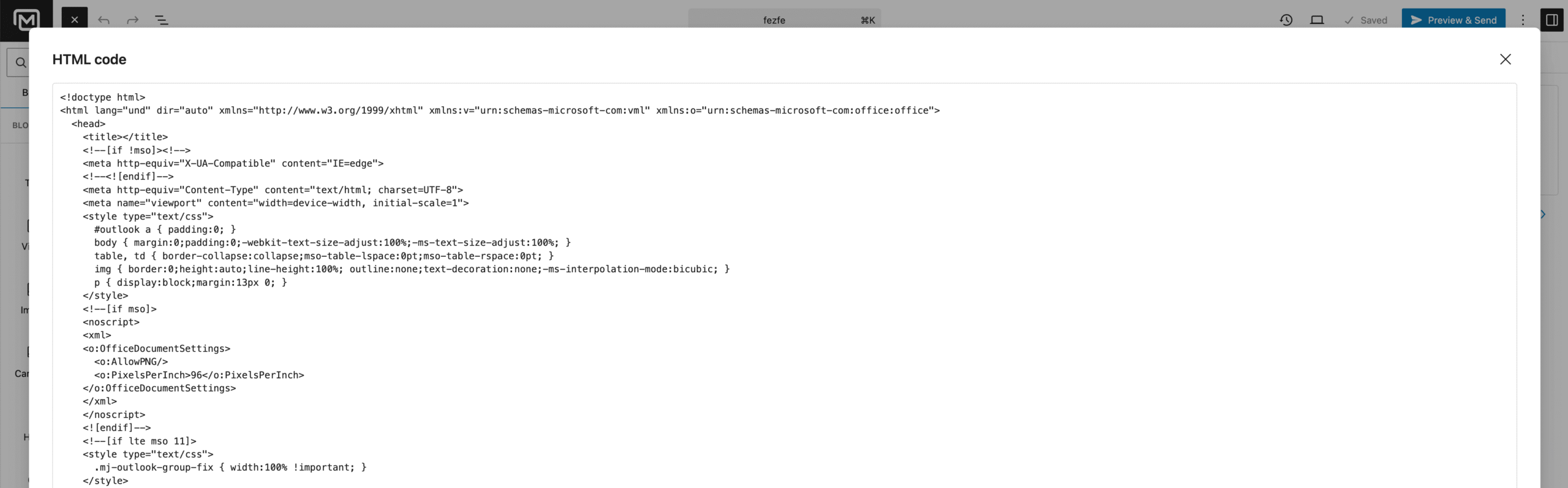
If you want to use our email editor to build your email and export the HTML code, follow these steps:
- Go to your WordPress Admin.
- Navigate to MailerPress → Campaigns.
- Edit the campaign you want.
In the top-right corner of the editor, click the Settings icon (the three-dots icon).
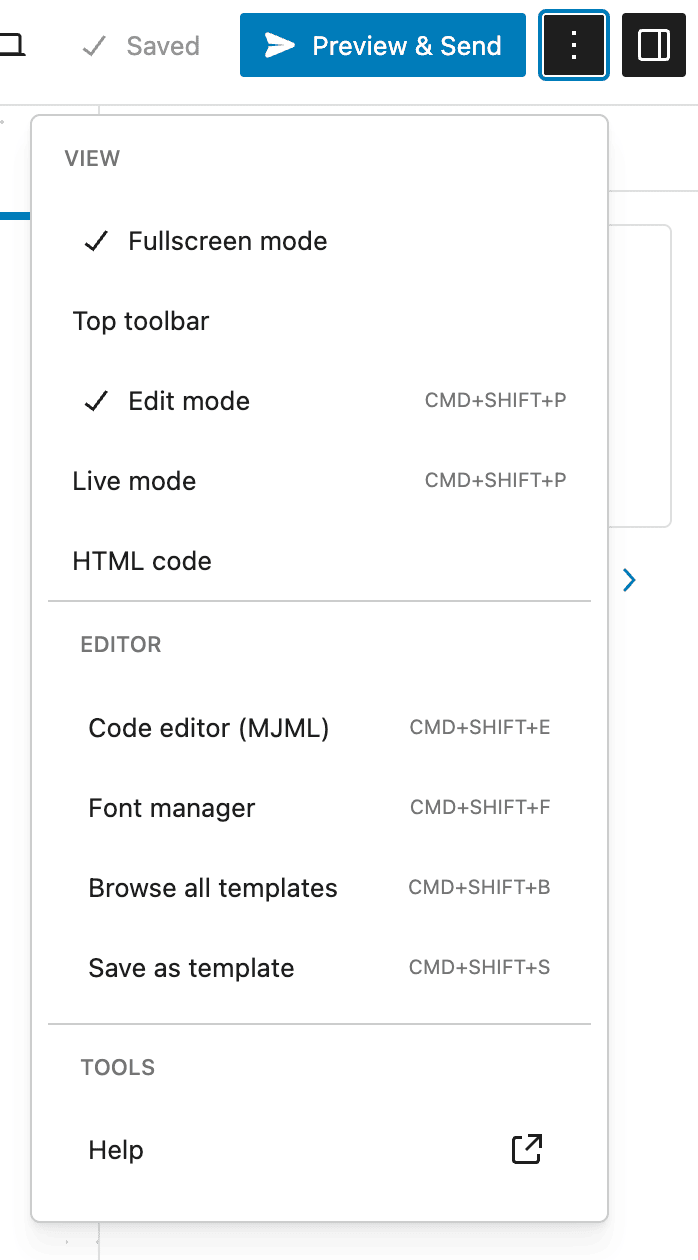
From the menu, select HTML Code.
A modal window will appear showing the HTML code of your email.
Press CMD + A (or CTRL + A on Windows) to select all the code, then copy and paste it wherever you need.