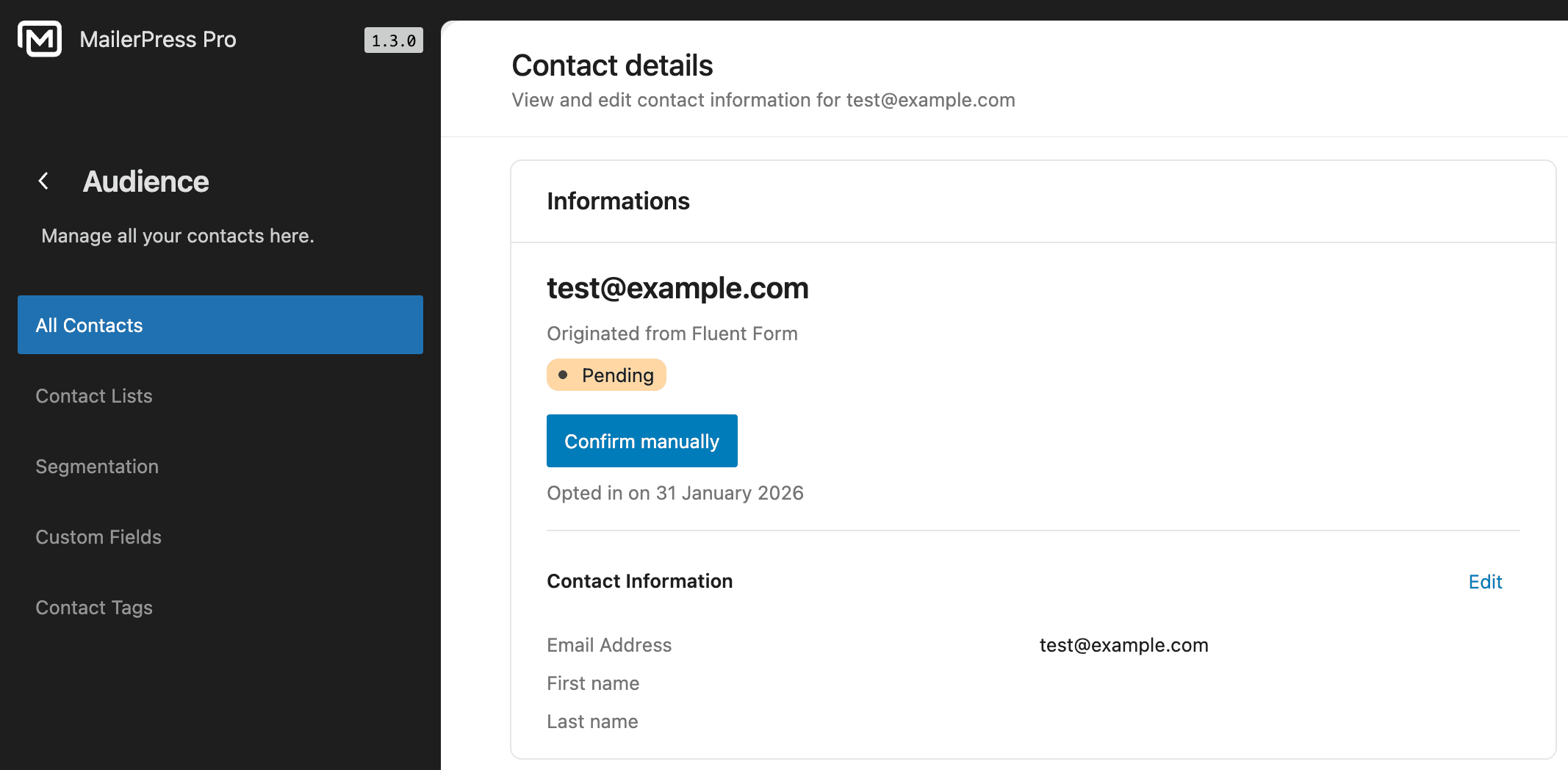
Easily collect contact information—such as email addresses—using Fluent Forms, and automatically sync the data to MailerPress.
Requirements
- Fluent Forms (free plugin)
- MailerPress Pro version 1.3 or greater
Enable the MailerPress integration for Fluent Forms
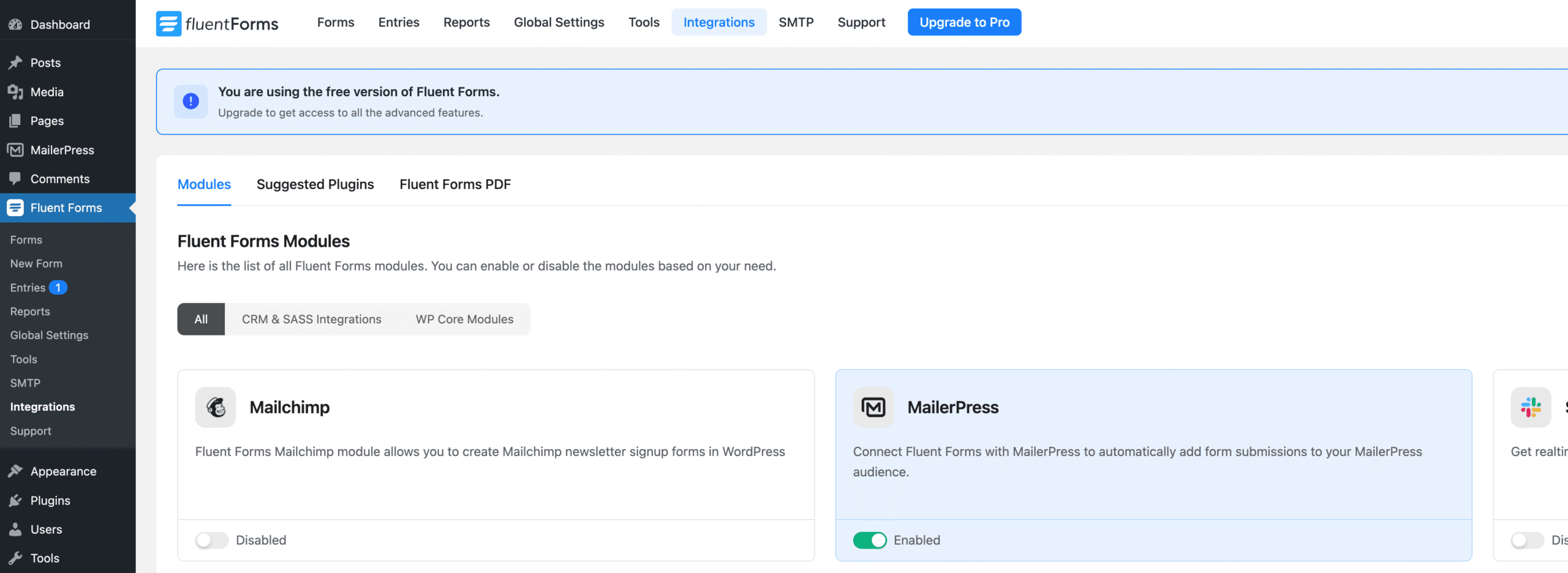
Go to your WordPress administration, Fluent Forms, Integrations page.
Search for MailerPress and activate the integration.
Go to Fluent Forms, Forms and edit the Settings.
Configure the MailerPress integration for Fluent Forms
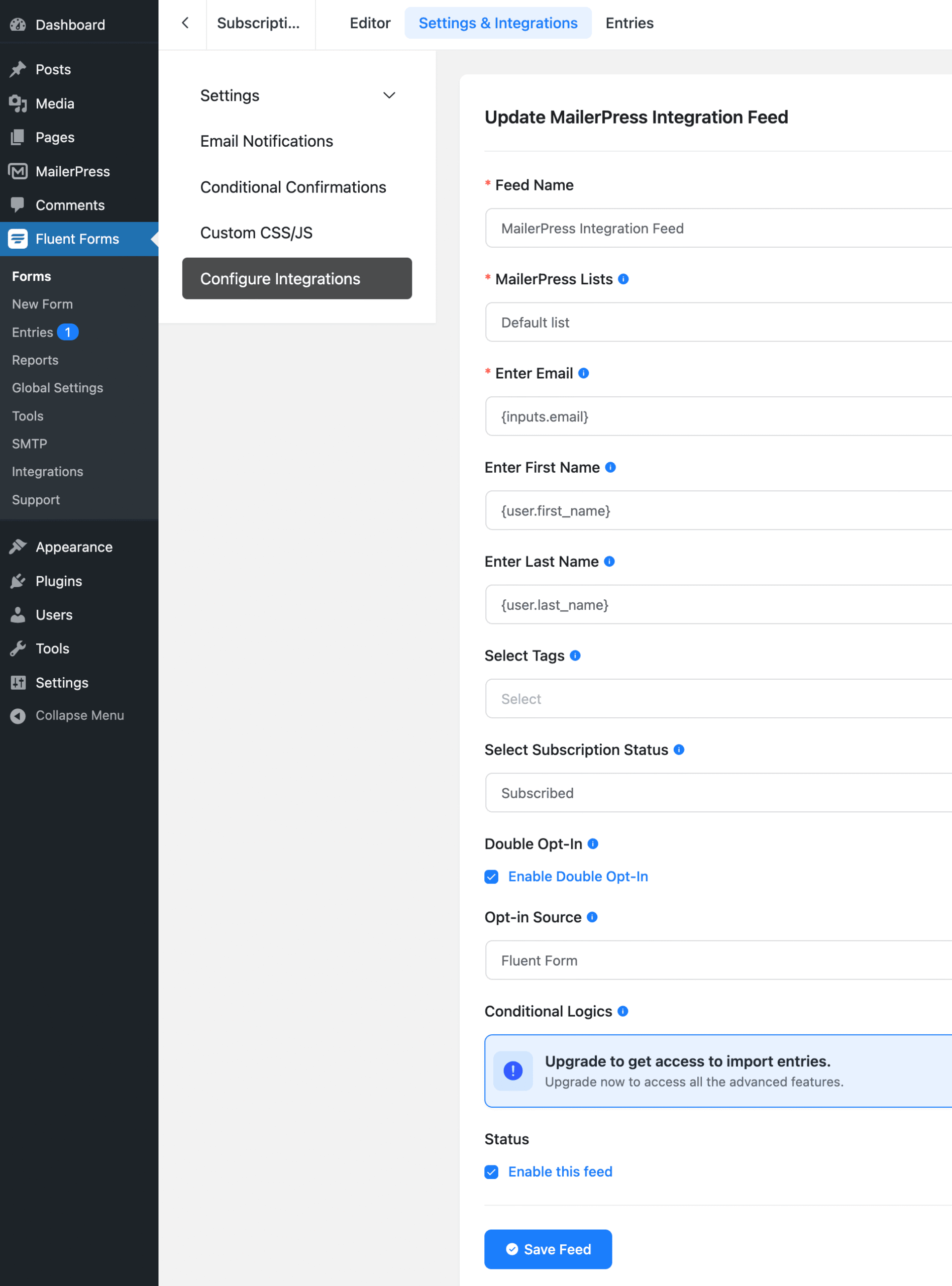
From the left panel, click on Configure Integrations link.
Click Add new integration button, MailerPress integration.
Map all the fields between Fluent Forms and MailerPress:
- Feed Name
- MailerPress Lists
- First name
- Last name
- Tags
- Subscription status
- Double opt-in?
- Opti-source
Check Enable this feed option.
Click Save feed button.
Now all data submitted from this form will also be sent to MailerPress, Audience, your contact.