PHP Mail is a built-in function in PHP that allows your website to send emails directly from your server—without needing any external service.
It’s simple to use, but it often lacks advanced features like tracking, security, or reliable delivery, which is why many hosts limit or block its usage to prevent spam or server abuse.
- Sign in to your WordPress admin dashboard.
- Navigate to MailerPress → Settings → Sending Frequency.
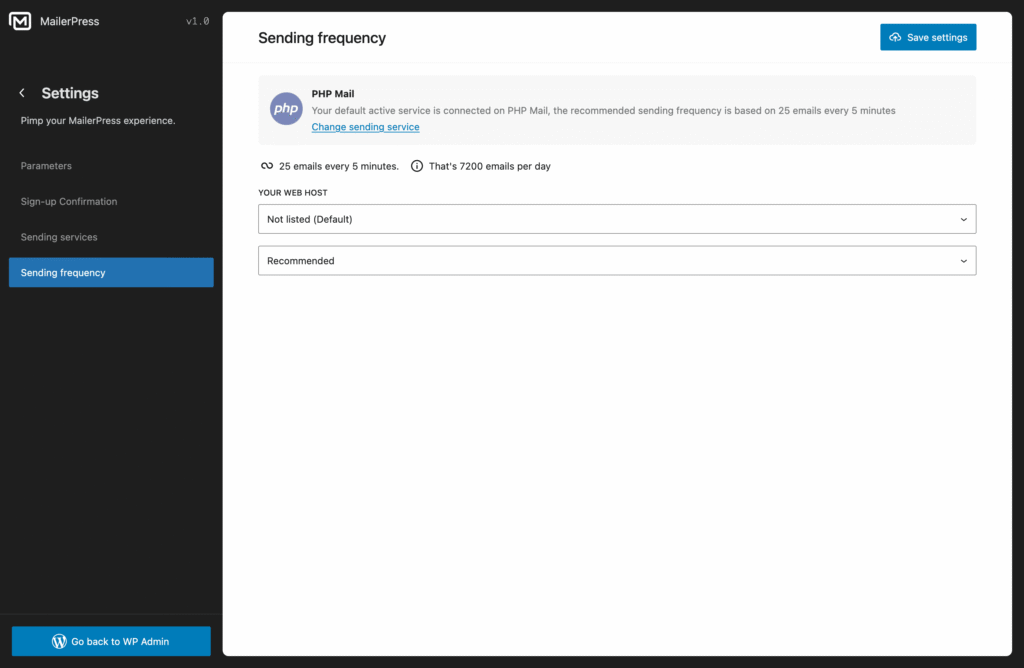
By default, MailerPress is set to send 25 emails every 5 minutes using PHP Mail. This limit helps prevent your server from being flagged for spam or your IP from being blacklisted.
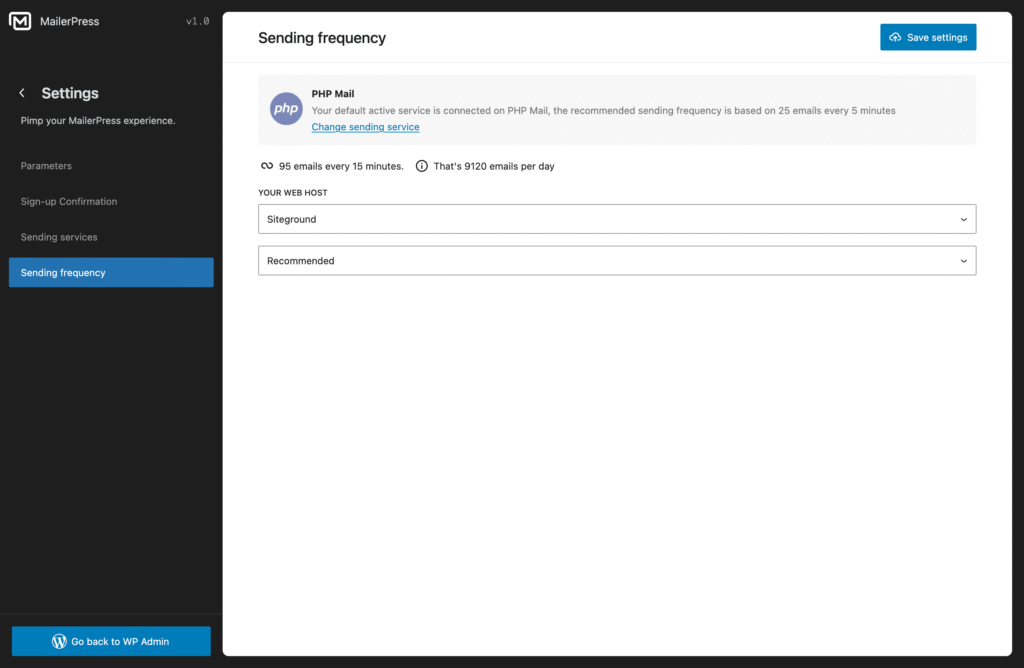
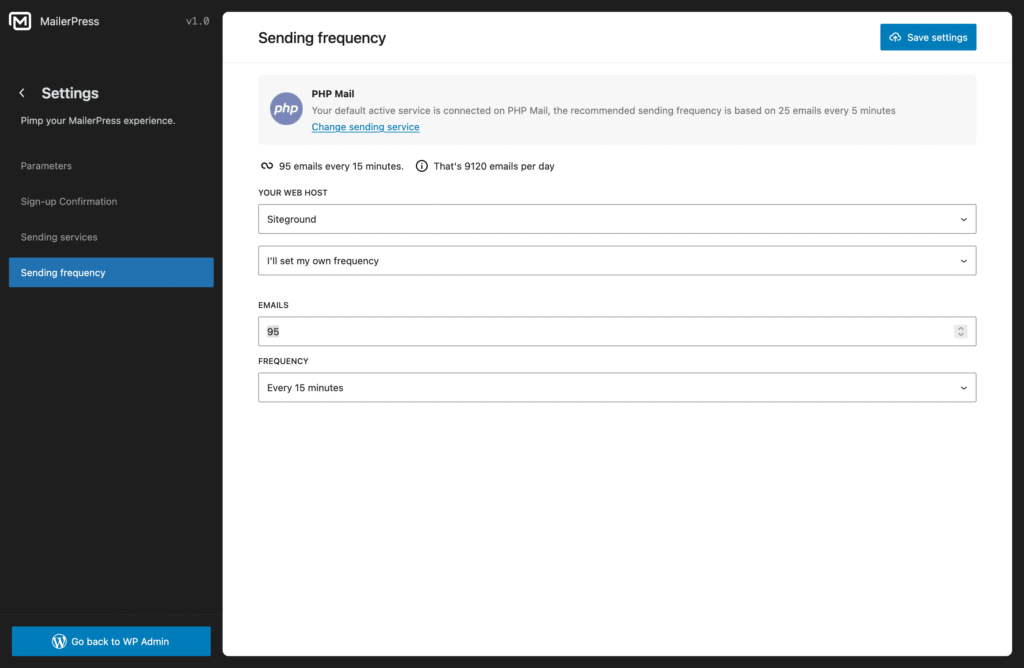
You can adjust this setting to match your needs:
- Select your hosting provider to automatically apply the recommended limits.
- Or choose I’ll set my own frequency to configure the settings manually.
Enter the number of emails you’d like to send per interval, based on your preferred sending rate.
Don’t forget to click the Save Settings button to apply your changes.