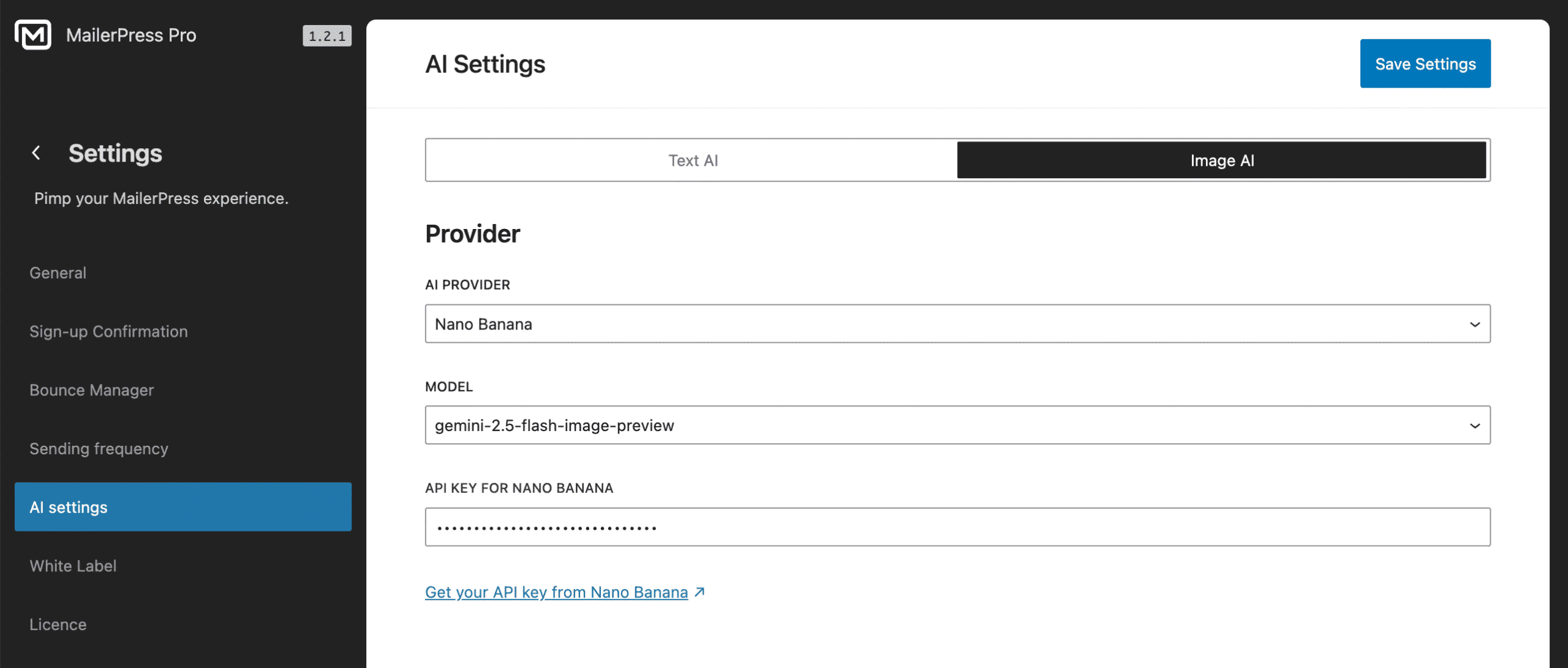
Nano Banana is a lightweight AI image model designed for fast, high-quality visual generation and edits. It’s especially useful when you need on-brand images quickly, like creating visuals for email campaigns, product highlights, or content blocks without relying on stock photos or design tools.
Create your Nano Banana API key
To create a Nano Banana API key for MailerPress, go to your Google AI Studio account, click Get API key link from the bottom left corner, or use this direct link.
From the right, click the Create API key button.
Enter a name, assign it to a project and click Create button.
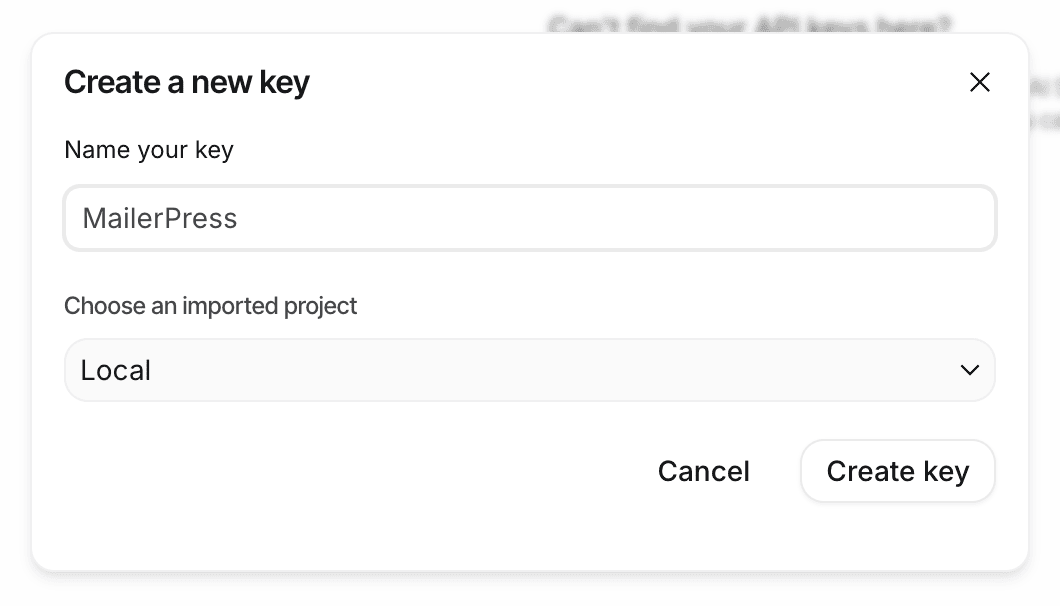
From the API keys list, click the Copy icon.
Link your Google AI Studio key with MailerPress
Go to your WordPress admin, MailerPress, Settings, AI Settings page, Image AI tab.
Paste your API key to the API Key for Nano Banana field.
Save settings.
You can now start generating images with Nano Banana directly from the MailerPress editor.