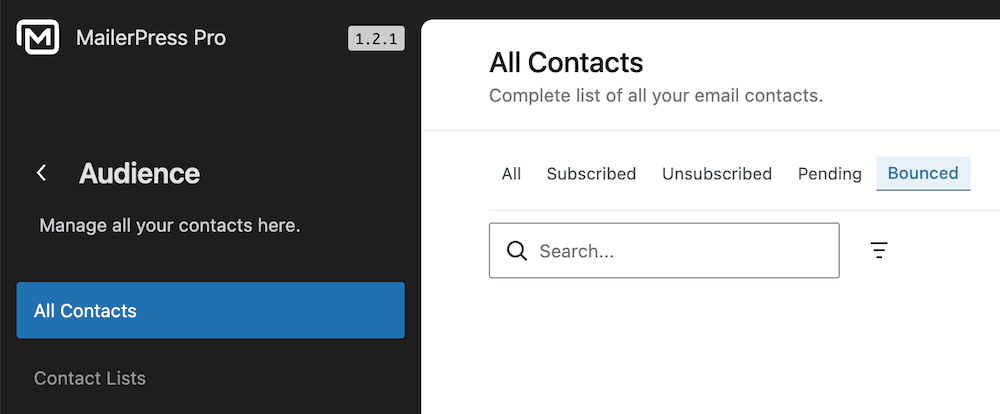
Here are the steps to send your email campaigns with Brevo and manage bounce tracking in MailerPress using the Brevo API.
#1 – Sign in to Brevo
Create an account on Brevo website or sign in to an existing one.
Go to Brevo Settings by clicking your account name from the top right corner.
Then choose SMTP & API under Organization section, then API keys and MCP tab.
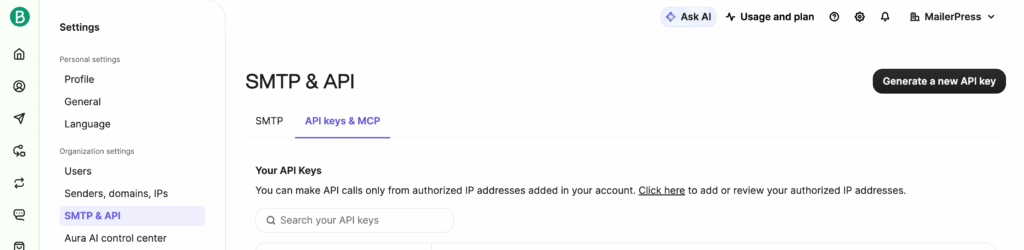
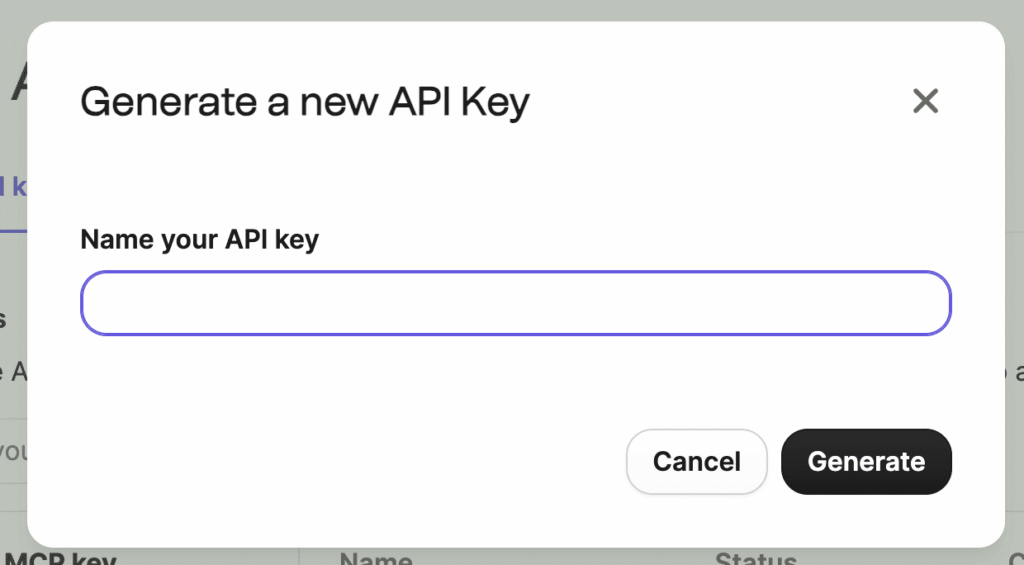
Click Generate a new API key button.
Enter a name for your API key and validate.
#2 – Link your site with Brevo API
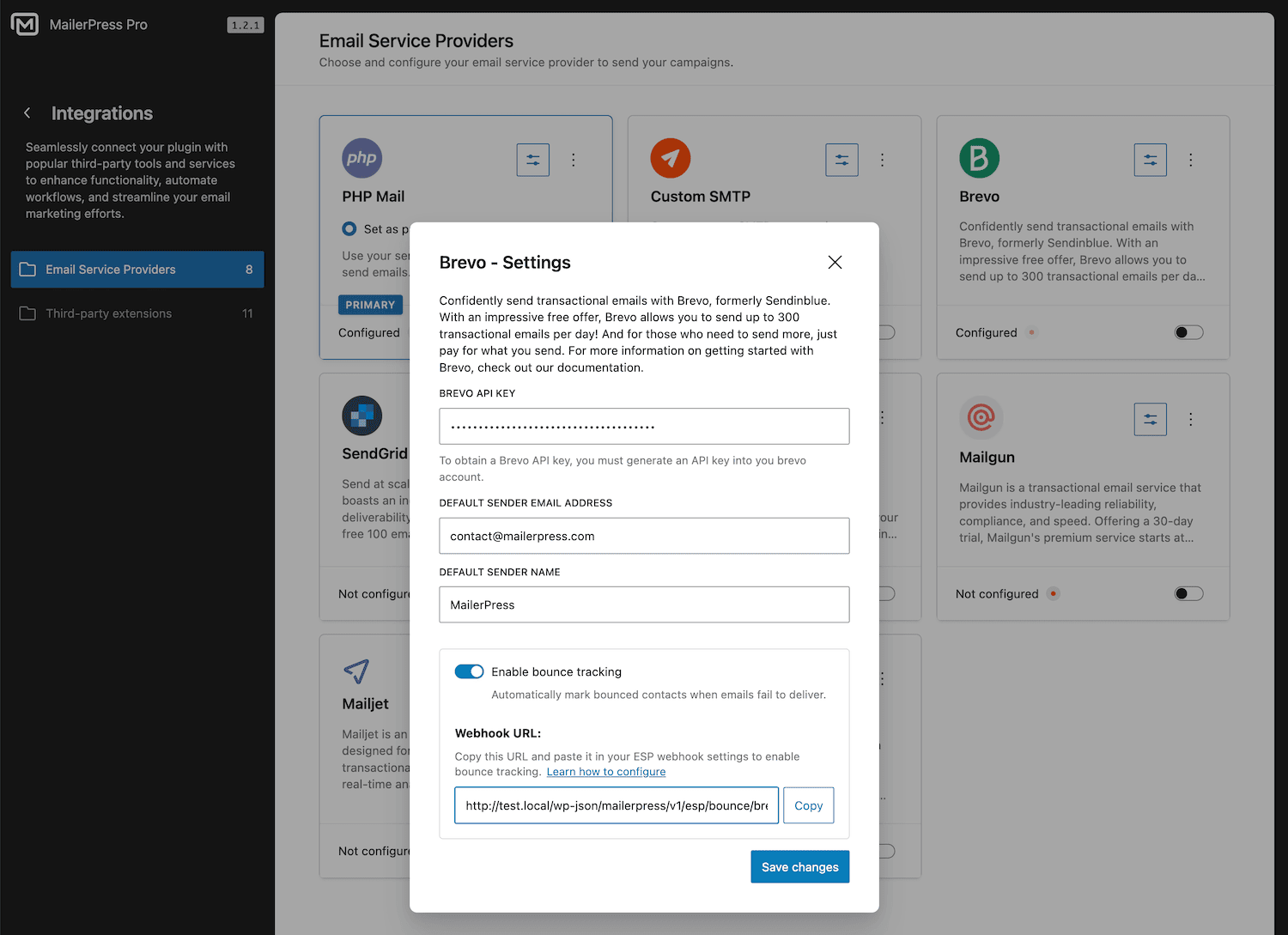
Copy the new API key and paste it to your WordPress admin, MailerPress, Integrations, Email Service Providers, Brevo (click the Settings icon from the dedicated card), API key field.
If it’s not already done, enter a default email address and name for the sender.
Save changes.
#3 – Enable bounce tracking
Open again the Brevo modal, and check Enable bounce tracking.
Copy the webhook URL.
Go back to your Brevo account, click on your account name and choose Integrations.
Click on the Webhooks tab, Outbound webhook.
Enter a name for your webhook and click Continue.
Add the webhook URL your have copy from MailerPress, choose No authenfication and Continue.
Choose Marketing email as an event, check Hard bounced and click Activate webhook button.
#4 – Track your bounces
Go back to MailerPress, Audience, and use the Bounce filter to see your bounces.