
Activating your MailerPress Pro license key is important because it unlocks the full set of Pro features and ensures your plugin stays up to date. With an active license, you receive automatic updates, security patches, and new functionality directly within your WordPress dashboard. It also guarantees access to official support, helping you resolve any issues quickly and keep your site running smoothly.
Activate a license
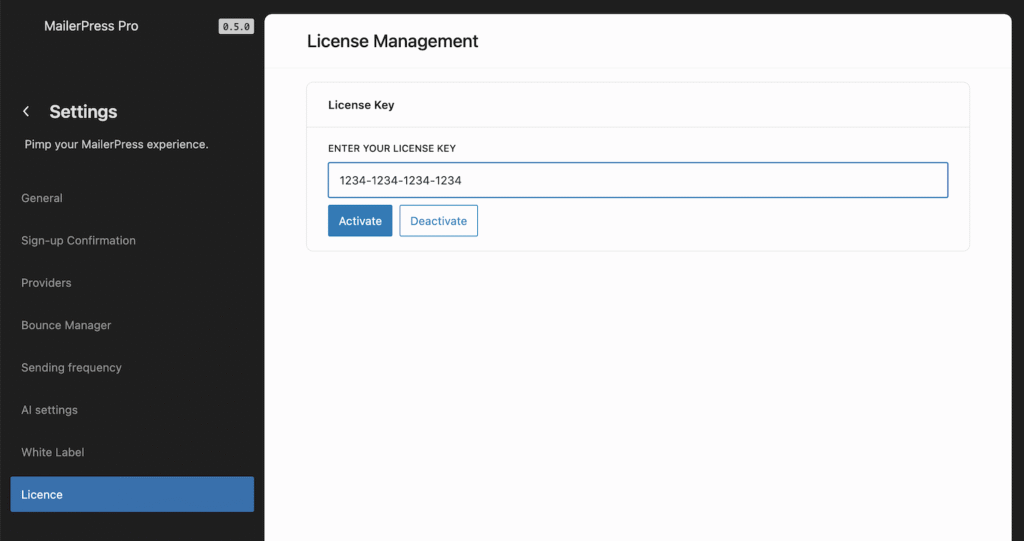
To activate your MailerPress Pro license, go to MailerPress, Settings, License in your WordPress administration.
Enter your license key in the field provided, then click Activate button.
Deactivate a license
If you need to deactivate a license, click Deactivate button from the same settings page.
You can also do that from your customer area on mailerpress.com, License keys page.